

- Why You Need an Audio to Text Converter
- What Is HappyScribe?
- How HappyScribe Converts Audio to Text
- Key Features of HappyScribe
- Using HappyScribe: Step by Step
- HappyScribe Use Cases
- Pricing and Its Limitations
- Top HappyScribe Alternative
- AudioConvert Features and How It Works
- How to Use AudioConvert Step by Step
- AudioConvert Use Cases
- HappyScribe vs AudioConvert
- Which Audio to Text Converter Is Right for You?
- Final Thoughts
HappyScribe Review: Features, Use Cases, and Limitations
Audio content is everywhere. From podcasts and online courses to Zoom meetings and YouTube interviews, people are speaking more than ever. But when it comes to working with that content, reading is still faster than listening. This is exactly why an audio to text converter has become an essential tool rather than an optional one.
If you have ever tried to turn a long recording into an article, a meeting summary, or subtitles, you already know how painful manual transcription can be. It is slow, repetitive, and mentally exhausting. Even worse, it is easy to miss important details.
This is where AI-powered audio transcription tools step in.
In this review, we will take a close look at how HappyScribe works as an audio to text converter, what it does well, where it falls short, and who it is actually designed for. More importantly, we will explore why AudioConvert has become a strong free alternative for users who want to convert audio to text quickly without unnecessary complexity.
There is no “best” tool. There is only one that fits your workflow best.
Why You Need an Audio to Text Converter
The way we create and consume information has changed dramatically in the past decade. Remote work, online education, and creator-driven platforms have reshaped daily communication. According to multiple industry studies, over 70% of professionals attend virtual meetings weekly, and video-based content dominates social media feeds.
However, spoken content has a structural weakness: it is linear. You must listen from start to finish.
Text, on the other hand, is flexible. You can scan it, search it, quote it, edit it, and reuse it. This is why an audio to text converter plays such a crucial role in modern workflows.
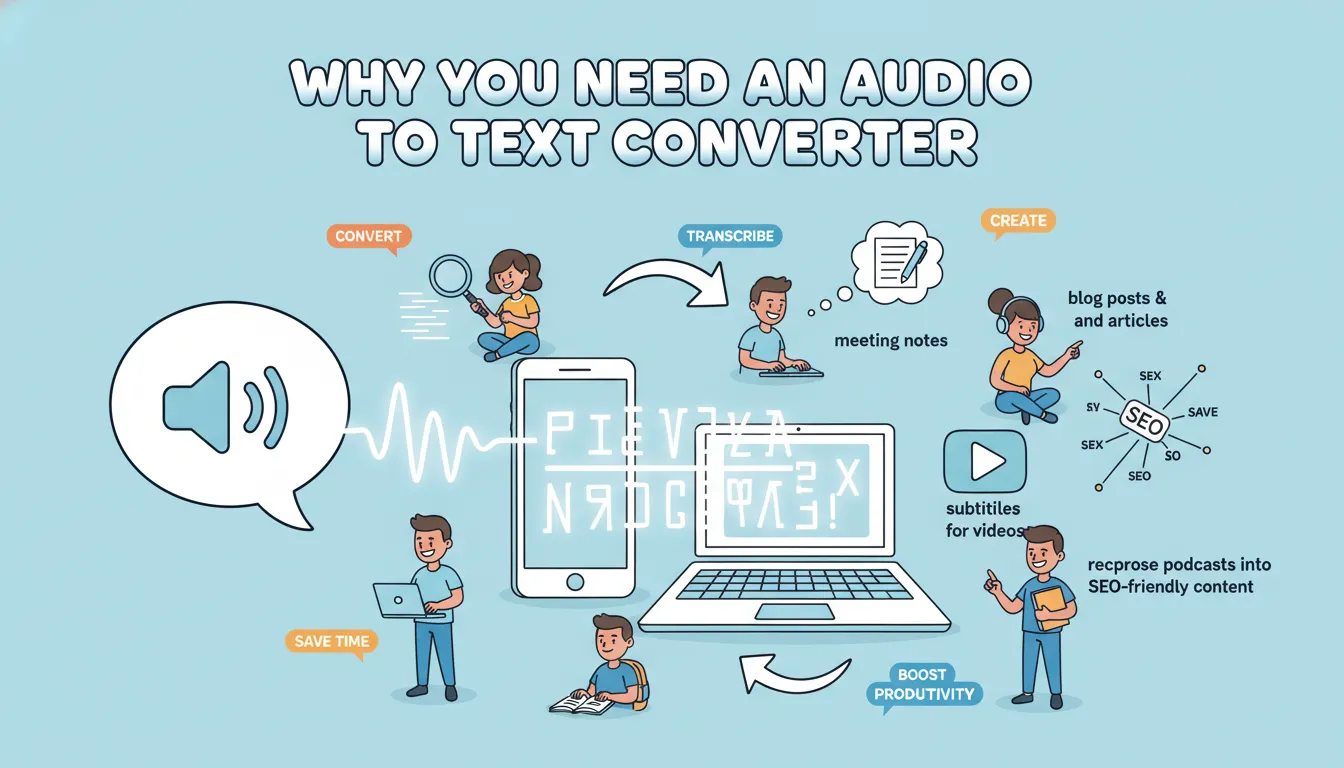
People use audio transcription to:
- Convert audio to text for blog posts and articles
- Generate meeting notes automatically
- Create subtitles for videos
- Turn lectures into study materials
- Repurpose podcasts into SEO-friendly content
Without a reliable audio to text converter, all of this becomes time-consuming and inefficient.
What Is HappyScribe?
HappyScribe is a well-known transcription platform that focuses on converting audio and video files into written text. Over the years, it has earned wide recognition among journalists, researchers, and media professionals.
As an audio to text converter, HappyScribe offers both AI-generated transcription and human transcription services. This dual approach allows users to choose between speed and near-perfect accuracy.
At its core, HappyScribe is built for users who work with large volumes of audio content and need structured, editable transcripts.
How HappyScribe Converts Audio to Text
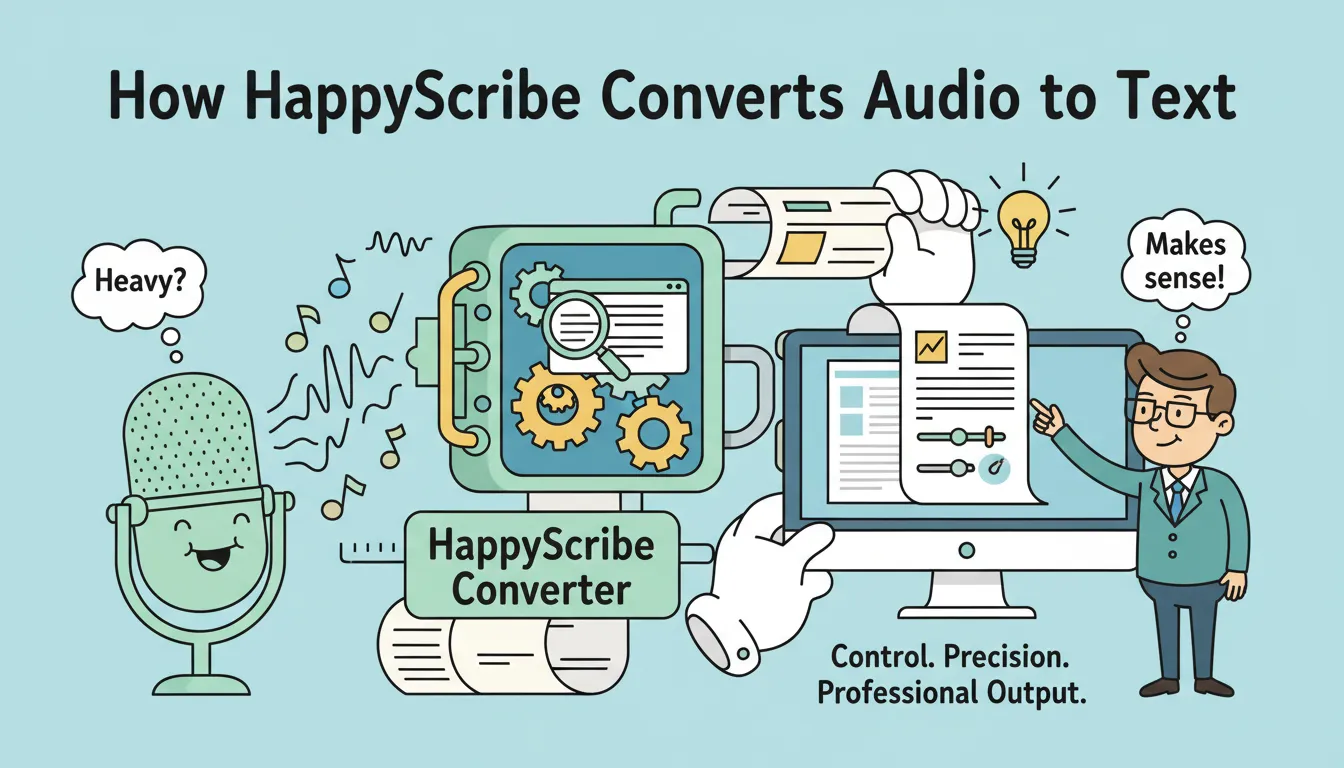
Before diving into features, it is important to understand HappyScribe’s design philosophy.
HappyScribe is not trying to be the fastest or simplest audio to text converter. Instead, it focuses on control, precision, and professional output. This is reflected in its interface, pricing, and feature depth.
For some users, this approach makes perfect sense. For others, it can feel heavy.
Key Features of HappyScribe
AI Transcription and Accuracy
At the heart of HappyScribe is its AI transcription engine. Users upload an audio or video file, choose a language, and let the system convert audio to text automatically.
The transcription accuracy is generally solid, especially for clear recordings with minimal background noise. For interviews, presentations, and studio-quality audio, the results are reliable.
As an audio to text converter, HappyScribe performs best when the input quality is high. Poor audio, overlapping speakers, or heavy accents may still require manual correction.
Time-Stamped Transcripts
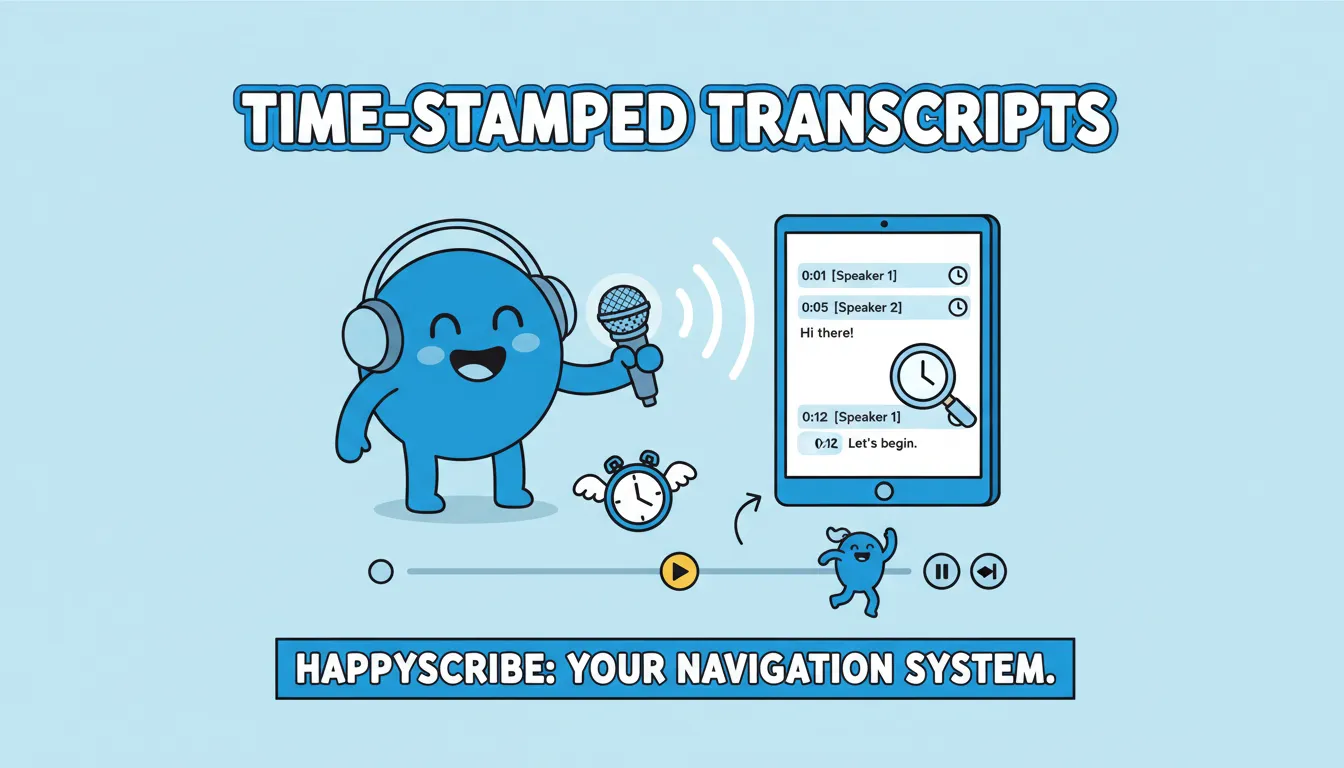
One of HappyScribe’s strongest features is its use of timestamps.
Each segment of text is aligned with a specific moment in the audio. This makes it easy to jump back to the original recording, verify quotes, or sync subtitles with video.
For professionals who work with long recordings, timestamps transform the audio to text converter from a simple transcription tool into a navigation system.
Speaker Identification
HappyScribe supports speaker identification, which is especially useful for interviews, meetings, and panel discussions.
Instead of producing a single block of text, the audio to text converter attempts to separate different voices and label them accordingly. This makes transcripts easier to read and edit.
While speaker detection is not always perfect, it significantly reduces post-editing time compared to manual transcription.
Built‑In Editing Tools
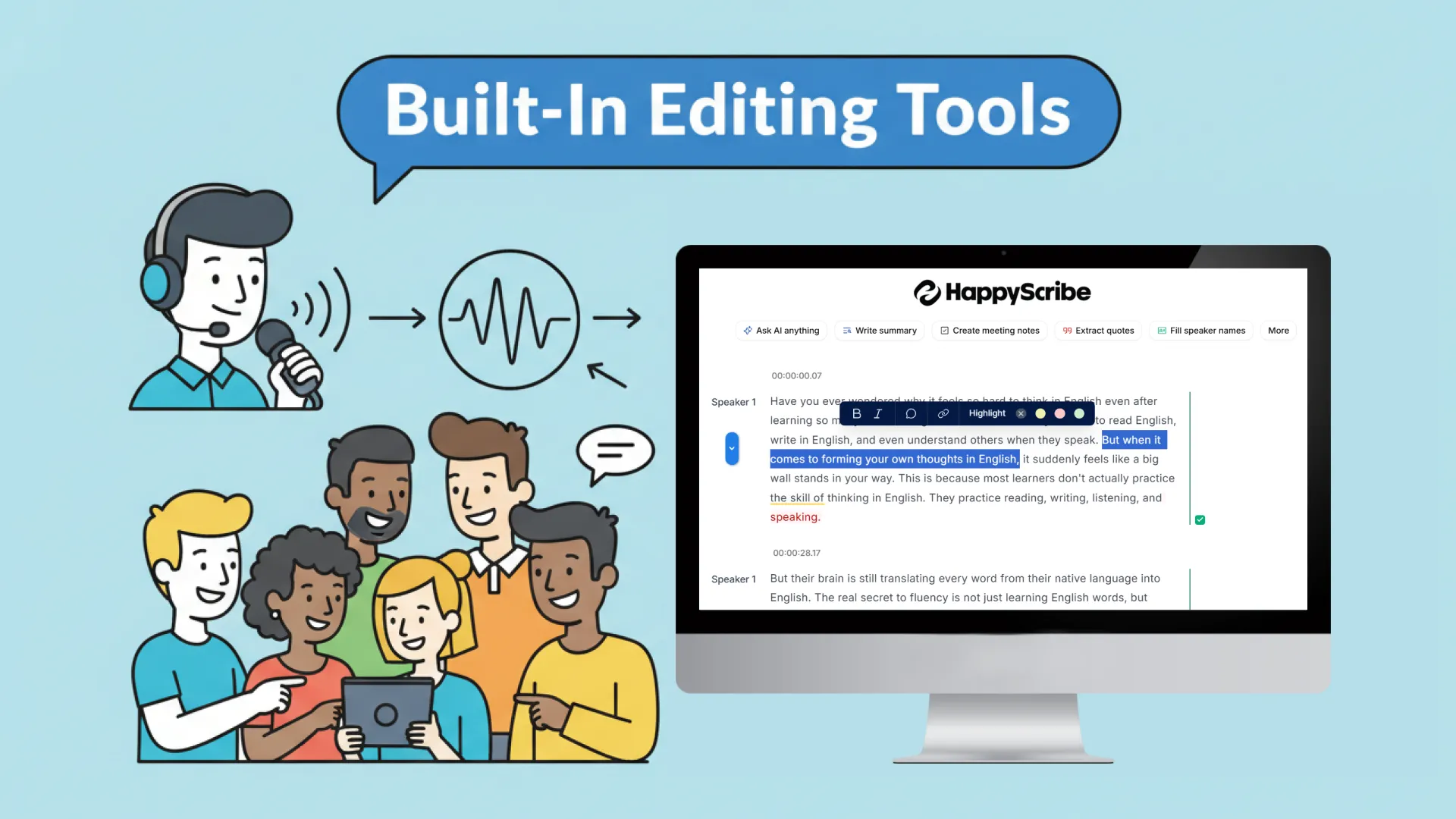
HappyScribe includes an online editor that allows users to refine their transcripts directly in the browser.
You can correct errors, rename speakers, adjust timestamps, and format text without exporting the file. This feature is designed for users who treat transcription as a production step, not just a raw output.
For media teams, this editing layer adds real value to the audio to text converter experience.
Multiple Export Formats
Once the transcription is complete, HappyScribe allows users to export the text in various formats, including TXT, DOCX, and subtitle formats like SRT and PDF.
This flexibility makes it suitable for different workflows, from writing articles to producing videos.
Using HappyScribe: Step by Step
Using HappyScribe follows a structured process:
- Create an account and log in
- Upload your audio or video file
- Select the transcription language
- Wait for the system to convert audio to text
- Review and edit the transcript
- Export the final file
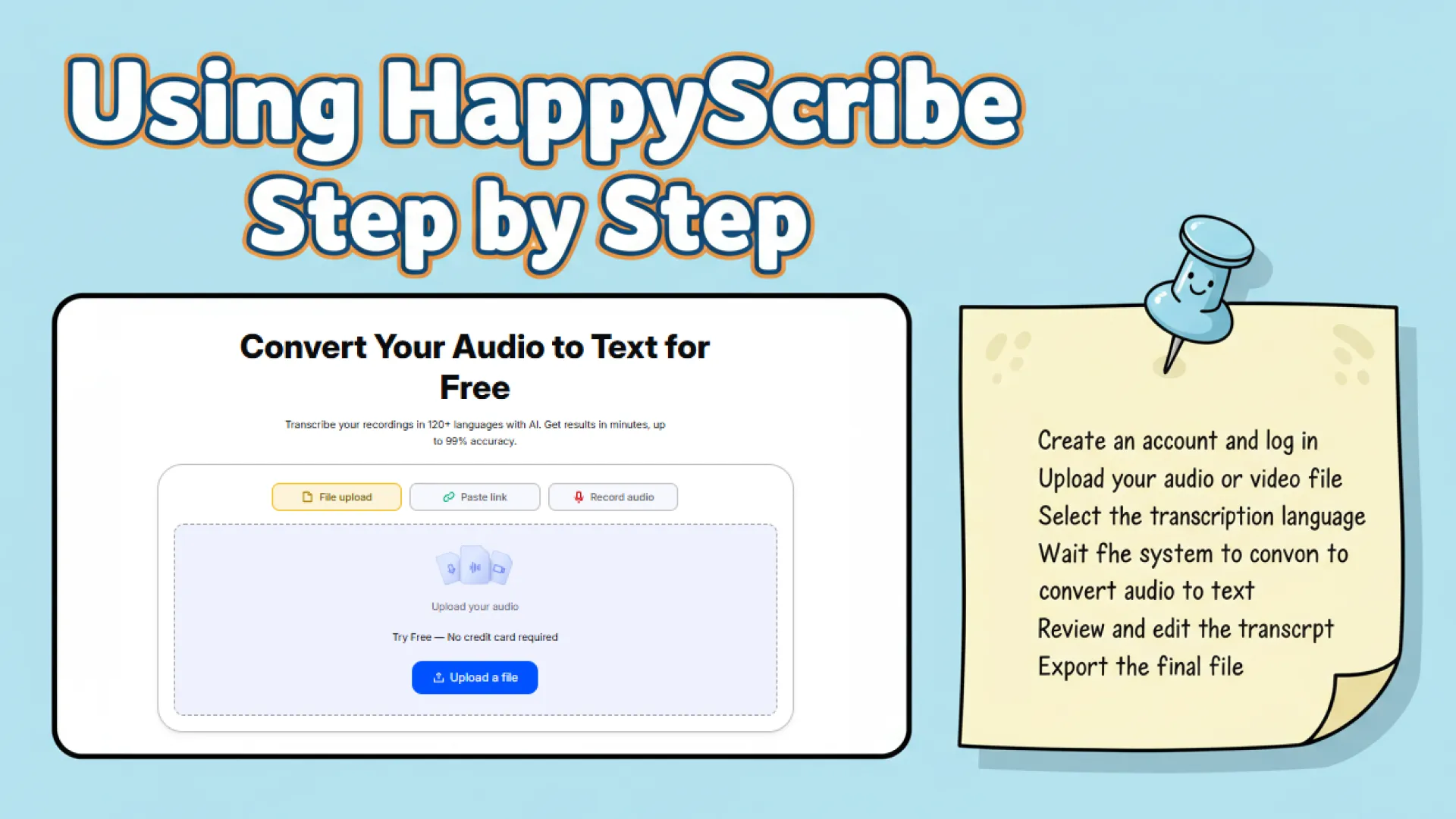
This process works well for professional use cases, but it does require time and commitment.
HappyScribe Use Cases
HappyScribe is a professional audio to text converter best suited for:
Journalists Working on Interviews
Quickly convert interviews to text with accurate speaker labeling for articles and reports.
Researchers Transcribing Academic Material
Turn lectures or focus groups into structured text ready for analysis and citation.
Media Teams Producing Subtitles
Generate time-stamped transcripts to create subtitles and sync with video content easily.
Businesses Needing Formal Documentation
Record meetings or presentations and convert audio to text for official records and internal sharing.
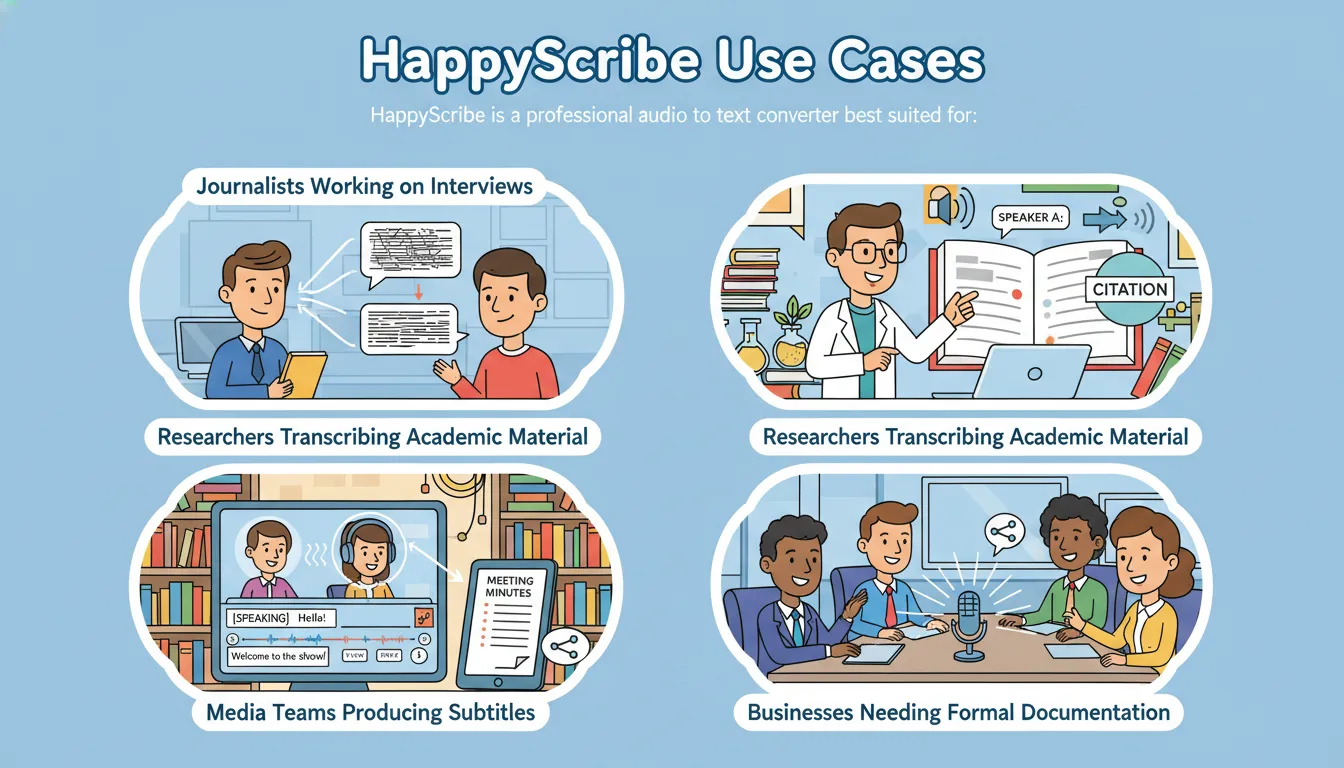
In these scenarios, a reliable audio to text converter like HappyScribe saves time and ensures accuracy.
Pricing and Its Limitations
Pricing is one of the most discussed aspects in any HappyScribe review.
HappyScribe typically charges based on transcription minutes or subscription plans. While the pricing may be acceptable for organizations, it can be restrictive for individuals or casual users.
- Basic Plan: $17/month for 120 minutes of AI transcription, subtitling, and translation per month. Remove watermark from video exports.
- Pro Plan: $29/month for 600 minutes per month, multiple export formats, and 3 user seats.
- Business Plan: $89/month for 6,000 minutes per month, 5 user seats, workspace management, and style guides/glossaries.
Limitations include:
- Free users are limited to a 10-minute trial for AI transcription, subtitling, and translation
- Free users can try the AI summary and Q&A features, but only 3 times
- Limited recording history for free users
- Export format restrictions
These factors lead many users to search for a more accessible audio to text converter.
Top HappyScribe Alternative
AudioConvert takes a very different approach.
Instead of targeting enterprise users, AudioConvert focuses on accessibility, speed, and simplicity. It is a free, AI-powered audio to text converter designed for everyday use.
The goal is not to overwhelm users with options, but to help users easily transcribe audio to text in the fastest and smoothest way possible.
AudioConvert Features and How It Works
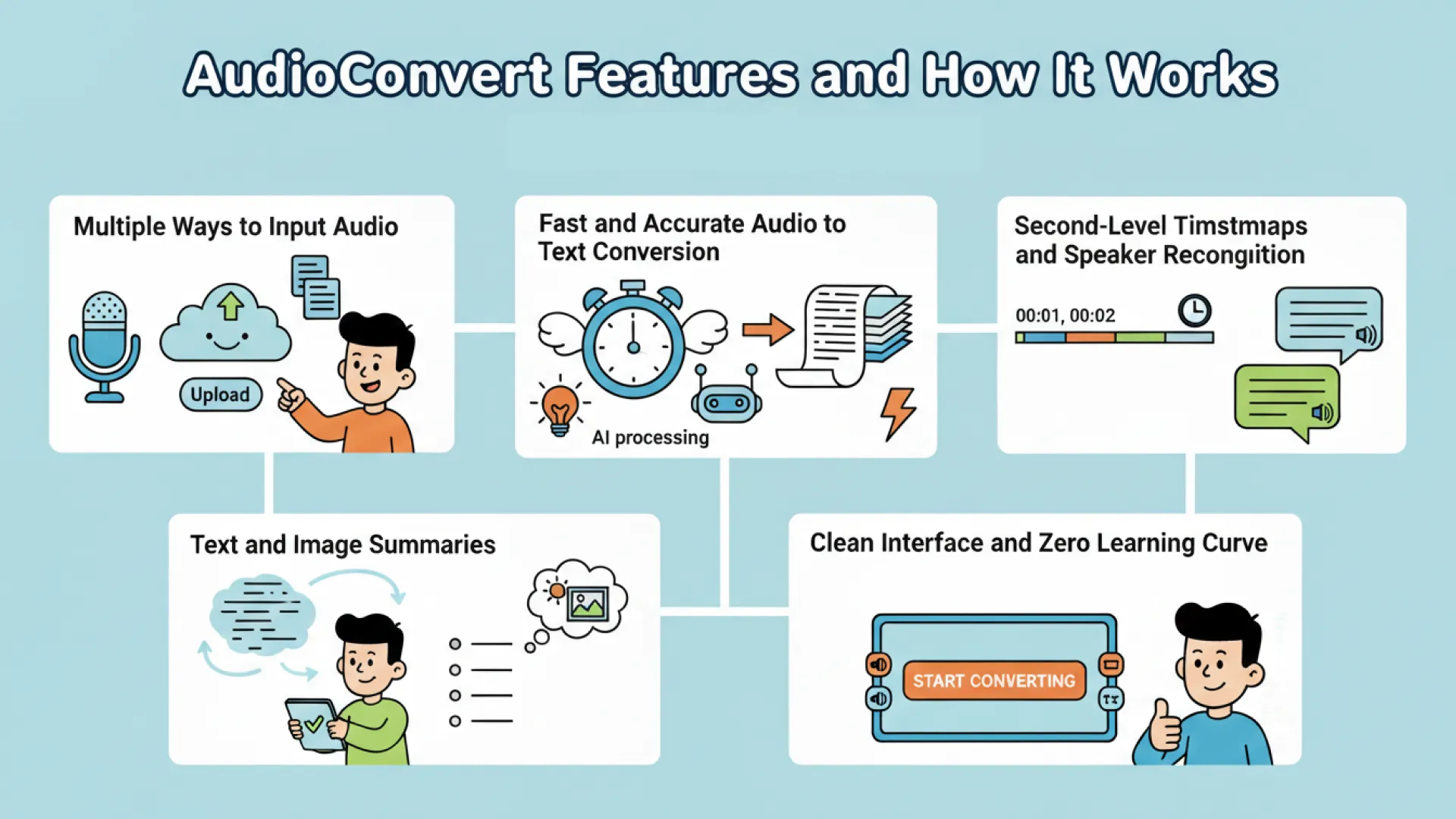
Multiple Ways to Input Audio
Unlike many traditional tools, AudioConvert allows users to either upload files or record audio directly on the page.
This flexibility is important. Sometimes you already have a file. Other times, you want to record a meeting or idea instantly. AudioConvert adapts to both scenarios, making the audio to text converter more practical in real life.
Fast and Accurate Audio to Text Conversion
AudioConvert is optimized for speed.
Once the audio is submitted, the AI processes it within minutes. For creators and students, this quick turnaround is often more valuable than marginal accuracy gains.
The audio to text converter focuses on producing clean, readable transcripts that are immediately usable.
Second-Level Timestamps and Speaker Recognition
AudioConvert provides timestamps accurate to the second, which helps users trace content back to the original audio easily.
It also supports speaker recognition, making it suitable for interviews and discussions. This combination improves clarity without adding complexity.
Text and Image Summaries
One of AudioConvert’s standout features is its AI summary function.
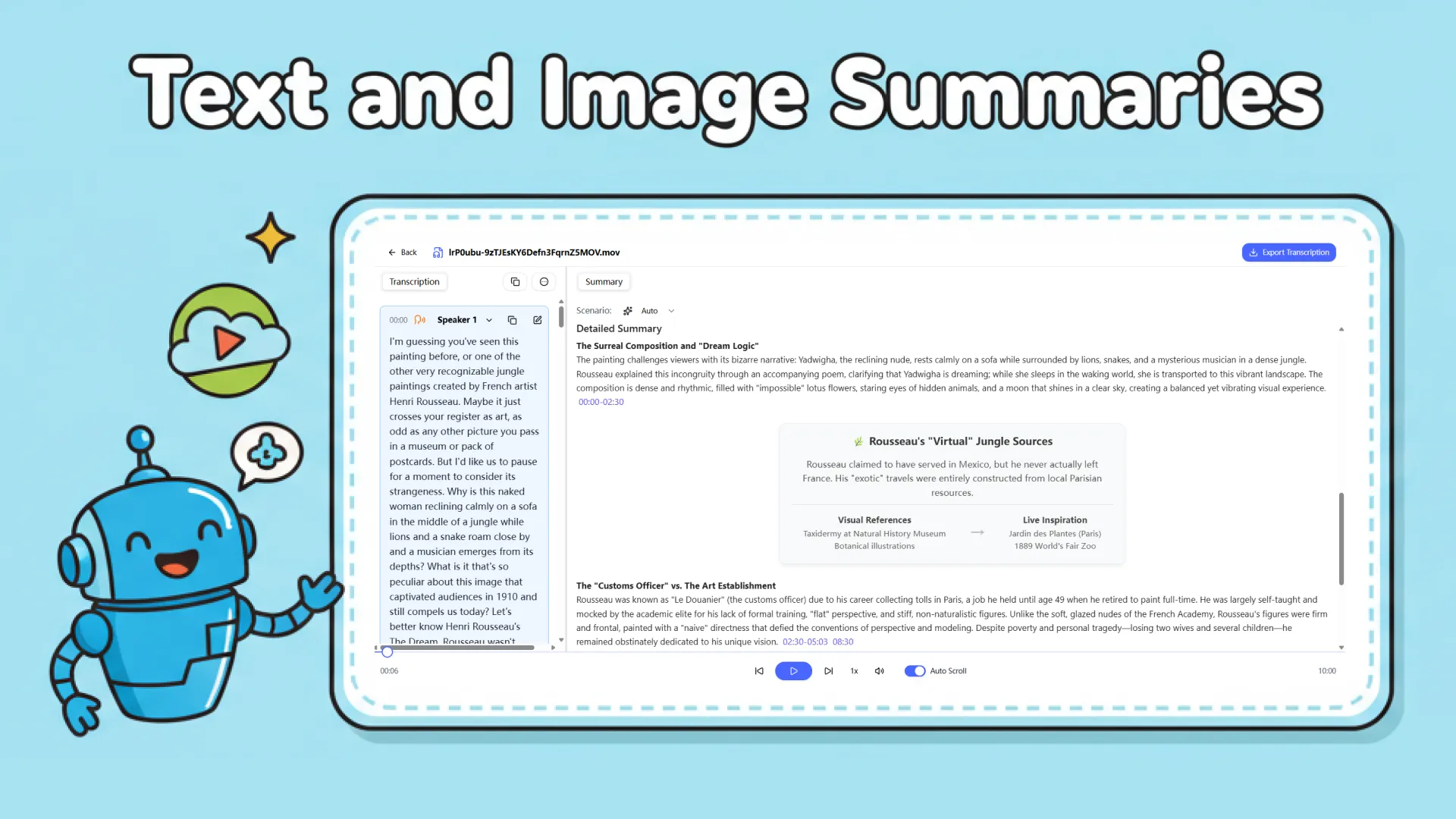
Instead of just converting audio to text, the tool can generate a concise summary of the transcript. This is extremely useful for meetings, lectures, and long recordings where users want the key points without reading everything.
This feature alone sets AudioConvert apart from many traditional audio to text converter tools.
Clean Interface and Zero Learning Curve
AudioConvert’s interface is intentionally minimal.
There are no confusing dashboards or complex settings. Users can start converting audio to text almost immediately. This makes it ideal for beginners and non-technical users.
How to Use AudioConvert Step by Step
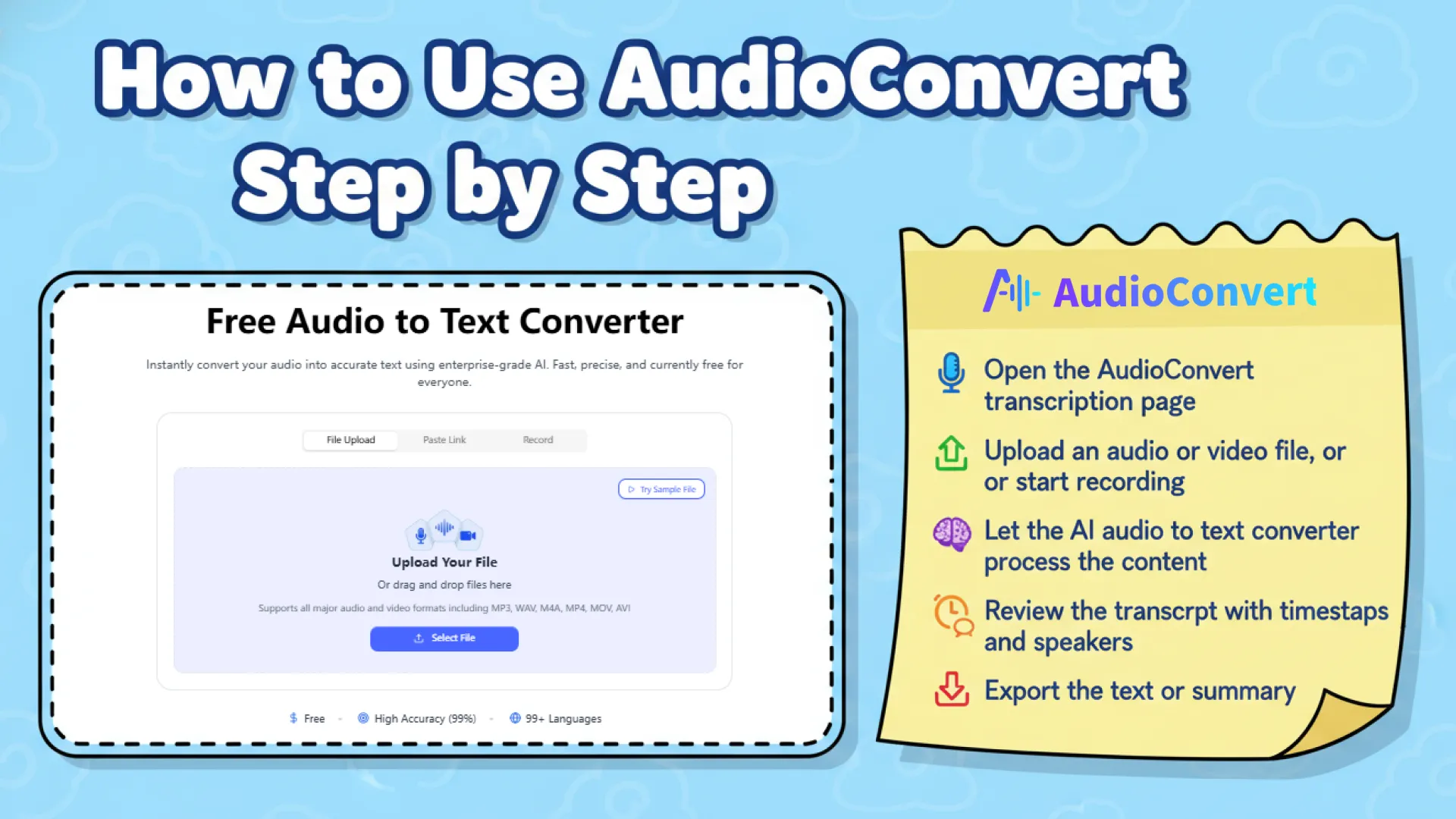
Using AudioConvert is simple:
- Open the AudioConvert transcription page
- Upload an audio or video file, or start recording
- Let the AI audio to text converter process the content
- Review the transcript with timestamps and speakers
- Export the text or summary
This streamlined process is why many users prefer AudioConvert for daily tasks.
AudioConvert Use Cases
AudioConvert is built for people who need a practical audio to text converter in real, everyday scenarios. Instead of focusing on complex workflows, it helps users convert audio to text quickly and turn spoken content into something useful.
For Content Creators and Writers
Content creators often record interviews, voice notes, or video scripts, but written content is still essential for blogs and distribution. With AudioConvert, creators can use an audio to text converter to transform recordings into articles, outlines, or social posts, making it easier to reuse one piece of content across multiple platforms.
For Podcasters and Audio Producers
Podcasters rely on transcripts for show notes, summaries, and accessibility. AudioConvert allows podcasters to convert audio to text in minutes, making episodes searchable and easier to repurpose. As a fast audio to text converter, it fits naturally into a weekly publishing workflow.
For Students and Online Learners
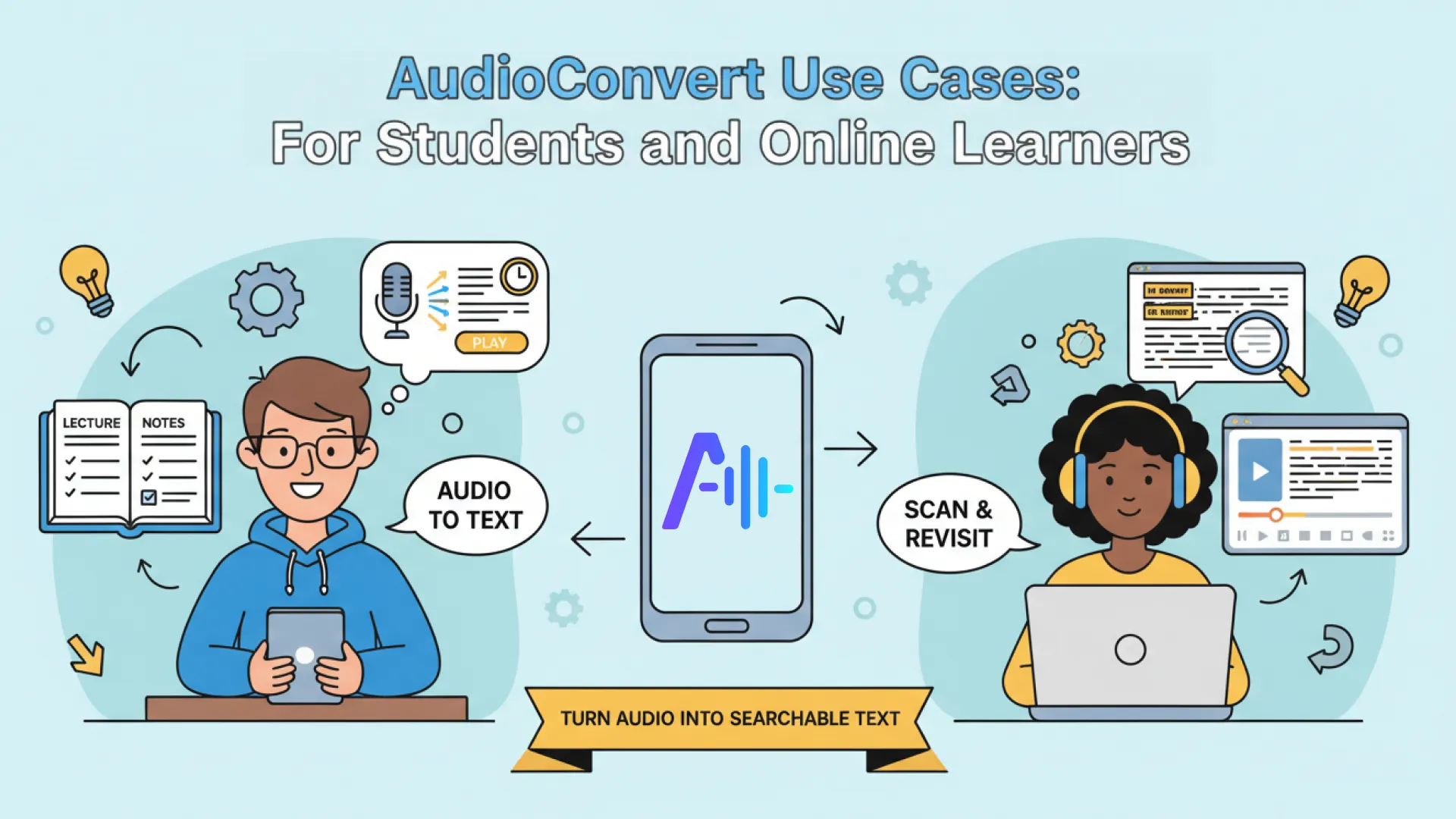
Lectures and online courses are often recorded, but reviewing them takes time. Students can use AudioConvert as an audio to text converter to turn lessons into readable notes, scan key ideas, and revisit specific moments using timestamps instead of replaying full recordings.
For Marketers and SEO Teams
Marketers frequently work with webinars, interviews, and internal recordings. By using an audio to text converter, teams can convert audio to text and turn it into SEO-friendly blog content, landing pages, or FAQs that can be indexed and searched by Google.
For Remote Teams and Meetings
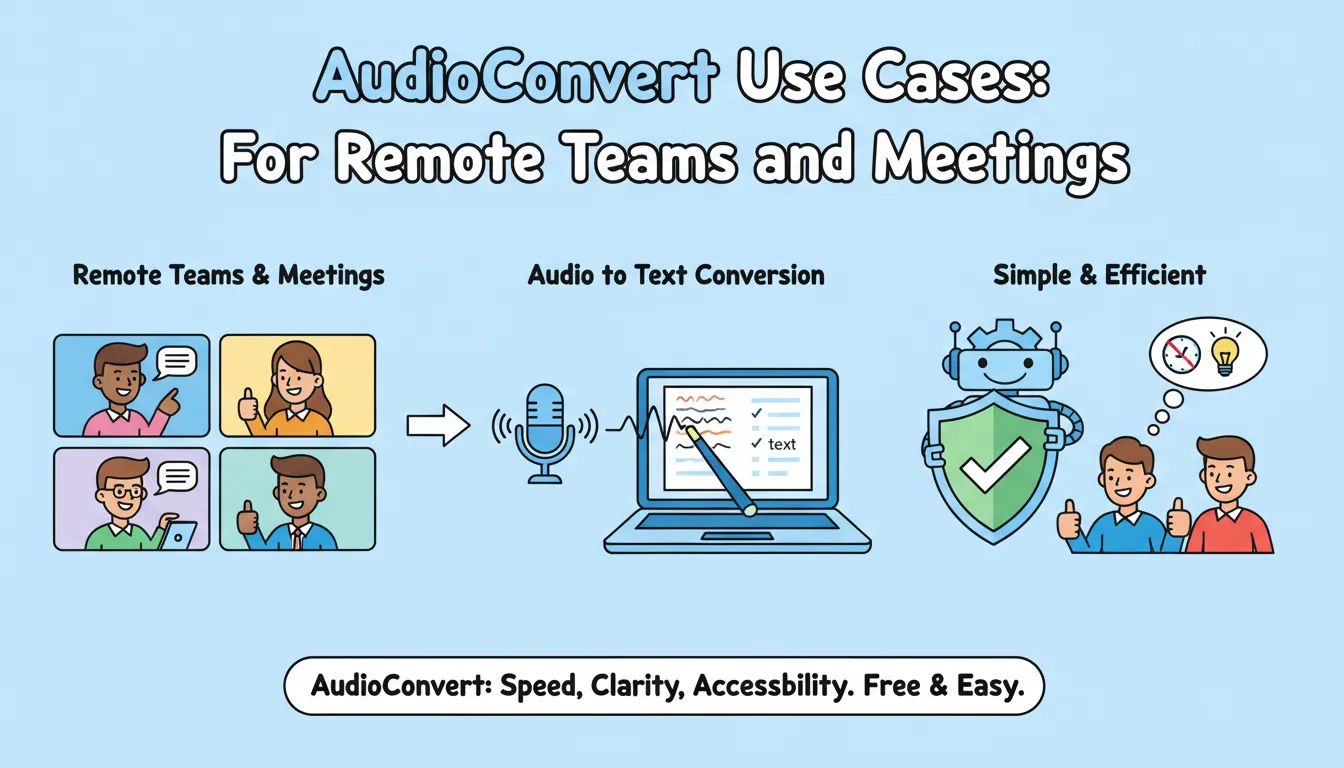
Remote teams depend on meetings, but details are easy to forget. AudioConvert helps teams convert audio to text for meeting summaries and action items, ensuring decisions are documented clearly. In this context, a simple and reliable audio to text converter is often more useful than a complex enterprise tool.
For all these users, a free and efficient audio to text converter like AudioConvert delivers the right balance of speed, clarity, and accessibility—without unnecessary cost or complexity.
HappyScribe vs AudioConvert
| HappyScribe | AudioConvert | |
|---|---|---|
| High Accuracy | ✔️ | ✔️ |
| Timestamps | ✔️ | ✔️ |
| Speaker Detection | ✔️ | ✔️ |
| Languages | 120+ | 120+ |
| AI summary | Free: 3 times Basic: 20 times Pro: Unlimited | Unlimited |
| Export Files | PDF, DOCX, TXT, SRT | PDF, DOCX, TXT, SRT, VTT |
| Pricing | Basic: $17/120 minutes per month Pro: $29/200 minutes per month | 100% Free |
This comparison highlights an important truth: different audio transcription tools serve different needs.
Which Audio to Text Converter Is Right for You?
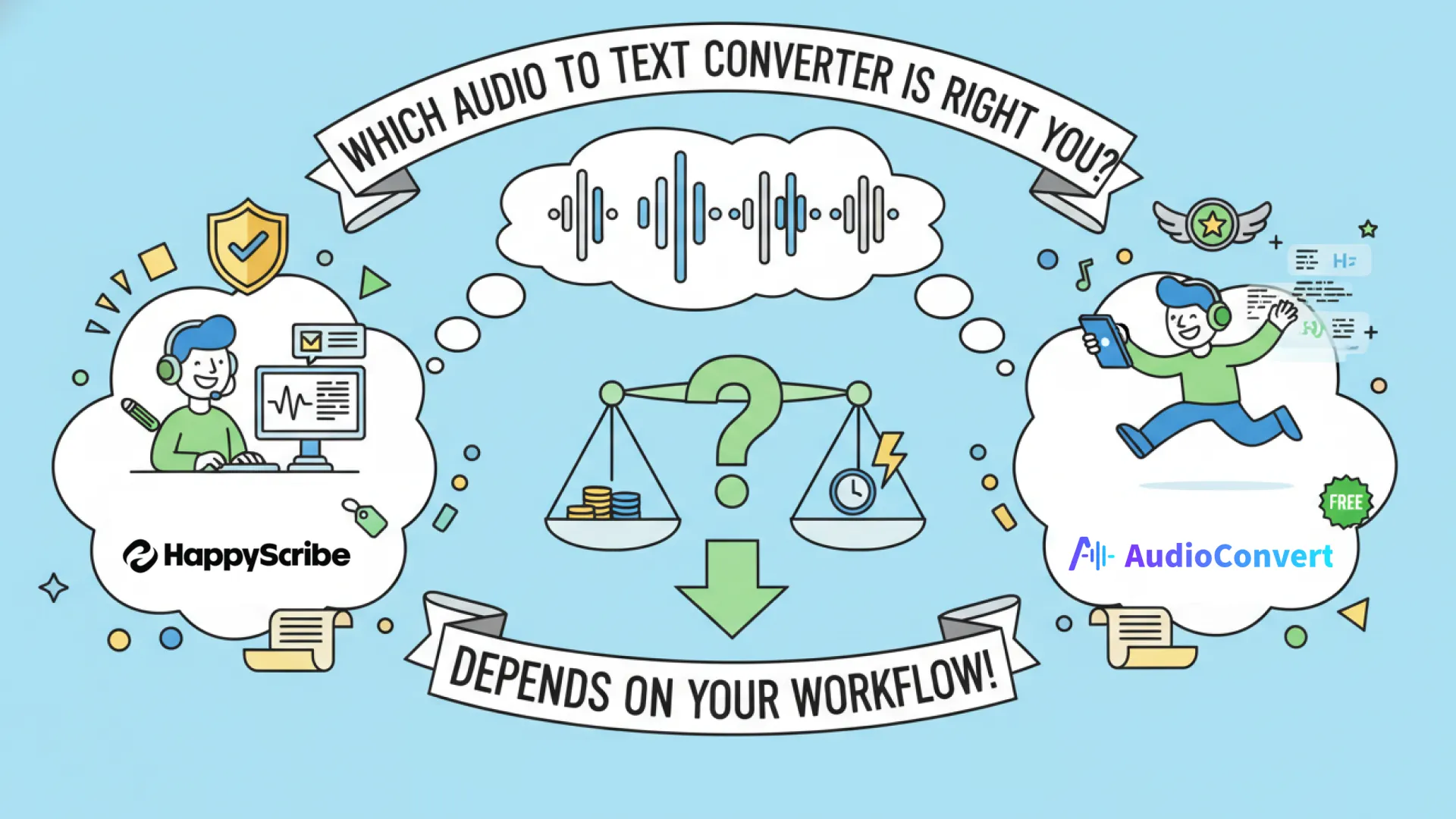
There is no universally best audio to text converter.
HappyScribe is a strong choice for users who need professional-level editing and are comfortable with paid plans.
AudioConvert is ideal for users who want to convert audio to text quickly, for free, and without friction.
The right choice depends entirely on your workflow.
Final Thoughts
The demand for audio transcription will only continue to grow. Choosing the right audio to text converter depends on your specific needs—whether you prioritize accuracy, editing control, speed, or cost.
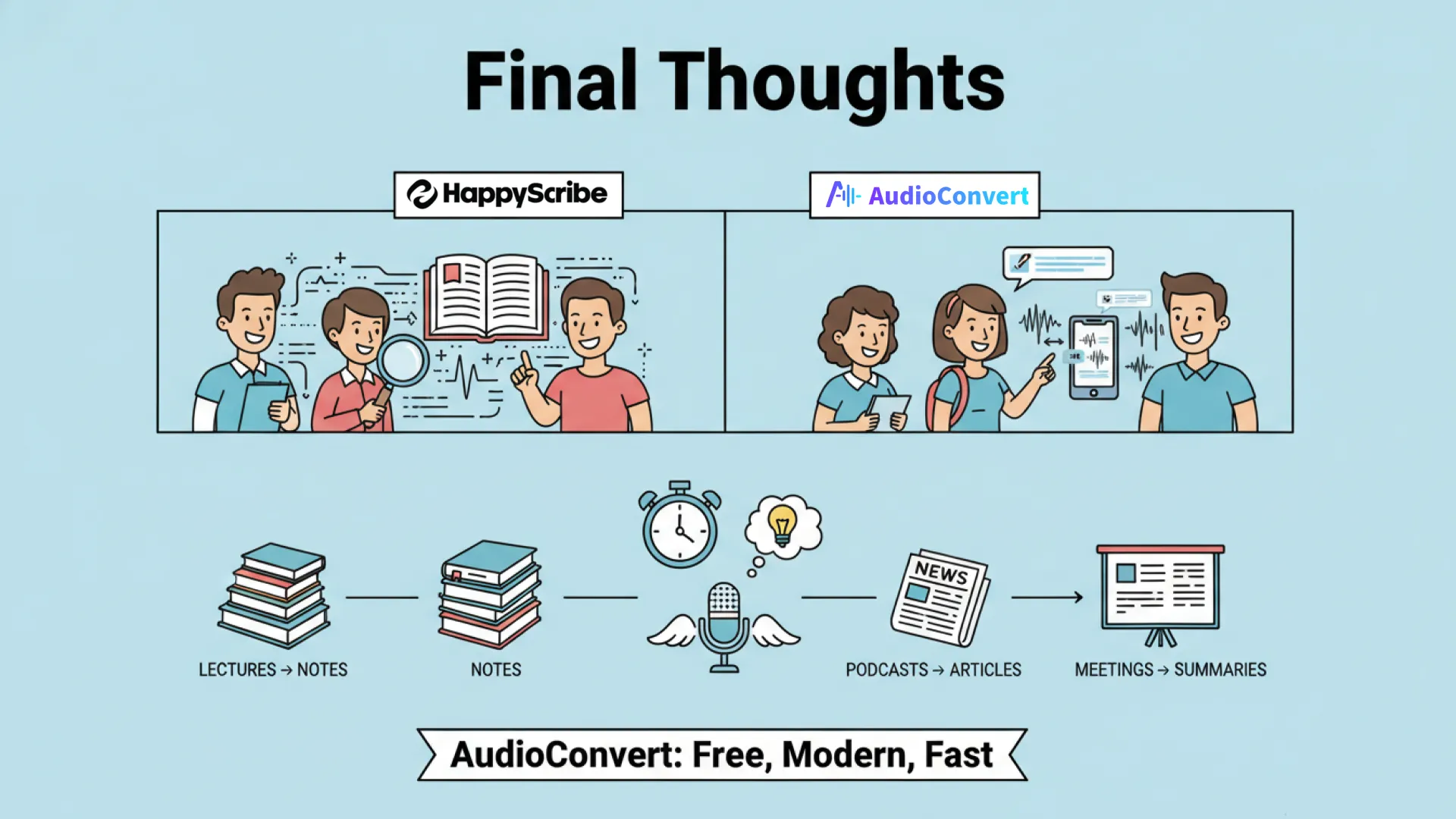
HappyScribe and AudioConvert represent two different approaches to the same challenge. HappyScribe emphasizes depth, control, and professional features, making it suitable for journalists, researchers, and media teams. AudioConvert emphasizes speed, simplicity, and accessibility, making it ideal for content creators, students, and teams who want a free, efficient way to convert audio to text.
A good audio to text converter not only saves hours of work but also allows you to reuse content in new ways—turning lectures into notes, podcasts into articles, and meetings into actionable summaries. By evaluating your workflow, feature needs, and budget, you can choose the tool that fits you best.
If you are looking for a modern, fast, and free audio to text converter, AudioConvert is a smart place to start—streamline your transcription, unlock your content, and focus on what really matters.


