

- Why More People Need to Convert MP4 to MP3 in 2026
- What Happens When You Convert A MP4 to MP3?
- How the Conversion Process is Achieved
- Top Recommended MP4 to MP3 Converter Tools
- Step-by-Step Guide: How to Convert a MP4 to MP3 with AudioConvert
- Why AudioConvert is a Smart Choice
- Real-World Scenarios: Why This Tool Fits Your Life
- Frequently Asked Questions about AudioConvert
- Conclusion: Choosing the Best Way to Convert MP4 to MP3
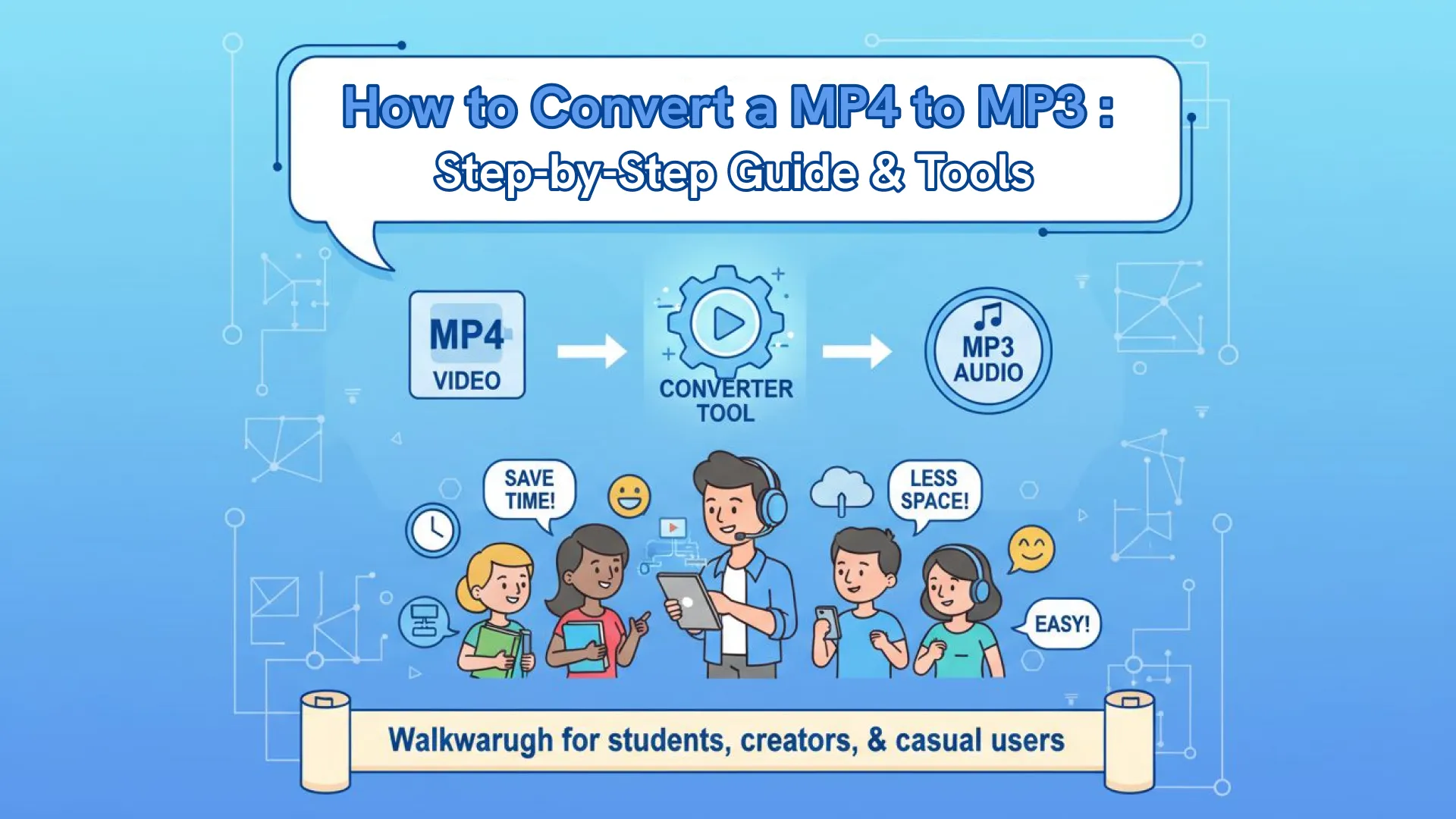
How to Convert a MP4 to MP3 : Step-by-Step Guide & Tools
You might have a long video lecture, a podcast recorded as an MP4, a music video you want to listen to offline, or an interview where you only need the sound. The task seems simple, yet many users still struggle to find a fast, free, and reliable MP4 to MP3 converter.
With video content exploding across platforms like YouTube, TikTok, and online courses, converting MP4 to MP3 has quietly become part of everyday digital life.
In this guide, we’ll walk you through everything you need to know about how to convert a MP4 to MP3. Whether you are a student, creator, or casual user, knowing how to convert a MP4 to MP3 efficiently can save you time, storage space, and frustration.
Why More People Need to Convert MP4 to MP3 in 2026
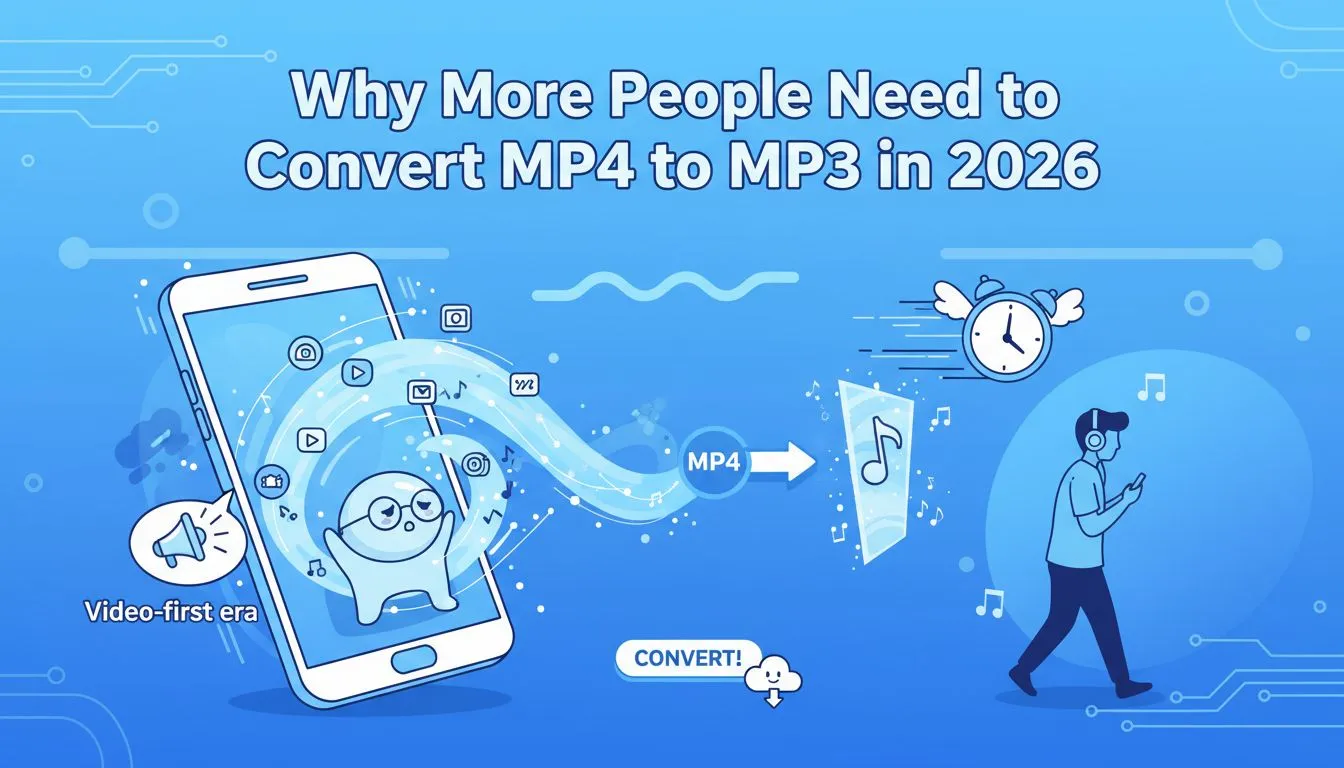
We are living in a video-first internet era.From social media feeds to educational platforms, video is the dominant language of the internet. However, as our lives get busier, we don't always have the "eyes-on" time to watch a screen. This is where the demand for a seamless MP4 to MP3 converter comes into play.
1. The Rise of the Audio-Only Lifestyle
According to recent consumer data, the "audio-first" economy—consisting of podcasts, audiobooks, and background music—has seen a massive spike. People are looking for ways to perform a quick MP4 to MP3 conversion so they can consume content while commuting, working out, or doing household chores. If you have a two-hour webinar saved as a video, you can't exactly watch it while driving. But if you shift your MP4 format to MP3, you’ve turned that visual-heavy content into a portable audio lesson.
2. Solving the Storage Crisis
Video files are notoriously heavy. A standard 1080p MP4 file can easily take up several gigabytes. For users with limited storage on their smartphones or cloud drives, keeping everything in video format is a recipe for a "Storage Full" notification. By choosing MP4 to MP3 processing, you can reduce the file size by up to 90% without losing the core information (the audio). Learning how to convert a MP4 to MP3 is essentially a masterclass in digital decluttering.
3. Battery Preservation and Efficiency
Decoding video frames requires significant processing power. If you play a video file on your phone just to hear the song, your battery will drain much faster than when playing a standard audio file.
When you learn how to convert a MP4 to MP3, you are optimizing your device’s performance and ensuring your battery lasts throughout the day.
What Happens When You Convert A MP4 to MP3?
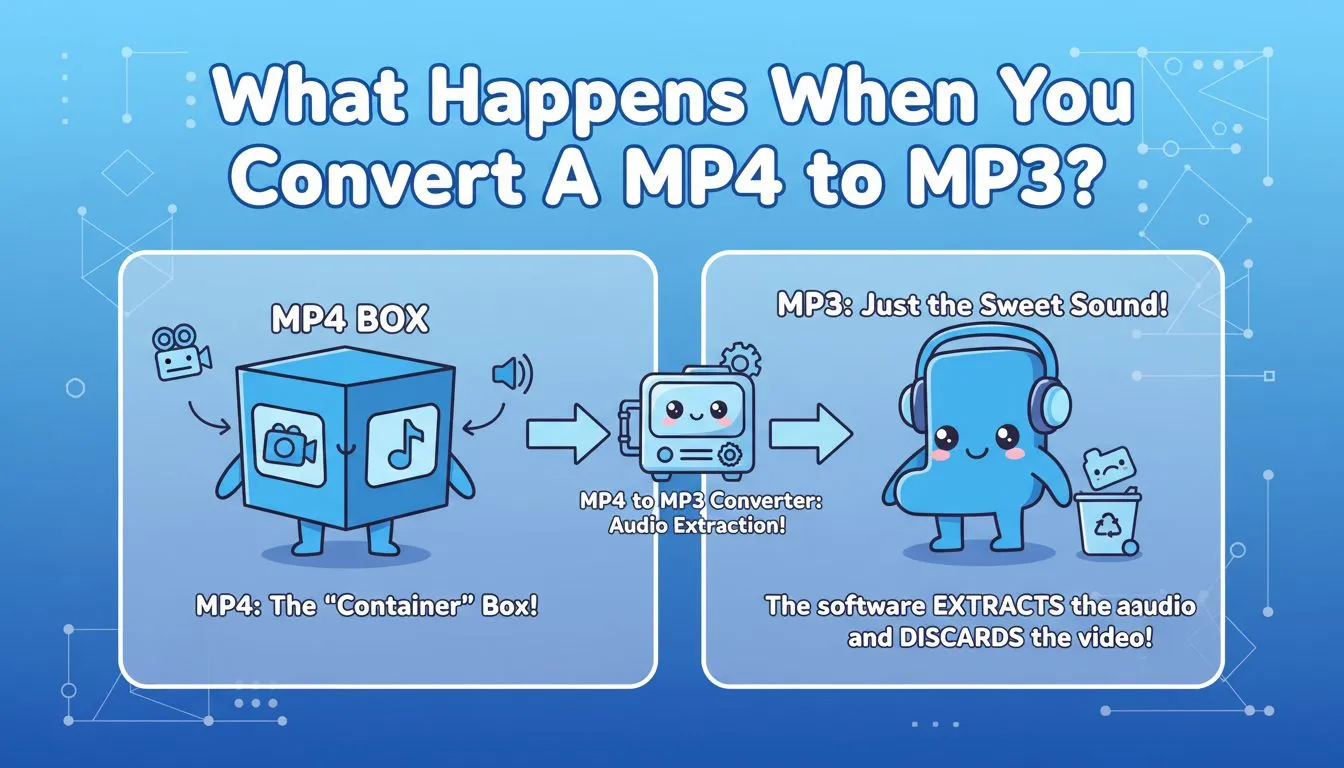
Before diving into the "how-to," let’s clear up the technical side. MP4 is a "container"—think of it as a box that holds both video and audio. MP3, however, is a dedicated audio format.
When you use an MP4 to MP3 converter, the software isn't "changing" the sound; it is extracting the audio track and discarding the visual data. This process lets you extract the audio from an MP4 file while keeping voices and music clear and intact.
The best part of modern technology is that you don't need to be a sound engineer to do this. You don't even need to download heavy software. Most people now prefer to convert a MP4 to MP3 online because it's faster and doesn't clutter their computer with extra apps.
How the Conversion Process is Achieved
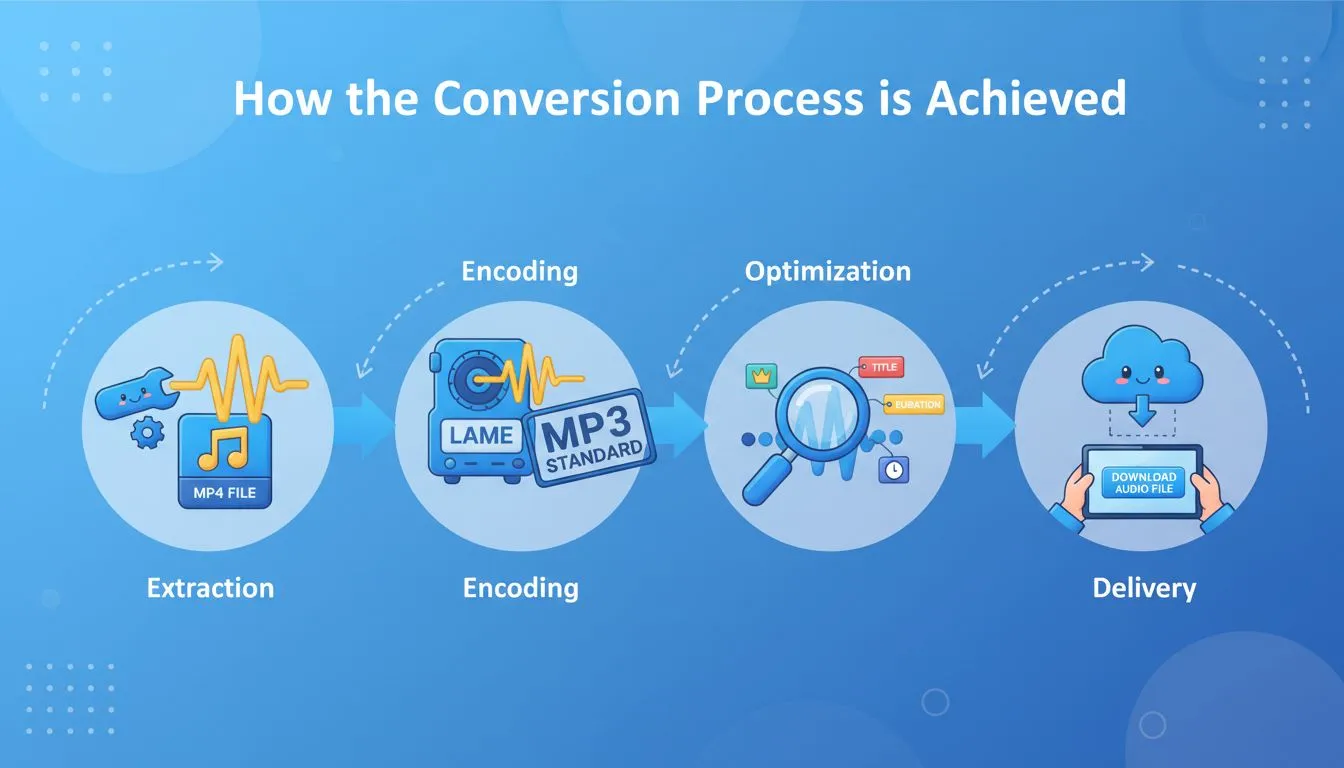
Modern technology has made it incredibly easy to convert MP4 to MP3 online. In the past, you had to download heavy software like VLC or Audacity and navigate through complex menus. Today, the MP4 to MP3 process is streamlined:
- Extraction: The tool demuxes the MP4 file to find the audio stream.
- Encoding: The audio is processed using an encoder (like LAME) to ensure it fits the MP3 standard.
- Optimization: Metadata (like the title or duration) is preserved where possible.
- Delivery: The user receives a download link for the final audio file.
This entire sequence happens in the background when you initiate an MP4 to MP3 task on a platform like ours.
Top Recommended MP4 to MP3 Converter Tools
When you search for how to convert a MP4 to MP3, you will encounter dozens of websites. However, not all of them offer the same level of speed or security. Let's look at the most popular options for those looking to convert MP4 to MP3 online.
AudioConvert
AudioConvert was specifically designed to be the most user-friendly MP4 to MP3 converter on the market.
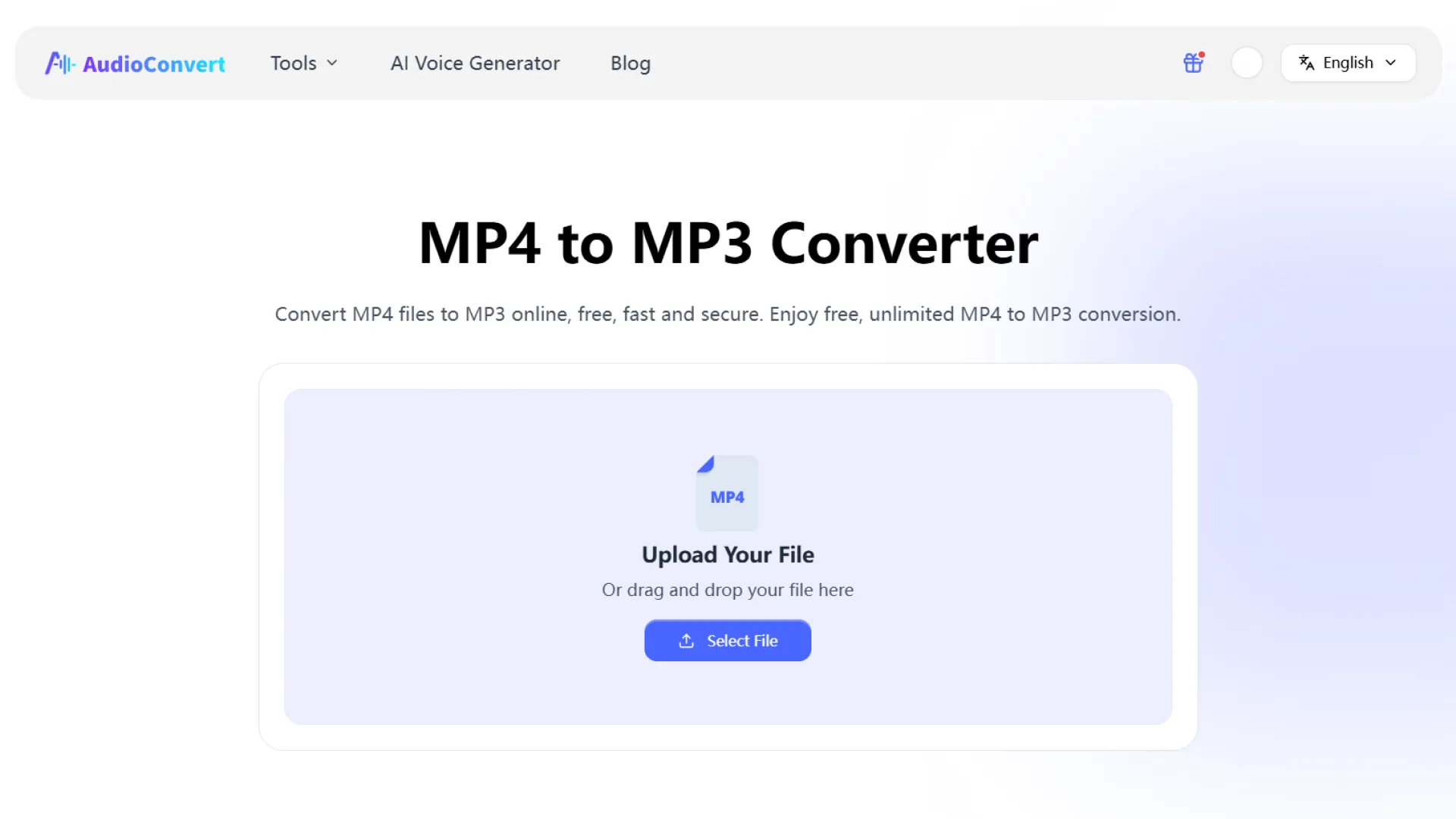
- Huge File Support: While other sites cap you at 100MB or 500MB, we allow you to convert MP4 to MP3 even with files as large as 4GB.
- No Registration: We don't ask for your email address. You can handle MP4 to MP3 tasks anonymously and instantly.
- Speed: Our servers are optimized for high-speed extraction, meaning you spend less time waiting and more time listening.
- Multi-Format: Beyond just MP4, you can extract audio from MOV, AVI, MKV, and more, making it a truly versatile MP4 format to MP3 solution.
CloudConvert
CloudConvert is a versatile file converter that supports a wide range of formats.
- Pros: It has a very professional interface and offers many technical settings.
- Cons: It can be restrictive for free users. If you have a very large file and need an MP4 to MP3 result, you might run into their daily "conversion minutes" limit.
FreeConvert
This is a common choice for quick tasks.
- Pros: It allows for some batch processing.
- Cons: The site is often cluttered with advertisements. Their free tier also has a file size limit that might prevent you from being able to convert MP4 to MP3 if your video is a high-resolution 4K file.
Audio.online
This site is a veteran in the space.
- Pros: Very detailed options for sampling rates and bitrates.
- Cons: The interface feels outdated and can be overwhelming for beginners who just want a simple MP4 to MP3 outcome without technical jargon.
Zamzar
Zamzar is another well-known name that has been around since 2006. It’s often used by people who need a reliable way to convert a mp4 to mp3 without a learning curve.
- Pros: It’s incredibly straightforward. The interface is clean and walks you through exactly how to convert a mp4 to mp3 in three simple steps.
- Cons: The free tier is quite restrictive. You are limited to only a couple of conversions per 24 hours, and the file size cap for free mp4 to mp3 tasks is much lower than other tools (usually around 50MB).
| Feature / Tool | AudioConvert | CloudConvert | FreeConvert | Audio.online | Zamzar |
|---|---|---|---|---|---|
| Max File Size | 4 GB | larger with credits | 1 GB | larger with credits | 50 MB |
| Ease of Use | ✅ Very easy | ⚠️ Medium | ✅Easy | ⚠️ Medium | ✅Easy |
| Best For | Users needing fast, no-friction MP4→MP3 extraction | Flexible format needs & quality options | Mid-sized videos & batch tasks | Users wanting bitrate/sample settings | Small files & occasional use |
| Pricing | 100% Free | $10/month | $12.99/month | $8/month | $12/month |
Step-by-Step Guide: How to Convert a MP4 to MP3 with AudioConvert
Ready to get started? Follow these simple steps to complete your MP4 to MP3 task in less than a minute. ⏱️
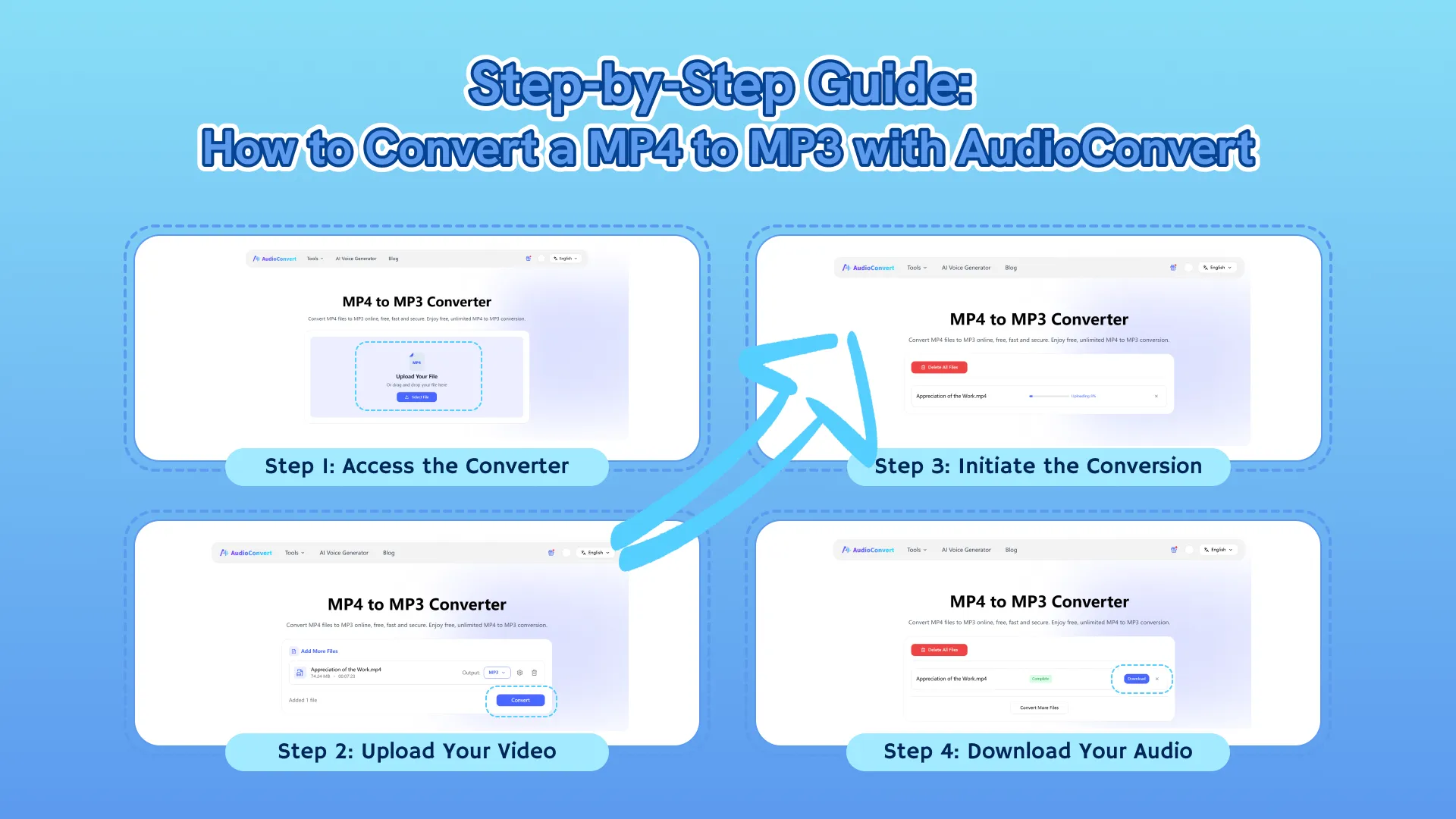
Step 1: Access the Converter
Go to the AudioConvert MP4 to MP3 converter page. You will find a clean, focused workspace designed for one task.
Step 2: Upload Your Video
Click the upload button or simply "drag and drop" your file. Our tool is optimized for efficiency, so feel free to upload that long lecture if you need to shift your MP4 format to MP3.
Step 3: Initiate the Conversion
Once the file is uploaded, click the "Convert" button. Our system will immediately begin the MP4 to MP3 extraction. You’ll see a progress bar that keeps you up to date in real time.
Step 4: Download Your Audio
When the status changes to “Conversion Completed,” your new MP3 is ready. Whether you are using a PC, Mac, or mobile phone, you can finish the MP4 to MP3 process and save the result seamlessly.
Why AudioConvert is a Smart Choice
Choosing the right MP4 to MP3 converter shouldn't be a headache. We’ve focused on the pillars that actually matter to users who just want to get things done.
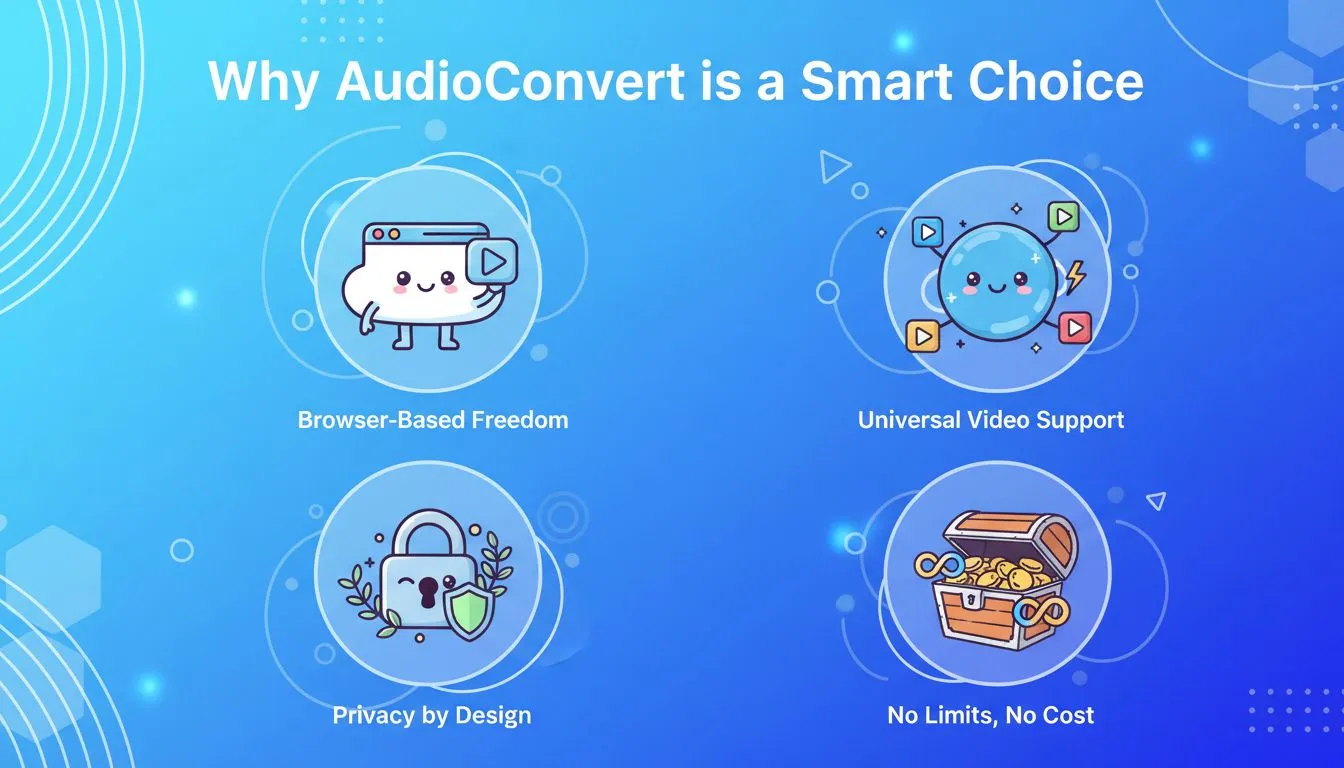
- Browser-Based Freedom: You never have to download or install software. This is a huge win for security, as many desktop programs that claim to show you how to convert a MP4 to MP3 are actually "bloatware" that slows down your device.
- Universal Video Support: While our focus is helping you convert a MP4 to MP3, we support almost every video format imaginable. Whether you have an old AVI or a professional MKV, the MP4 to MP3 interface remains the same.
- Privacy by Design: We know your videos are personal. When you handle an MP4 to MP3 task on our site, we use end-to-end encryption. Your files are automatically deleted after the process, so you can convert a MP4 to MP3 without leaving a digital footprint.
- No Limits, No Cost: Many sites lure you in only to demand payment for the full file. We offer a truly free MP4 to MP3 service, allowing you to process files as large as 4GB without reaching for your wallet.
Real-World Scenarios: Why This Tool Fits Your Life
Sometimes it’s easier to see the value of an MP4 to MP3 converter through real-life examples:
For the Student🎓
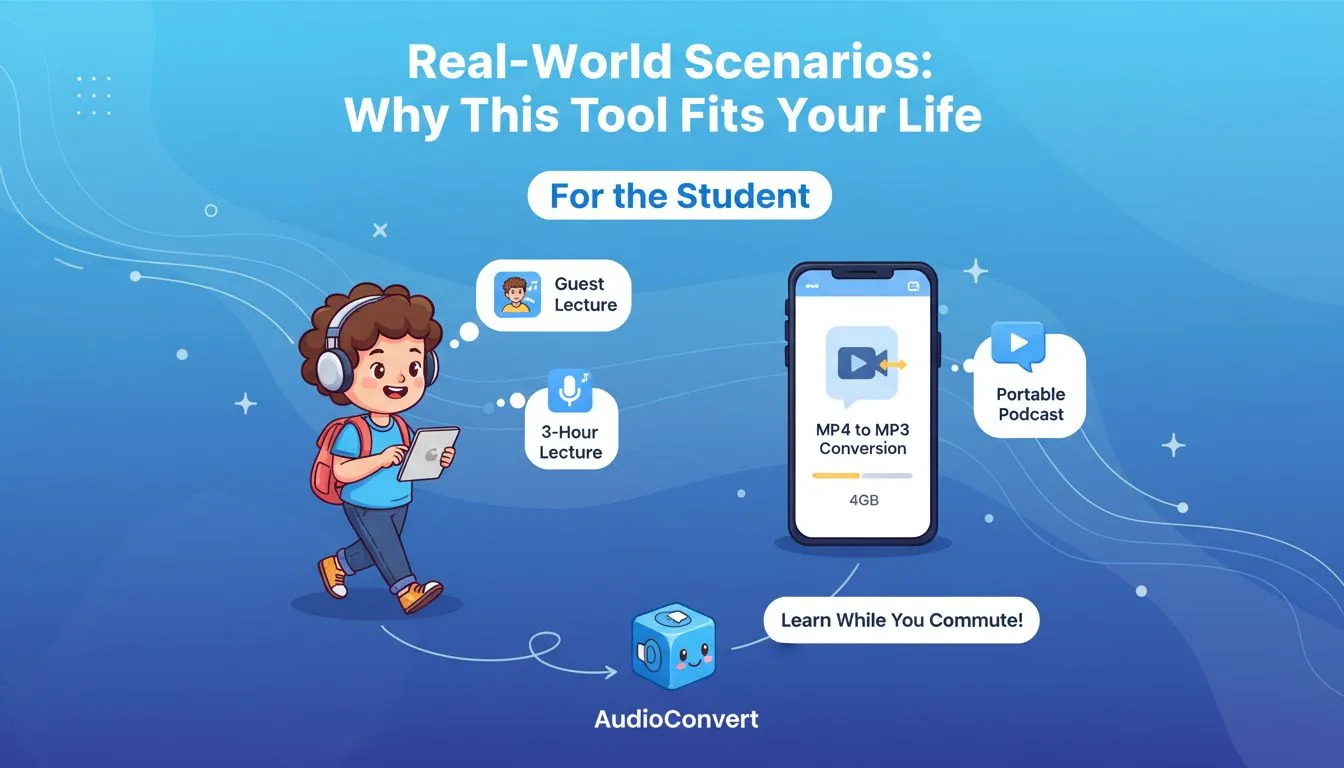
Imagine a 3-hour guest lecture. You need to study, but you're also on the go. By learning how to convert a MP4 to MP3, you can turn that lecture into a portable podcast. Since AudioConvert handles up to 4GB, you can finish your MP4 to MP3 transition and learn while you commute.
For the Content Creator 🎬
Sometimes the "perfect take" was a video, but you only need the audio for a voice-over in a different project. You don't want to open a massive video editor just for a 10-second clip. The fastest solution is to convert MP4 to MP3 online. It’s a "clean" extraction that keeps your workflow moving without technical hiccups.
For the Commuter 🚆
Many of us find interesting interviews on YouTube or LinkedIn. But watching a video on a crowded train is difficult and uses up your data plan. If you convert MP4 to MP3 at home over Wi-Fi, you can save the file to your phone and listen offline. It’s a great way to stay informed without the "buffer" circles of a poor mobile connection.
For Privacy-Conscious Users 🛡️
In a world where data is constantly being tracked, the way you convert MP4 to MP3 matters. One thing we prioritized with the AudioConvert experience is privacy. Your files are processed and then deleted shortly after. You get to convert MP4 format to MP3 without leaving a permanent digital footprint of your personal files on a random server.
Frequently Asked Questions about AudioConvert
1. How long does it take to convert MP4 to MP3?
For a typical 200MB file, the process on AudioConvert usually takes about 30–60 seconds. While larger files might take slightly longer, our high-speed servers ensure you won't be waiting long once you learn how to convert a mp4 to mp3 on our platform.
2. Is there a limit to how large a file I can convert?
One of our biggest advantages is the 4GB limit. Many online tools crash with large files, but here you can convert a mp4 to mp3 even for full-length movies or long webinars. This flexibility makes it the go-to mp4 to mp3 solution for high-definition, heavy-duty recordings.
3. Is it private and safe to convert a mp4 to mp3 here?
Absolutely. Your security is our priority. When you use AudioConvert to convert a mp4 to mp3, your files are encrypted and automatically deleted within 24 hours. Most importantly, your content is never used for AI training, ensuring your personal data stays private and secure.
Conclusion: Choosing the Best Way to Convert MP4 to MP3
There is no shortage of ways to handle your files, but simplicity usually wins. You shouldn't have to deal with complex software or strict limits just to get the audio you need.
By using a dedicated MP4 to MP3 converter like AudioConvert, you are choosing a path that is fast, secure, and completely free. We have removed the barriers, allowing you to complete an MP4 to MP3 task with just a few clicks. Whether you're a student or a professional, knowing how to convert a MP4 to MP3 is a valuable digital skill that saves time and space.
Are you ready to free your audio? Don't let those large video files weigh you down. Visit AudioConvert today and convert a MP4 to MP3 for free. Experience the most reliable online tool for all your MP4 to MP3 needs!


