
Powered by World-Class AI Models
Processing 60,000+ minutes of audio daily.






Turn Recordings into Clear Text - Free Audio to Text Converter
Lightning Fast Transcription
Convert up to 1 hour of audio in under 30 seconds. Our audio to text converter uses advanced AI models to process large files at high speed, so you can skip manual playback and focus on your work.
Standard and Advanced Transcription
Choose Standard for balanced transcription or Advanced for accuracy-focused tasks. Both modes support speaker recognition in our audio to text converter, with credit usage based on your selected mode and settings.
Privacy First
100% Secure & Private. Files are encrypted when using our audio to text converter. Your uploaded files are only used to provide the transcription service and are not shared with other users or used for unrelated purposes.
Smart Editing and AI Insights
Transform raw transcripts into structured documents. Our audio to text converter automatically adds punctuation and detects paragraph breaks. Enable Speaker ID, review key ideas in MindMap, and ask AI Chat questions about your transcript.
Transcribe in 90+ Languages
Transcribe in 90+ languages, including English, Spanish, and Mandarin, with models designed to handle diverse accents. Translate your transcript into a supported language for easier review and sharing. Our audio to text converter helps global teams work with multilingual content.
Export, Share and Revisit
Our audio to text converter supports 30+ input formats. Export transcripts as Word or PDF for reports, or generate SRT and VTT files for video subtitles. Share your results from the result page and revisit past transcriptions in My Library.
How to Convert Audio to Text?
Go from recording to transcript in three simple steps. Upload files up to 10 hours long to our audio to text converter, choose your transcription settings, then review your results and export or share them.
Choose Settings and Transcribe
Choose your model, speaker recognition, summary style, and advanced settings. Our audio to text converter typically processes each minute of audio in just a few seconds.
Review, Explore and Share
Review your transcript and summary, ask AI Chat questions, view MindMap, or translate your results. Export or share your work and revisit past results in My Library.
Why Choose Our Audio to Text Converter?
Customizable Summaries
Customizable AI Summaries
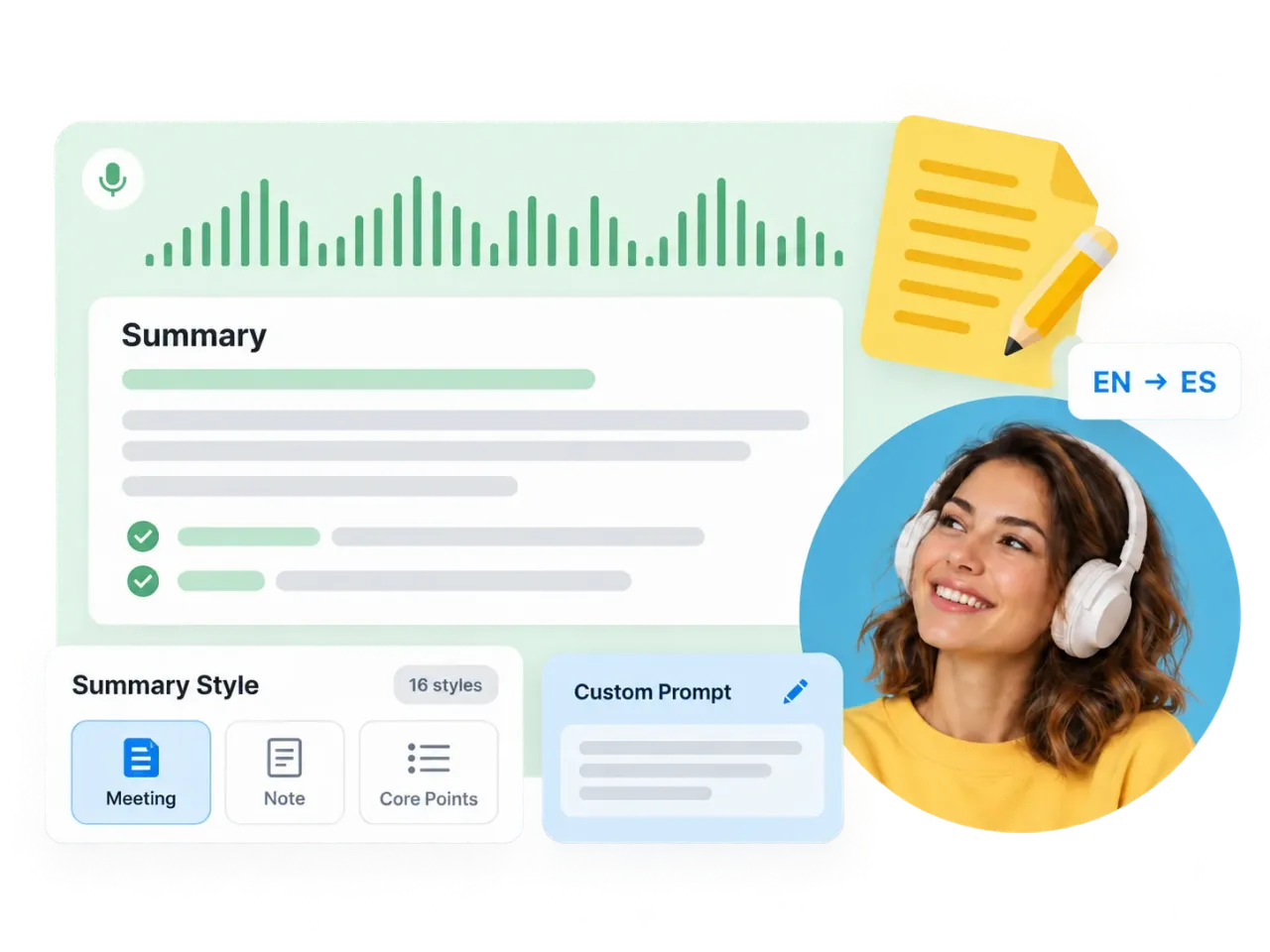
Turn recordings into notes that fit your task with our audio to text converter. Choose from 16 summary styles, including Meeting, Note, and Core Points, or add a custom prompt for your preferred structure. Edit the generated summary and translate it into your chosen language for easier review and sharing.
Flexible Transcription Settings
Flexible Transcription Settings for Your Recording
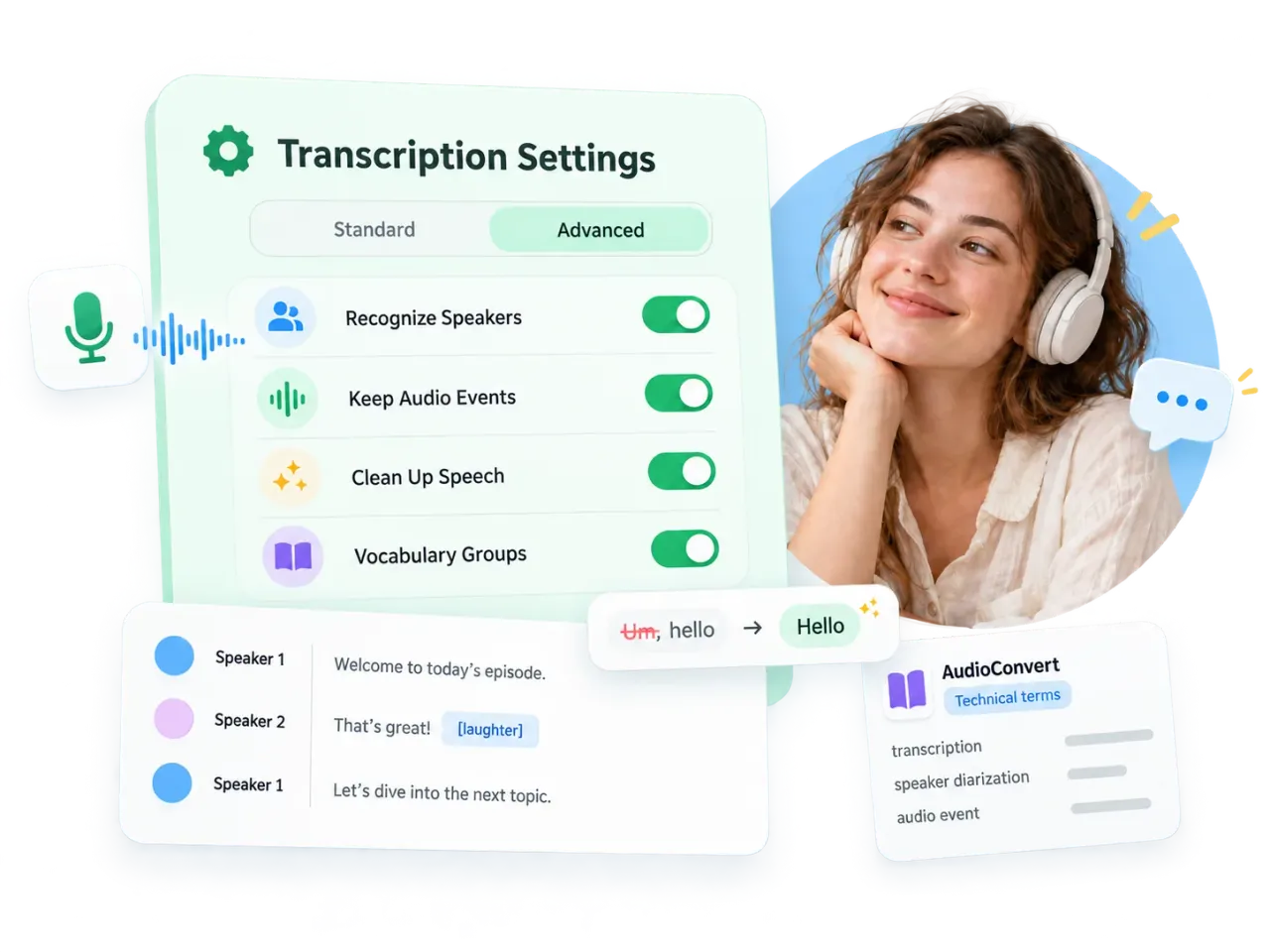
Customize your audio to text converter: enable Recognize Speakers in Standard or Advanced mode, retain laughter and applause with Keep Audio Events, remove fillers with Clean Up Speech, and guide recognition with Vocabulary Groups for names and technical terms.
AI-Powered Workspace
Interactive Transcript Workspace
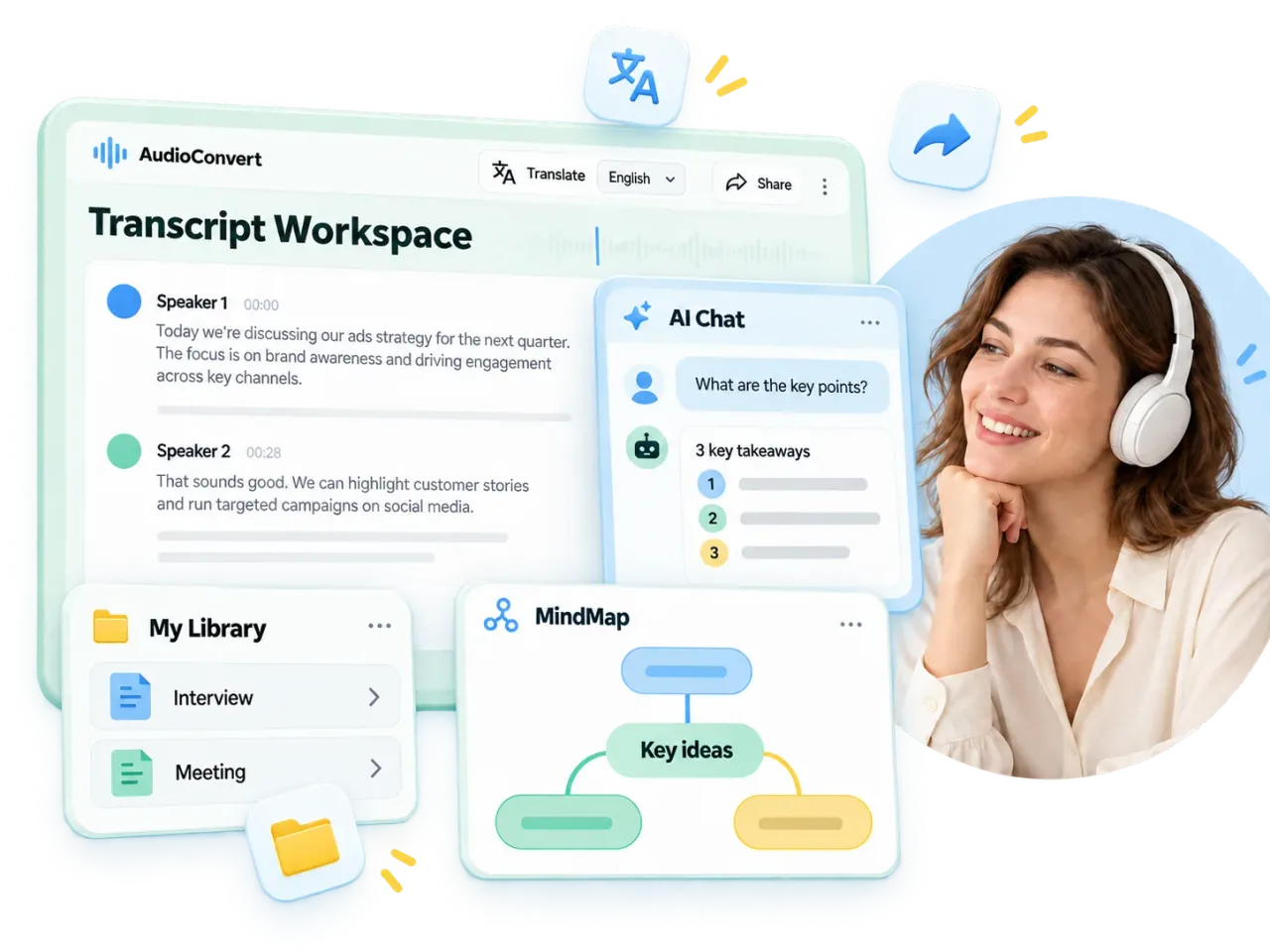
Use our audio to text converter to ask AI Chat questions, explore MindMap, translate transcripts into your selected language, and share results. Revisit your past transcriptions in My Library.
Perfect Transcripts for Every Workflow with Our Audio to Text Converter
Our audio to text converter turns recordings into documents for studying, creating content, conducting interviews, and reviewing meetings.
Video Creators and Captioning
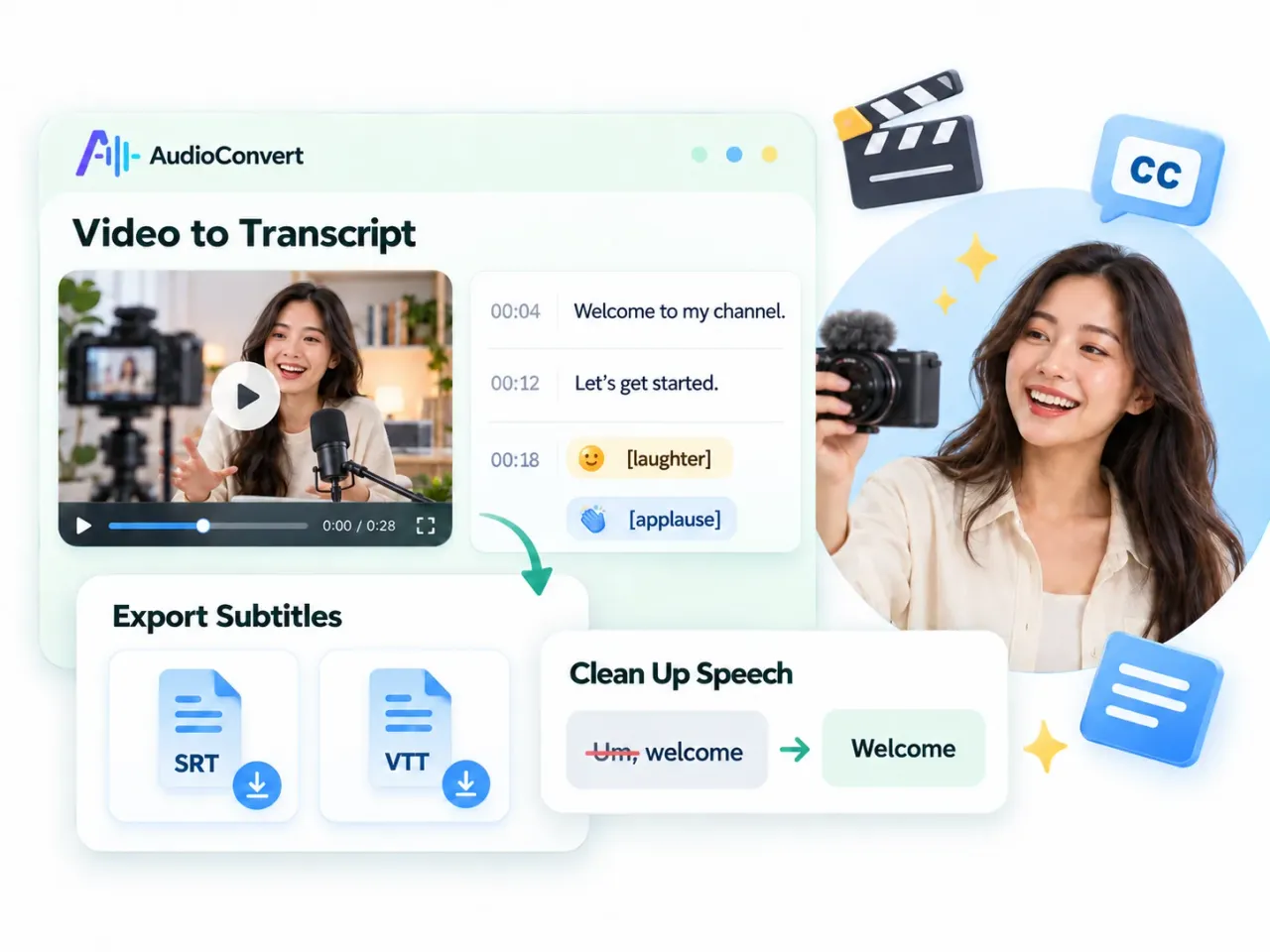
Create time-stamped transcripts with our audio to text converter and export SRT or VTT subtitles. Keep laughter and applause where supported, or clean up speech for a more readable transcript before preparing captions.
Students and Researchers
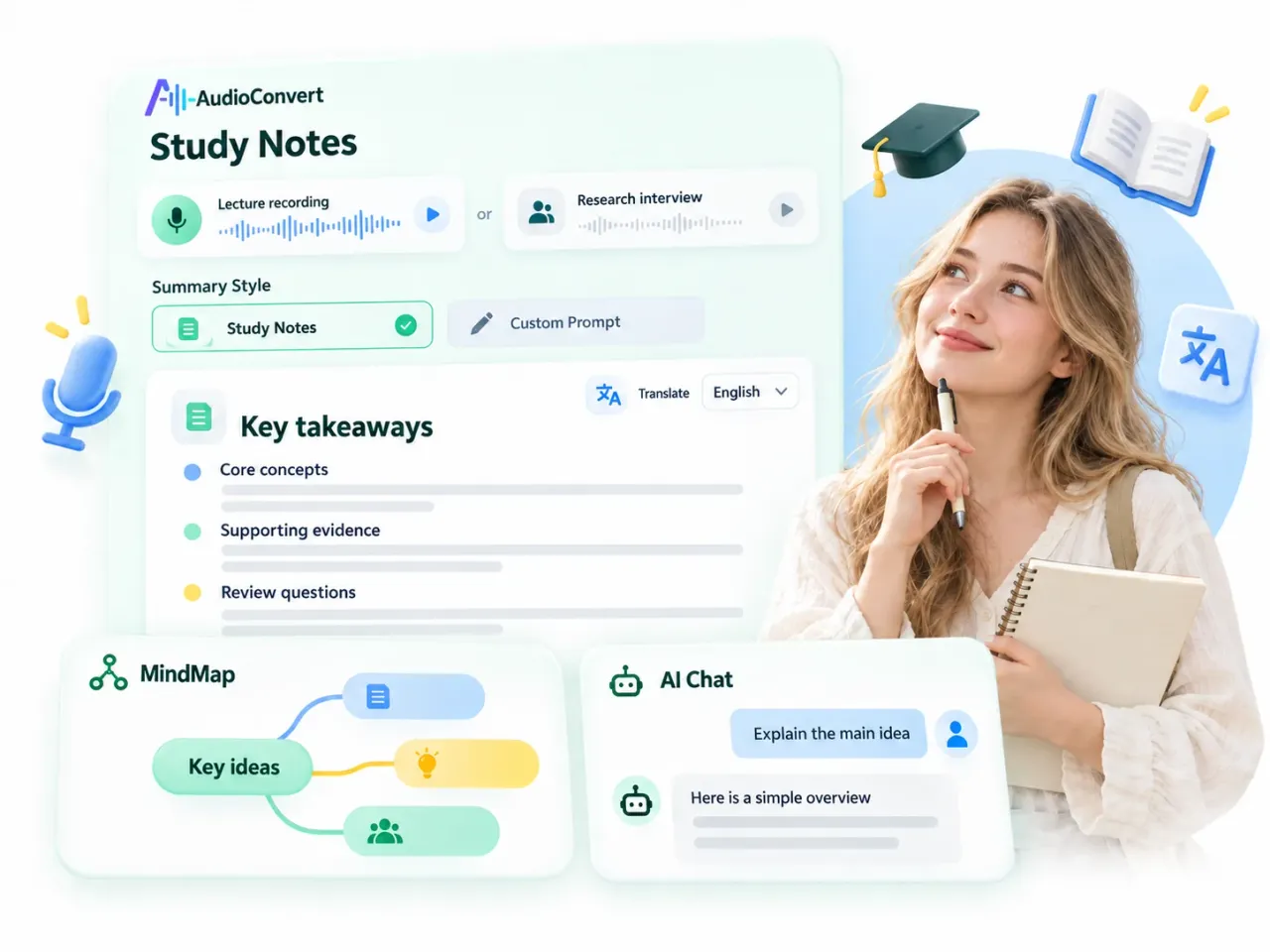
Turn lectures and research interviews into structured notes with Summary Style or a custom prompt. Use MindMap to review key ideas, ask AI Chat questions, and translate the transcript or summary to support your study.
Podcasters and Content Creators
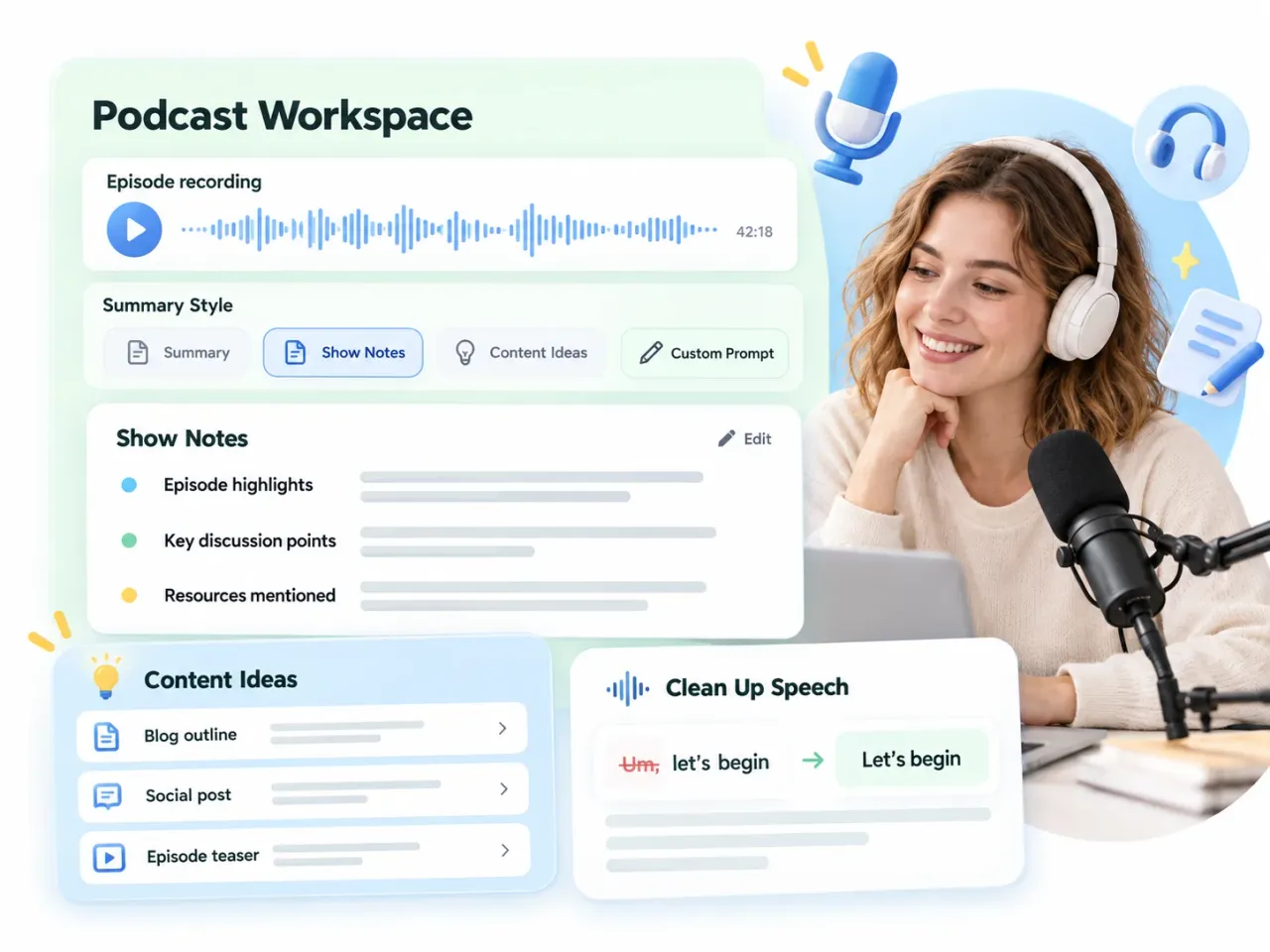
Turn episodes into summaries, show notes, and content ideas with task-specific styles or custom prompts. Edit the summary and use Clean Up Speech to make the transcript easier to read before repurposing it.
Business and Sales Teams
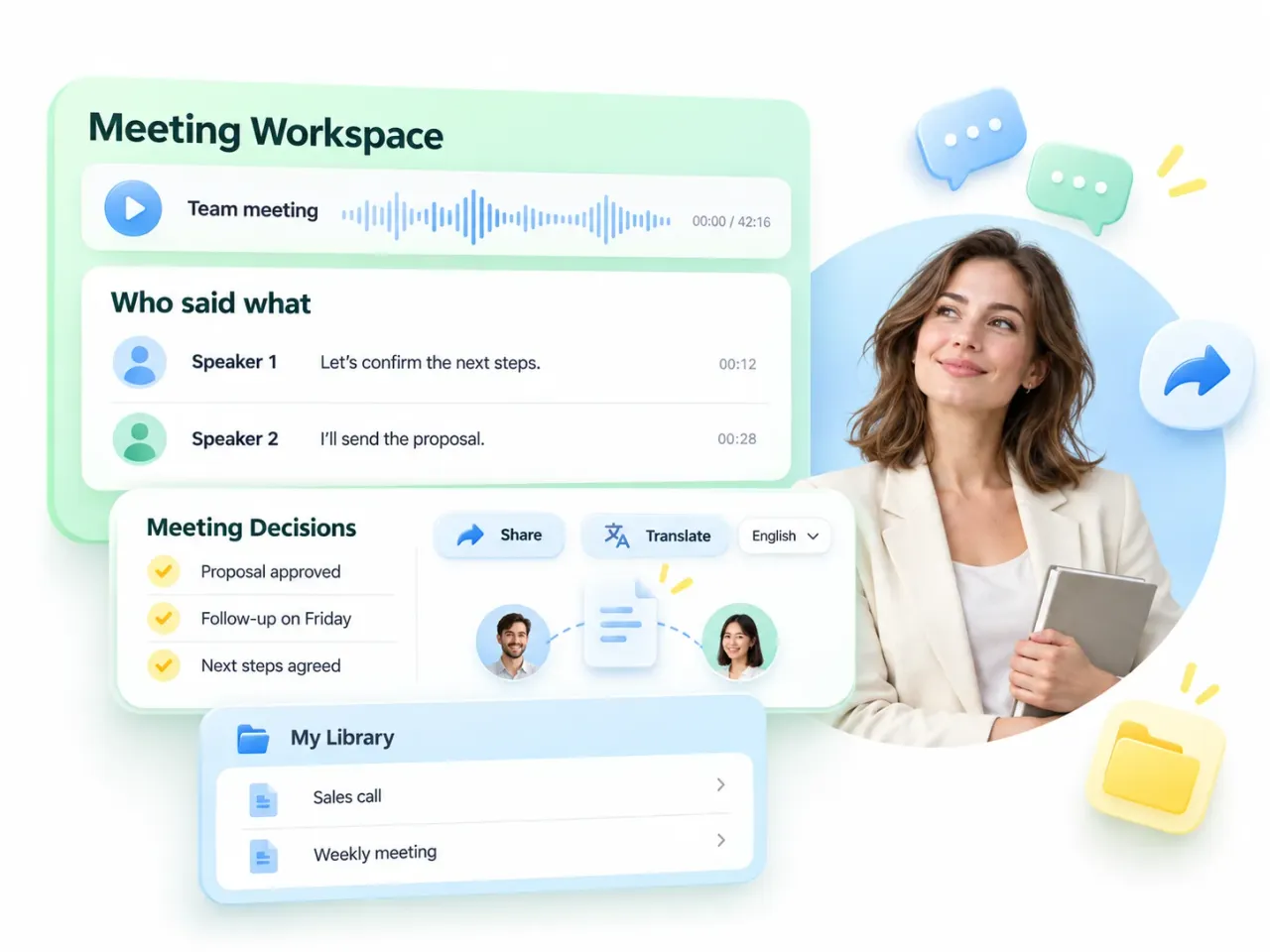
Use our audio to text converter to capture who said what and summarize meeting decisions. Share results with your team, translate notes when needed, and revisit past meeting transcripts in My Library for follow-up.
Journalists and Media
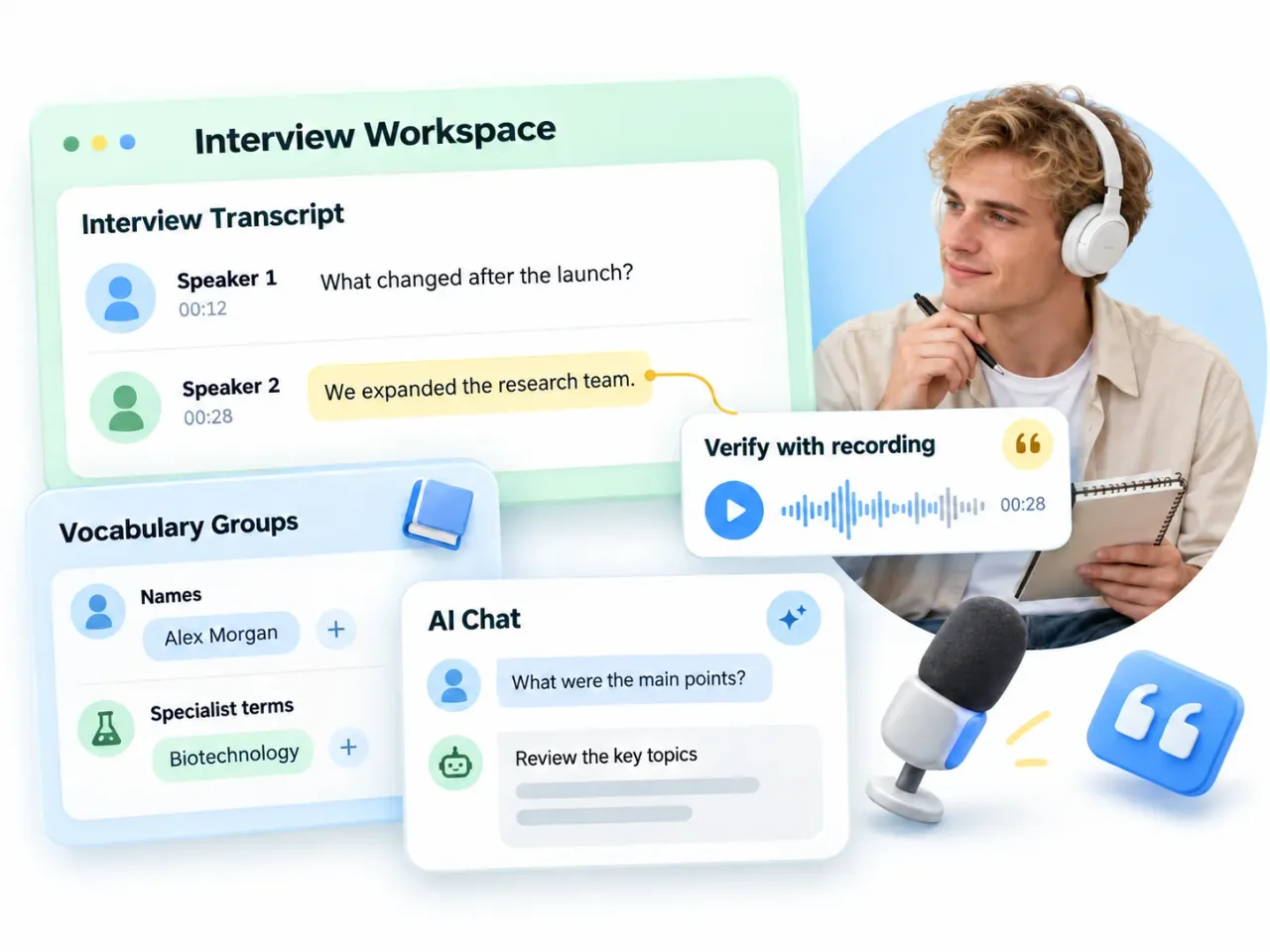
Transcribe interviews with speaker labels using our audio to text converter. Vocabulary Groups guides recognition of names and specialist terms. Ask AI Chat about the transcript, then verify important quotations and details against the recording.
Real Voices from AudioConvert Users

I've been using AudioConvert for about a month and really enjoy its detailed summaries. Many AI summary tools provide just a paragraph, while AudioConvert organizes the output into several clear sections. With 16 summary styles and custom prompts, you can tailor the summary to different needs. I also like that I get free credits every day.
Randy the Moose
AudioConvert has been helpful in my daily transcription work. Speaker recognition makes conversations easier to follow, and the summaries help me review audio and video recordings more quickly. Features like AI Chat and MindMap offer additional ways to explore the content. I mean, all this psyches me up, helping me meet deadlines and short turn-around times like crazy!
Daniel G.O
I've found AudioConvert accurate and easy to use. The text summaries are especially useful and have saved me time reviewing recordings. With different summary styles, custom prompts, and options to edit or translate the summary, there’s more flexibility to adapt the output to my needs.
Ernesto Sardain Perez
Frequently Asked Questions
Our audio to text converter turns recordings into editable transcripts. Upload a file or supported link, choose your transcription mode and summary style, and start processing. Then review summaries, explore MindMap or AI Chat, and translate, export, or share your results.
You get 30 free credits per day, enough to transcribe up to 30 minutes of audio with Standard mode without Speaker ID. Actual transcription time may vary depending on the mode and whether Speaker ID is enabled. Advanced mode uses more credits per minute.
Yes. Files are encrypted when you use our audio to text converter. Your uploaded files are used only to provide the transcription service, not shared with other users or used for unrelated purposes. You can view or delete saved transcripts in My Library.
Our audio to text converter can reach 99% accuracy on clear audio. Results vary by recording quality and mode. Choose Advanced and use Vocabulary Groups to help recognize names and terminology. Try a sample and verify key details against the recording.
AudioConvert does not currently support manual account deletion. However, your privacy is fully protected: uploaded files are automatically deleted after a limited retention period, while transcription results remain available in your workspace according to your plan. We never manually review or use your content for any unrelated purpose.
Yes. AudioConvert offers 16 Summary Style templates and custom prompts. Edit the generated summary and translate it into a supported language. Transcript translation has its own controls.
Use MindMap in AudioConvert to visualize key ideas. Ask AI Chat questions about the transcript, such as which decisions were made or what a speaker discussed. Verify important details against the recording.
Open My Library in our audio to text converter to revisit past transcriptions. Use Share on the result page to share your results, or export documents and subtitles.
INSTANT RESULTS
Save Time with Our Audio To Text Converter
Turn recordings into transcripts, summaries, and insights in seconds. No installation needed.
Start Transcribing Now