
Free Audio Converter Online
Convert audio files to MP3, WAV, FLAC, AAC, and more formats instantly. Fast, high-quality conversion with no registration required.
Convert Audio Files with Professional Quality
Powerful features designed for professional audio conversion
Convert Any Audio
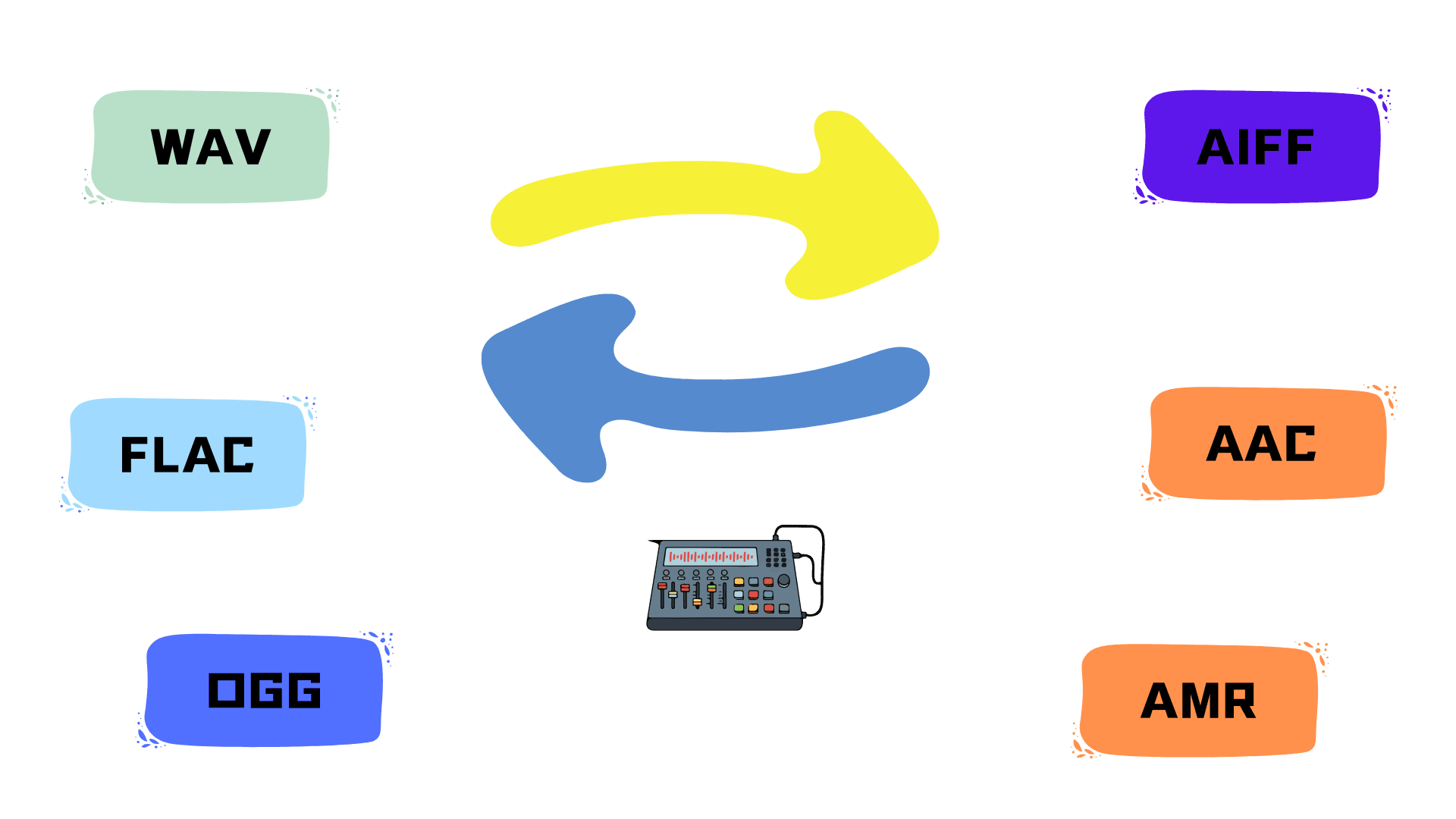
Overall, this audio converter is compatible with over 450 different audio formats, enabling seamless conversion to MP3, WAV, AAC, and many more.
Customize Audio Quality
Adjust bitrate, sample rate, codec, and other advanced settings to match your exact needs. This audio converter lets you achieve studio-grade audio quality or optimize file size for faster uploads. Fine-tune every parameter for professional results.
Free & Secure Processing
Your files are encrypted with 256-bit SSL protection during upload and conversion. All data is automatically deleted within hours — complete privacy guaranteed. Use this audio file converter without worrying about data security or storage concerns.
No Software Installation
Works entirely in your browser on desktop, mobile, or tablet. This online audio format converter requires no downloads, no plugins, no complicated setup — just upload and convert from anywhere, anytime.
Volume & Effects
Adjust volume from 50% to 200%, apply fade in/out transitions, or reverse audio playback. Perfect for podcasters, musicians, and content creators who need quick audio enhancements.
Cross-Platform
Convert audio files that work seamlessly across iPhone, Android, Windows, Mac, and all major platforms. Your converted audio maintains compatibility and quality on any device.
How to Use the Audio Converter?
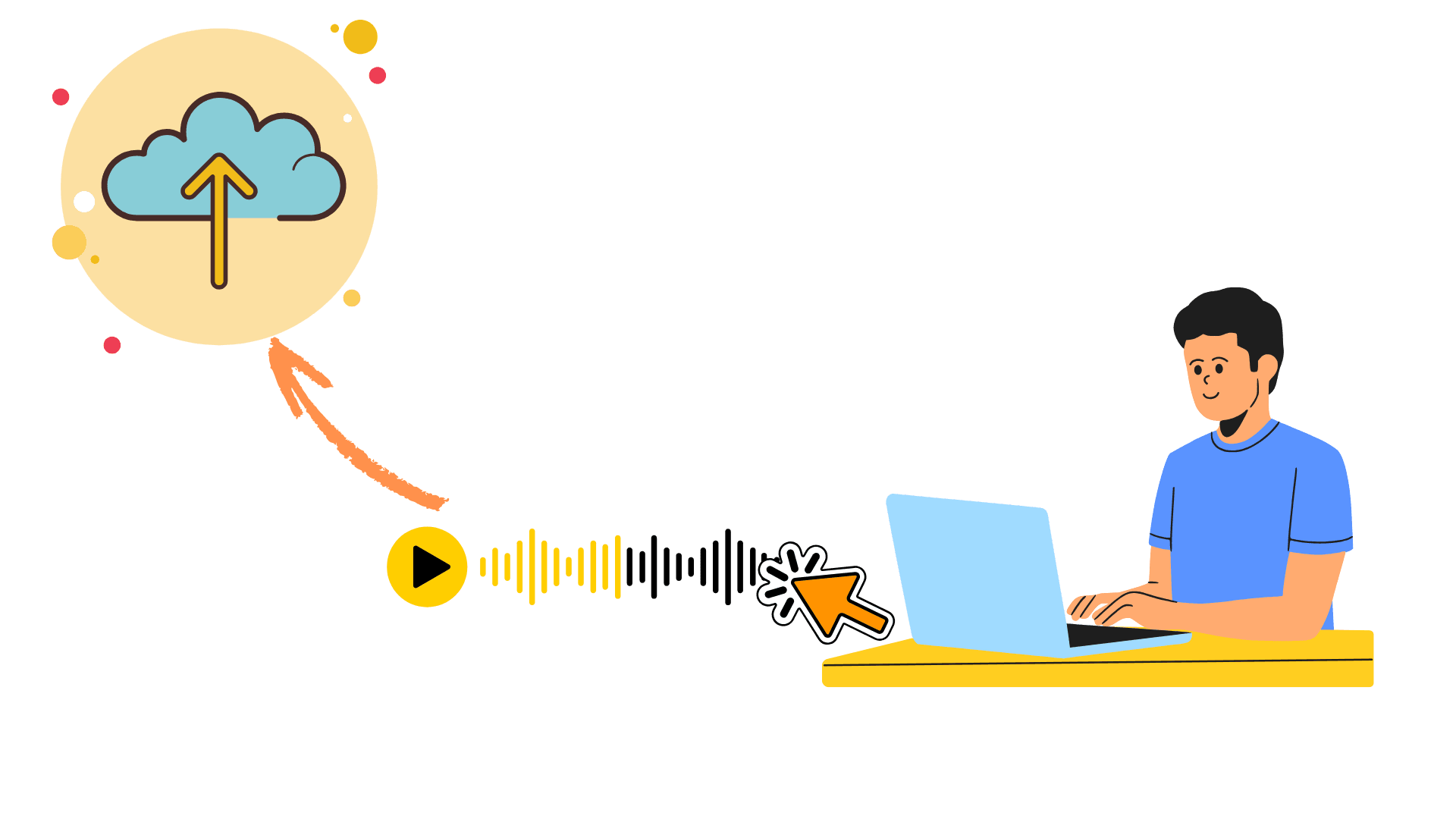
Step 1 — Upload Your Audio File
Drag and drop your audio into the converter, or click to browse and select files from your device. This audio file converter supports all major formats including MP3, WAV, FLAC, M4A, and more — with flexible file size handling.
Step 2 — Select Target Format & Settings
Choose your desired output format from 450+ options available in our audio format converter. Customize audio settings including codec selection, volume adjustment, fade in/out effects, and audio reversal if needed. Use default settings for quick conversion, or adjust these parameters to match your specific requirements. Click Convert when ready.
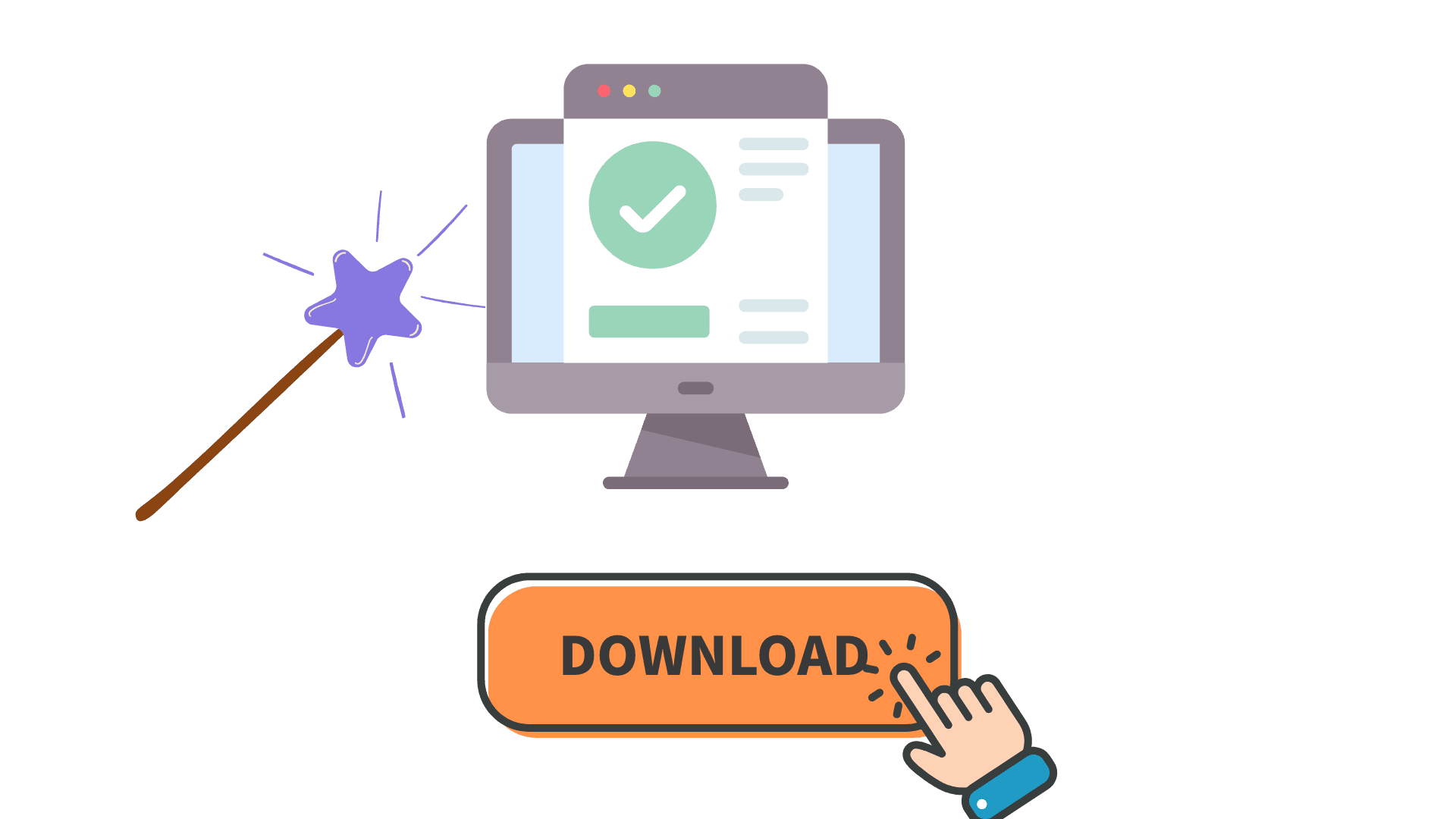
Step 3 — Download Your Converted Audio
Preview the result and download your file instantly. The audio converter maintains high quality throughout the process, ensuring your converted audio works seamlessly across all devices and platforms.
What Our Users Say

Alex_M
Music Producer

Sarah
Podcast Host

David_K
Sound Engineer

Emma
Content Creator

Marcus
Audiobook Narrator

Jake
DJ

Olivia
Video Editor

Chen
Radio Producer
Start converting
Start Converting Audio Now
Transform your audio files with professional-grade conversion technology powered by our advanced audio converter. Fast, flexible, and secure — no registration needed. Experience seamless audio format conversion today.
Convert Audio for FreeFrequently Asked Questions
Common questions about using our free online audio converter.