AudioConvert

Free Online Speech to Text Converter

Upload files or record online to turn speech to text in seconds.

99%Transcription Accuracy
30+Supports Formats
90+Supports Languages
2minsfor 1-Hour Audio
Upload Your File
Or drag and drop files here
Supports all major audio and video formats including MP3, WAV, M4A, MP4, MOV, AVI
Or try an example

Built with Leading AI Models

Social Proof 1 logo
Social Proof 2 logo
Social Proof 3 logo
Social Proof 4 logo
Social Proof 5 logo
Social Proof 6 logo

What Is Speech to Text?

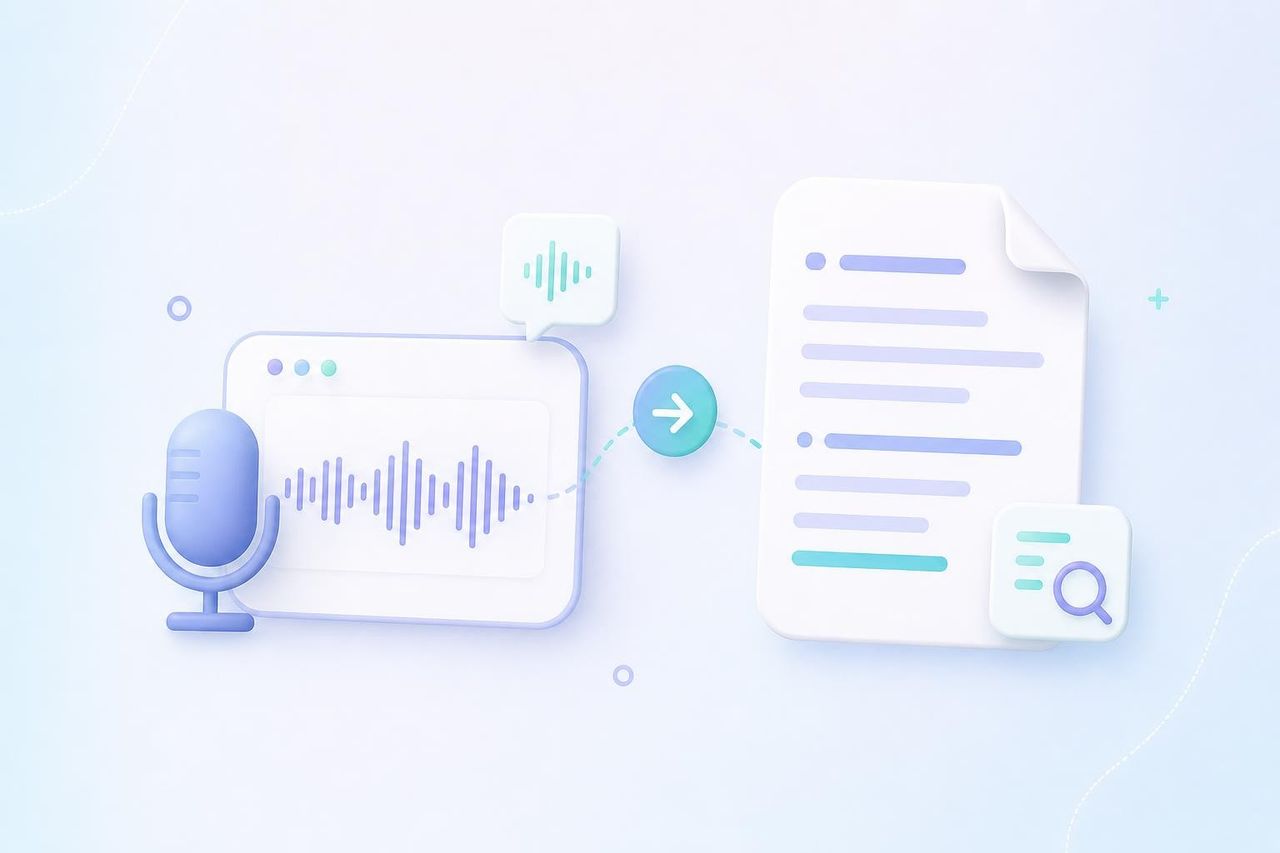
Speech to text is an AI technology that converts spoken audio into written text. Whether you need to transcribe a lecture or a meeting, AudioConvert turns your audio into readable text you can search and edit. It saves you hours of manual audio transcription, letting you focus on your work instead of typing by hand.

What Is Speech to Text?

Instantly Transcribe Speech to Text

Experience fast, accurate speech to text conversion powered by advanced AI.

Multi-Language Support

Skip manual language setup. Our tool automatically detects the spoken language from 90+ languages and dialects to deliver highly accurate transcripts instantly.

Speaker Labels & AI Summaries

Keep your transcripts organized. Our tool automatically identifies different speakers and structures the dialogue, while generating a concise AI summary to save you time.

Interactive Timestamps

Navigate your audio effortlessly. Every transcript comes with precise, clickable timestamps, allowing you to click any sentence to jump straight to that exact moment in the audio.

Flexible Export

Download your transcription as TXT, PDF, or VTT files. Use TXT for clean notes and documentation, or export subtitle-ready files for video captions and content workflows.

Security & Privacy

Your files and recordings are encrypted during upload and used only for speech to text. We never store your content, and all data is automatically deleted within 24 hours of processing completion.

Up to 99% Accuracy

Powered by advanced, cutting-edge AI models, our technology captures the exact moment of every syllable. Get complete, highly reliable results with minimal manual corrections.
How it works

How to Convert Speech to Text

Follow three quick steps to turn speech into text online.

STEP 1

Record or Upload a File

Record your speech directly in the browser or upload an audio file from your device. Our tool seamlessly captures ambient sound—just speak clearly into your microphone to start.

STEP 2

Transcribe Your Speech

Let AI convert your speech to text in minutes. The tool supports multiple languages and accents, helping you create accurate, readable transcripts from spoken content.

STEP 3

Edit and Export Your Text

Review the generated transcript, correct details, and refine the text directly online with our text editing features. Then copy your transcript or download it in the format you need.

Supported Major Audio & Video Formats

AudioConvert handles common audio and video formats for speech to text transcription online.

MP3 to Text

Convert MP3 audio into editable text.

WAV to Text

Transcribe WAV recordings with high clarity.

M4A to Text

Turn M4A voice recordings into transcripts.

MP4 to Text

Convert MP4 video speech into text.

MOV to Text

Extract speech from MOV videos.

WEBM to Text

Transcribe WEBM media files online.

Speech to Text for Every Workflow

Use speech to text to capture, review, and reuse spoken content across work, study, content creation, and everyday notes.

Students & Educators

Convert lectures, classes, and study recordings with our speech to text tool for easier review. Use timestamps and smart summaries to revisit key ideas without replaying the full audio.

Business Meetings

Generate meeting transcripts from recorded calls, webinars, and team syncs. Document key decisions, action items, and follow-up notes in a clear text format your team can review and share.

Content Creators

Extract spoken narratives from your tutorials, scripts, and social videos. Easily transform your audio transcription into accurate video captions, blog drafts, newsletters, or social posts.

Journalists & Researchers

Simplify interview workflows by converting recorded conversations and field recordings into readable text. Scan through raw quotes, research insights, and notable moments in a fraction of the time.

Podcasters & Video Creators

Turn podcast episodes and videos into readable transcripts for show notes, subtitles, captions, and descriptions. Make long-form media easier to search, edit, and reuse.

Personal Voice Notes

Convert voice notes to text for quick ideas, daily reminders, and personal journals. Capture thoughts hands-free, then refine them into organized notes or documents later.

Don't just take our word for it

I record a lot of tutorials and short-form video ideas, but writing everything out manually used to slow me down. This speech to text tool helps me turn my spoken drafts into clear text much faster. I can review the transcript, pull out strong lines, and reuse parts of it for captions, scripts, and post descriptions. It makes the whole content workflow feel lighter.
Elaine Mitchell

Elaine Mitchell

Content Creator

Most of my work happens in meetings, customer calls, and internal discussions. After using speech to text, it is much easier to turn long conversations into something the team can actually review. I use the transcript to check decisions, summarize action items, and share follow-up notes without replaying the full recording.
Morris Hayes

Morris Hayes

Product Manager

For lectures and online courses, I do not always have time to write detailed notes while listening. The speech to text converter helps me turn class recordings into readable study material. Having the transcript makes it easier to search for key terms, review important sections, and prepare summaries before exams.
Kristina Carter

Kristina Carter

Graduate Student

I often work with interview recordings, and manual transcription can take hours. With this speech to text tool, I can get a first draft of the interview quickly, then clean it up and verify quotes myself. It does not replace careful editing, but it saves a huge amount of time when I need to move from audio to written notes.
Lester Grant

Lester Grant

Journalist

Frequently Asked Questions

All about using speech to text tools

Tired of typing notes? Convert audio and video to text online for free and get accurate transcripts with summaries, timestamps, and export options.

Start Converting Speech to Text Now