
Voice to Text Converter
Instantly convert spoken words into accurate, editable text with AudioConvert's AI voice to text tool.
How to Use the Voice to Text Converter in 3 Steps
Record your voice or upload a recording, generate an accurate AI transcript, then review, edit, and export your text in minutes.
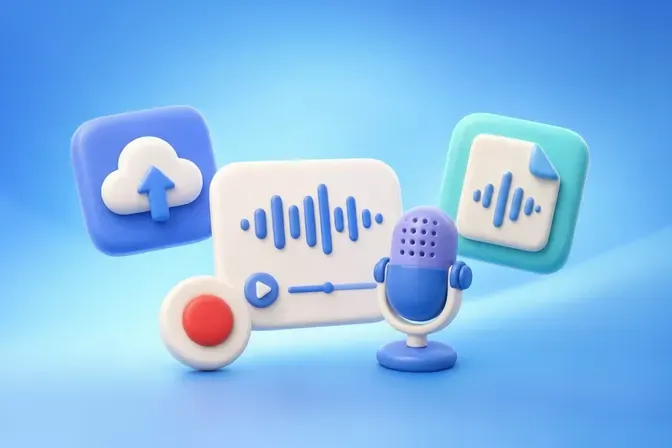
Step 1: Upload a Recording or Record Your Voice
Upload an audio file or use the built-in recorder to capture your voice. Once your recording is complete, submit it to the voice to text tool for transcription.
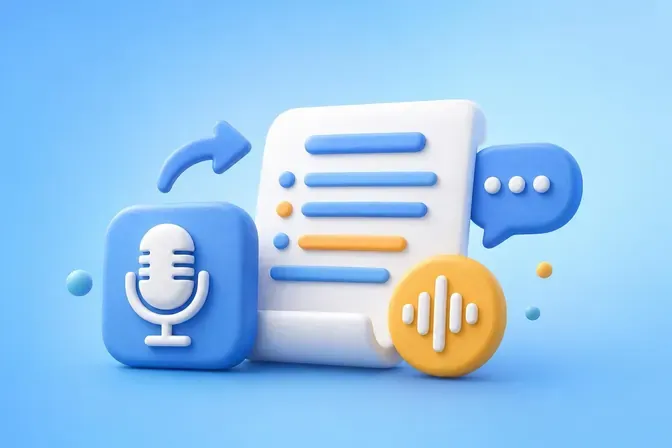
Step 2: Generate and Review the Transcript
The voice to text converter automatically transforms your recording into text with punctuation and speaker identification. Review the transcript and make edits if needed.
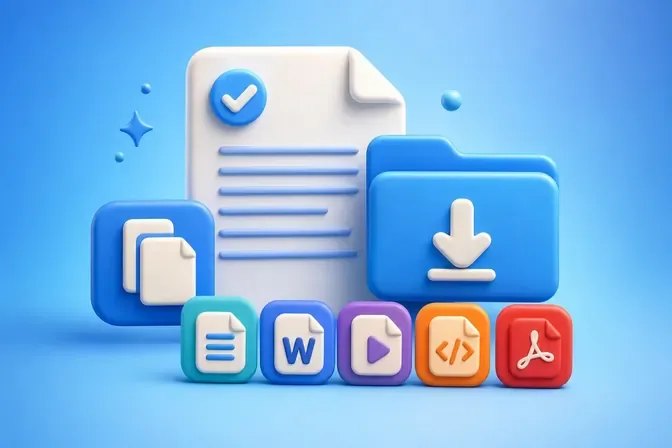
Step 3: Copy or Export Your Transcript
Copy your transcript instantly or click the "Export" button to choose from multiple formats, including TXT, DOCX, SRT, VTT, and PDF for easy download.
Maximize Productivity with Voice to Text
Turn recordings into accurate transcripts, AI summaries, and reusable text across formats and languages to save time and streamline your workflow.
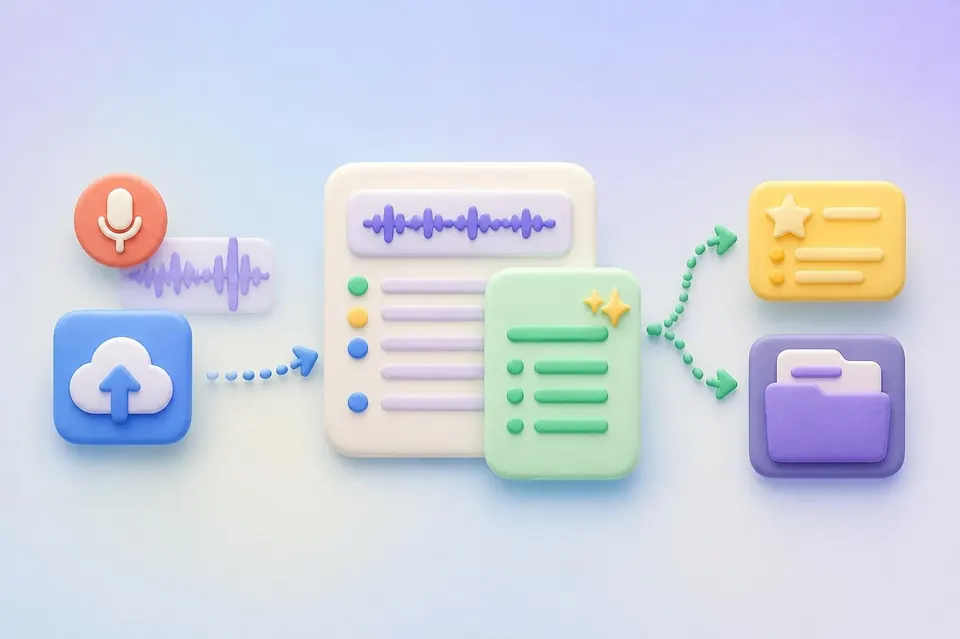
Get Clear Notes and AI Summaries
Upload a recording and receive both an accurate transcript and an AI-generated summary. Quickly review key points, identify action items, and keep reliable records without listening again.
Get Started Free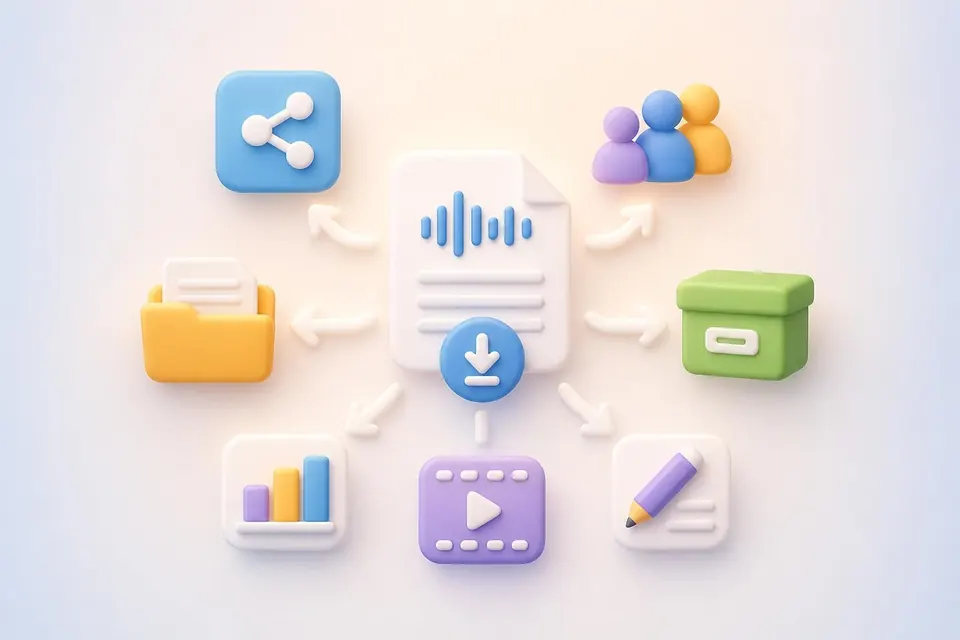
Export and Reuse Your Transcript Easily
Download your finished transcript and use it across different workflows. Share it with teammates, archive important records, create reports, prepare captions, or repurpose spoken content into written materials.
Try it Free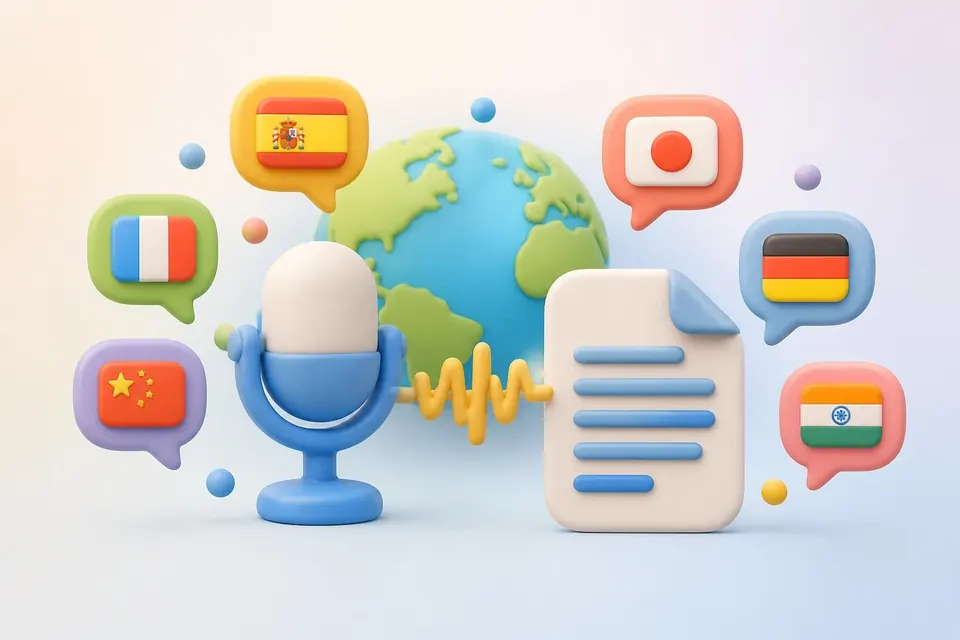
Transcribe 90+ Languages Automatically
Automatically detect and transcribe speech in more than 90 languages. Convert multilingual recordings into text without manually selecting the language beforehand.
Start for FreeWhy Choose Our Voice to Text Tool?
Explore how an AI voice to text tool and voice recorder with transcription turn speech into accurate and editable text.
Flexible Uploads
Upload files in more than 30 audio and video formats. Our flexible voice to text tool makes it easy to transcribe voice recordings from different devices, apps, and platforms.
99% Accuracy
Powered by advanced AI technology, our voice to text converter delivers fast and reliable transcripts with up to 99% accuracy, helping you save time and reduce manual typing.
Private and Secure
Your privacy comes first. Files processed by our voice to text converter are encrypted during upload and automatically deleted from our servers within 24 hours.
Record on Any Device
Use the built-in voice recorder with transcription on your phone or laptop to capture speech and convert voice to text without additional equipment or software.
Editable Transcript
Speak naturally while recording and let AI handle the transcription. Once complete, you can edit your transcription, remove mistakes, and refine the text with ease.
Speaker Detection
Automatically identify and separate multiple speakers in a recording. AudioConvert makes conversations, interviews, and meetings easier to read, review, and organize.
What Users Say About Our Voice to Text Converter

Evelyn Bryant
Content Creator
"I use AudioConvert as my go-to voice to text converter for interviews and video notes. The transcripts are highly accurate, and the AI summary helps me review key points without replaying long recordings. It saves hours of editing every week."



Frequently Asked Questions
Get quick answers about using the AI voice to text converter online.
Ready to Convert Voice to Text?
Stop typing by hand. Try our free voice to text tool to record your voice or upload a recording, generate an accurate transcript, edit it online, and export your text in minutes.