







1
Paste Your TikTok URL
Copy the link to a public TikTok video and paste it into the transcript generator, or upload a saved video from your device.

Paste a TikTok link and turn videos into accurate transcripts instantly with AI.
Get the text you need without the hassle of manual transcription. Our TikTok to Text tool turns spoken words into searchable text.
Copy the link to a public TikTok video and paste it into the transcript generator, or upload a saved video from your device.
Click Transcribe and let AI convert the video's spoken words into text. Enable speaker recognition if you want to distinguish between speakers.
Download your transcript in the format that best fits your needs, whether for editing, reference, or subtitle creation.
Turn spoken content into searchable text. Review videos at your own pace, spot useful ideas, and build on what you learn without replaying every clip.
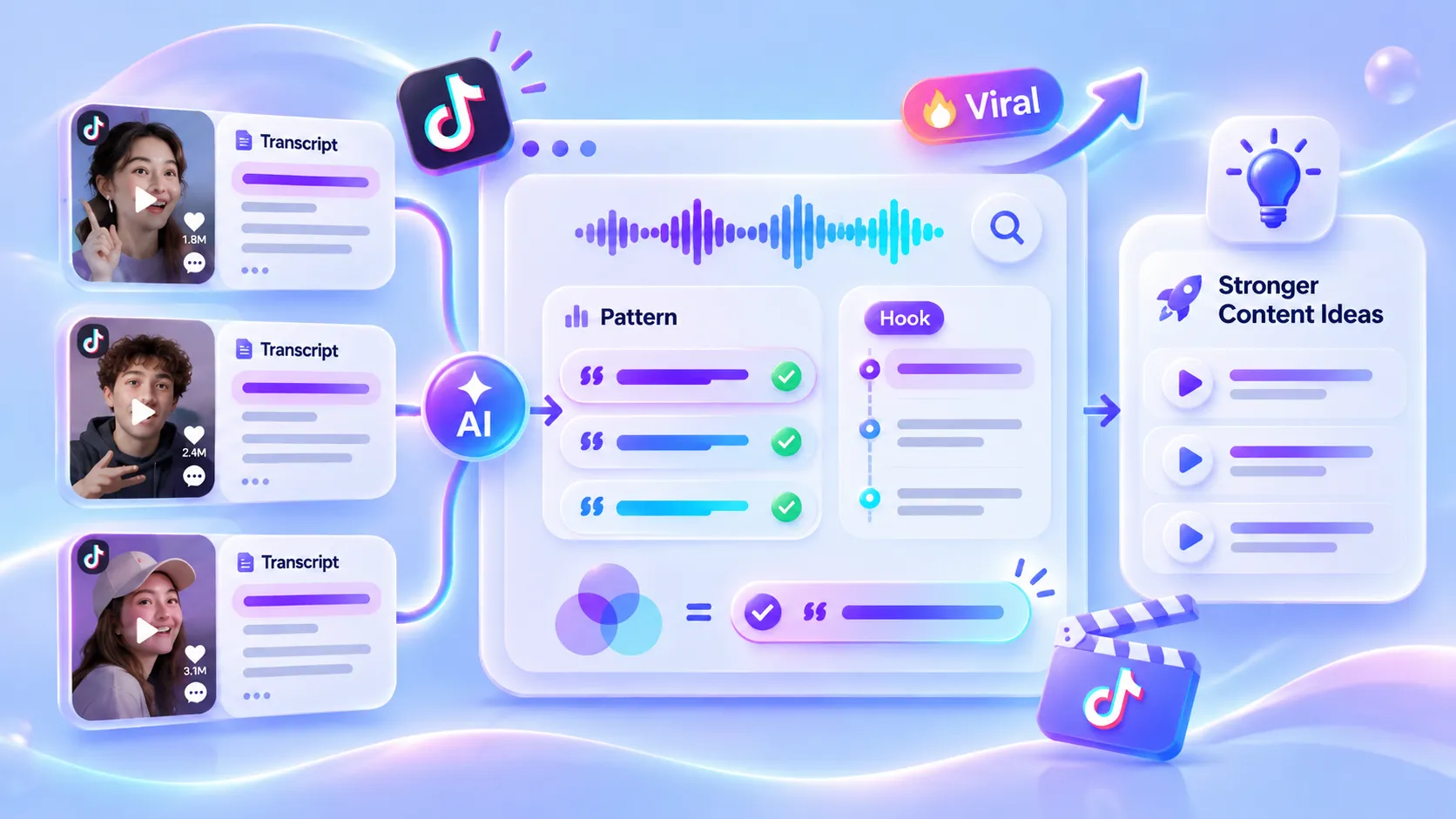
Compare the scripts behind viral TikTok videos to spot recurring hooks, storytelling techniques, and memorable phrases. The AI-generated transcript makes it easier to examine the wording, spot recurring hooks, and turn those observations into stronger openings and more engaging scripts of your own.
Analyze a TikTok Video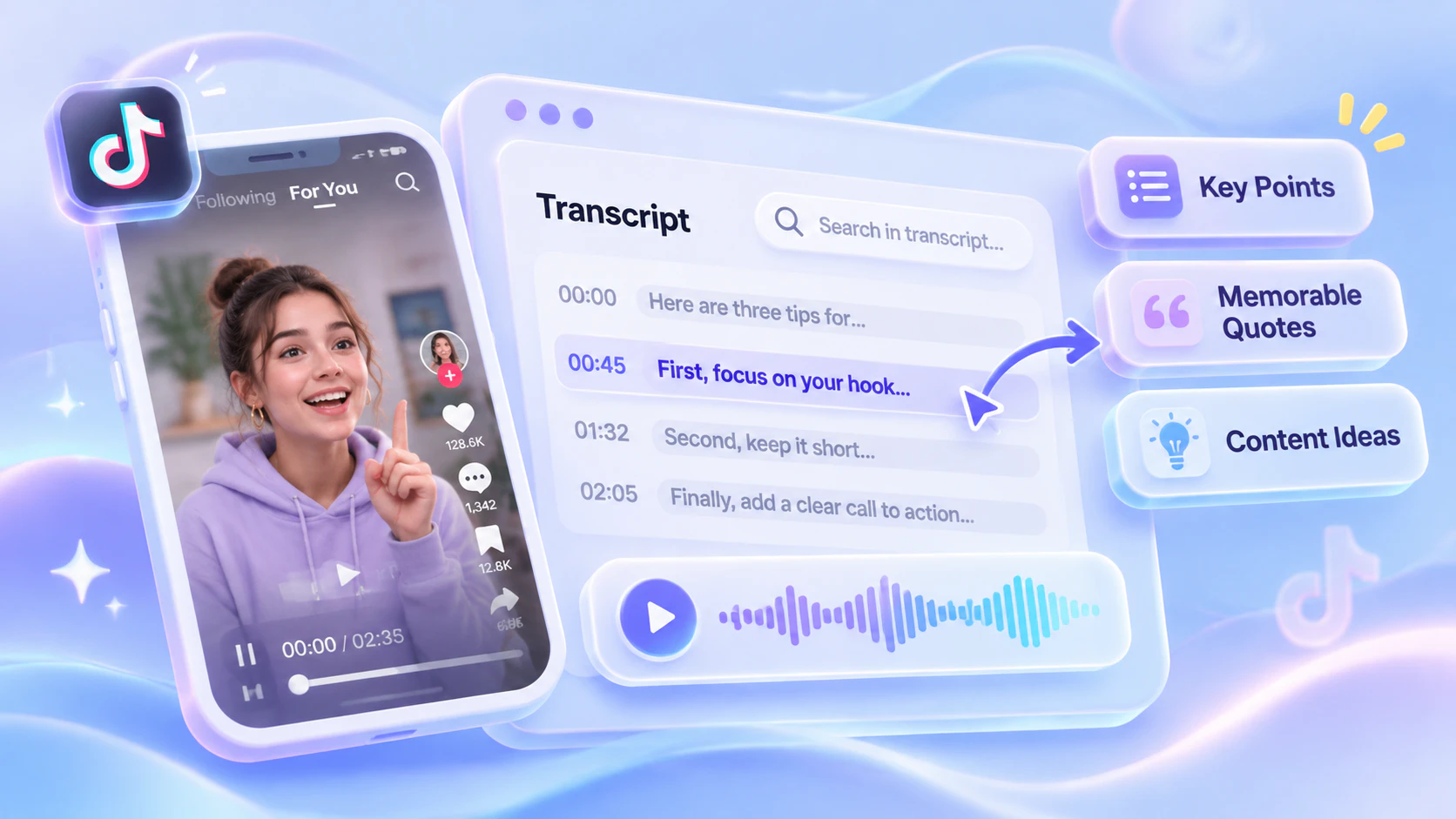
Tips, opinions, and useful details can be easy to miss in a video. A searchable transcript helps you revisit key points, save memorable quotes, and collect ideas for your next post without replaying the entire clip.
Generate My Transcript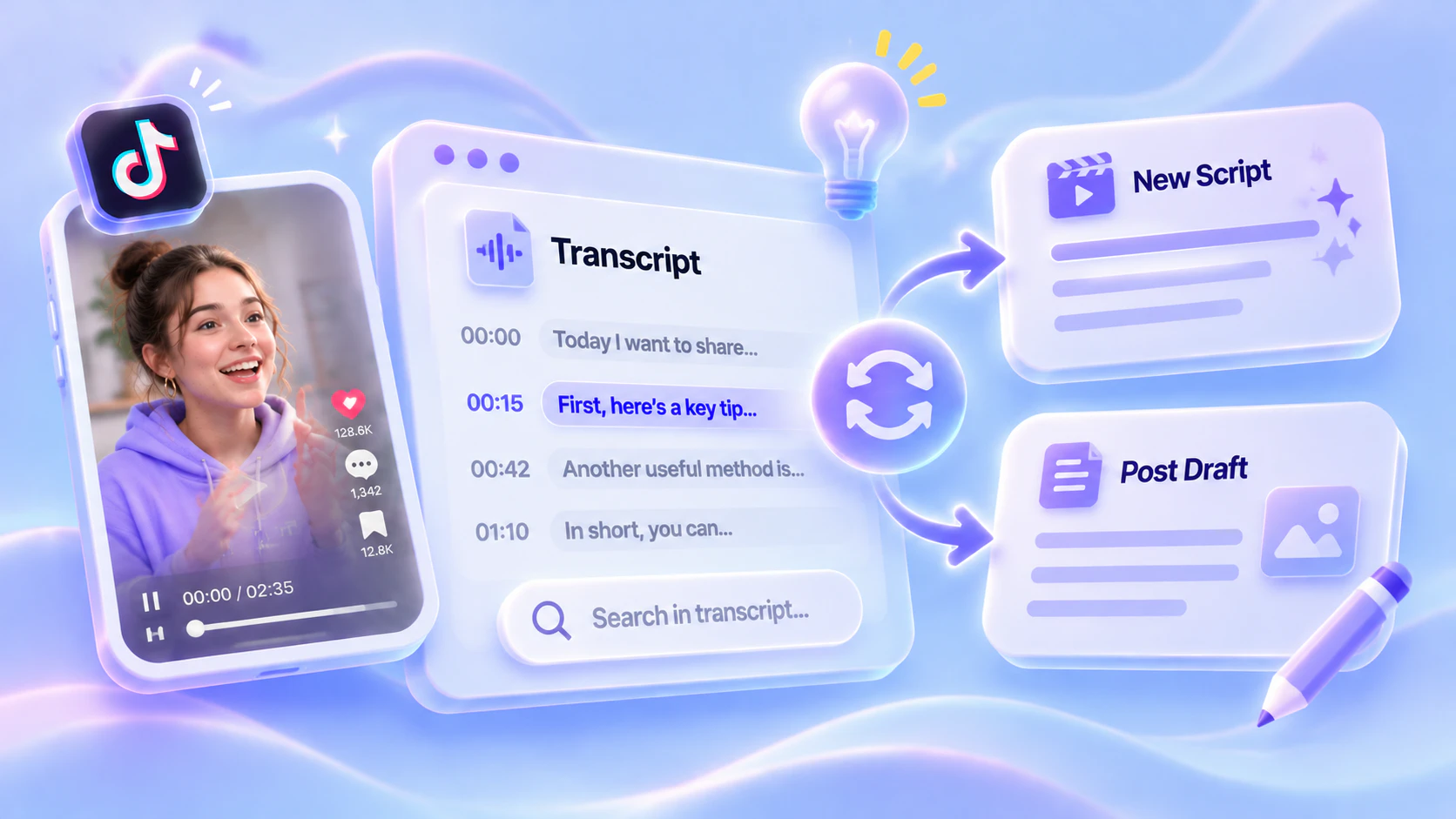
Turning your own video into a written post often means reconstructing what you said from memory. With a TikTok transcript, you already have a starting draft. Reshape useful passages into a new script or post, and spend your effort refining the message instead of transcribing it.
Transcribe a TikTok videoDownload your TikTok video transcript as plain text, an editable document, or a subtitle file. Choose the format that fits your workflow.
Save your transcript as a lightweight text file for easy reuse.
Export timestamped subtitles for compatible video editors and players.
Add captions to web videos with a WebVTT subtitle file.
Open and edit your TikTok transcript in Word for further formatting.
Turn TikTok tutorials, practical tips, and explainers into text you can revisit. Use the AI summary to review key takeaways, then ask questions about details you want to understand better.
Use our TikTok transcript generator to capture product features, reviewer opinions, and practical tips in text. Compare what different reviewers say and collect useful details for product research or your own review.
Enable speaker recognition to distinguish speakers in your TikTok transcript. Review individual answers, pull relevant quotes, and ask AI about the discussion without replaying the full conversation.
Stuck for content ideas? Get a transcript of a trending video in your niche and explore its angle, key messages, and standout lines. Use these insights to brainstorm fresh topics and bring your own perspective to the conversation.
READY TO START
Turn TikTok videos into accurate text with AI. Generate your first transcript today.
Try It Now
Mary Davidson
Content Creator

Rosa Simmmons
Social Media Manager

Mark Patterson
Video Editor

Gabriel Baker
University Student

Tommy Myers
Language Learner

Ann James
Podcast Producer