
Free AI Audio Enhancer Online
Enhance audio and video sound with AI. Balance loudness, remove filler words, and keep background music for clearer recordings. Upload your files to get started.
Audio Enhancer Features for Audio and Video
Our audio enhancer brings noise removal, speech cleanup, loudness optimization, and studio enhancement together with playback comparison and flexible export.
Noise Remover with Optional Music Retention
- Reduce background noise with our audio enhancer. Noise removal is on by default, with an option to keep music that belongs in your recording.
Detailed Speech Cleanup
- Remove fillers, hesitant pauses, long gaps, stutters, repeated phrases, and mouth noises. Reduce loud breaths and preserve duration when needed.
Enhance Audio Quality and Balance Loudness
- Optimize overall loudness for a more balanced listening experience. Enable Studio Enhancement to apply stronger sound processing to your recording.
Before-and-After Playback and Flexible Export
- Compare original and enhanced versions before downloading. Export MP3, WAV, FLAC, M4A, AAC, or OPUS, or keep your video's original format.
How to Use the Audio Enhancer Online
Bring your recordings closer to ready. Upload audio or video, choose the settings that fit your content, and download the result in three steps.
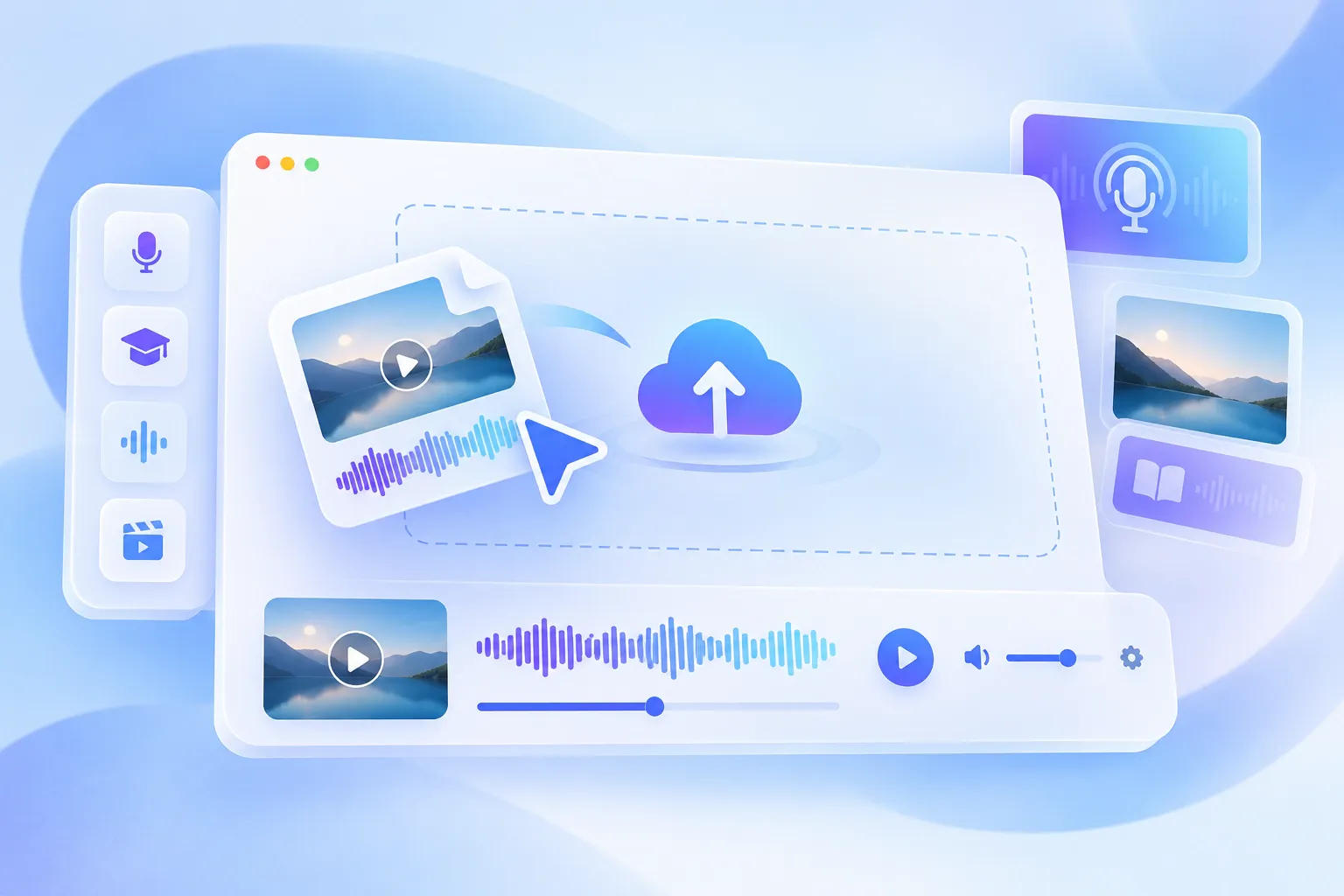
Step 1: Upload One Audio or Video File
Choose a file from your device or drag it into the upload area. Supported formats include MP3, WAV, M4A, and MP4.
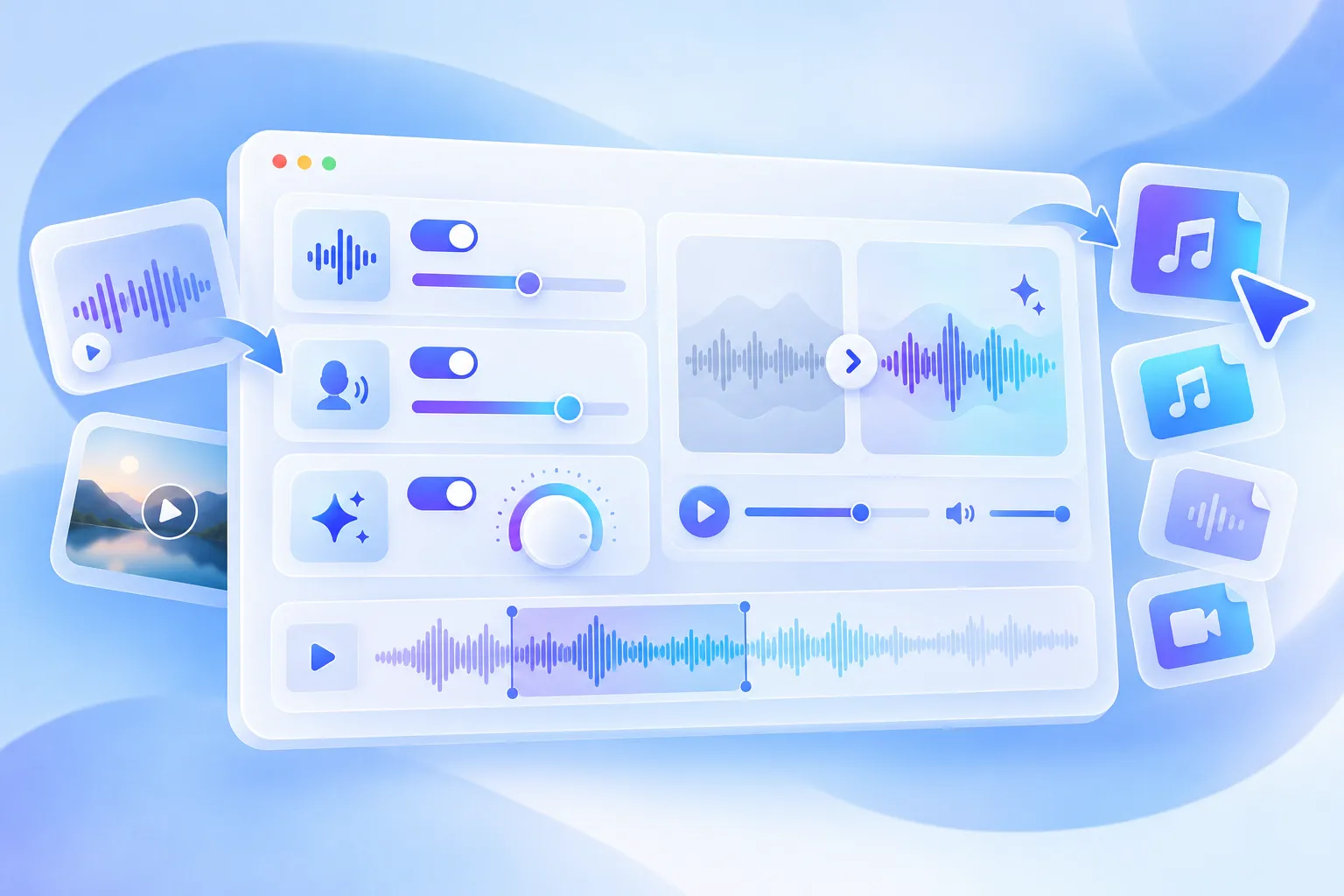
Step 2: Choose Enhancements and an Output Format
Set noise removal, speech cleanup, and enhancement options. Choose Original format (default), MP3, WAV, FLAC, M4A, AAC, or OPUS.
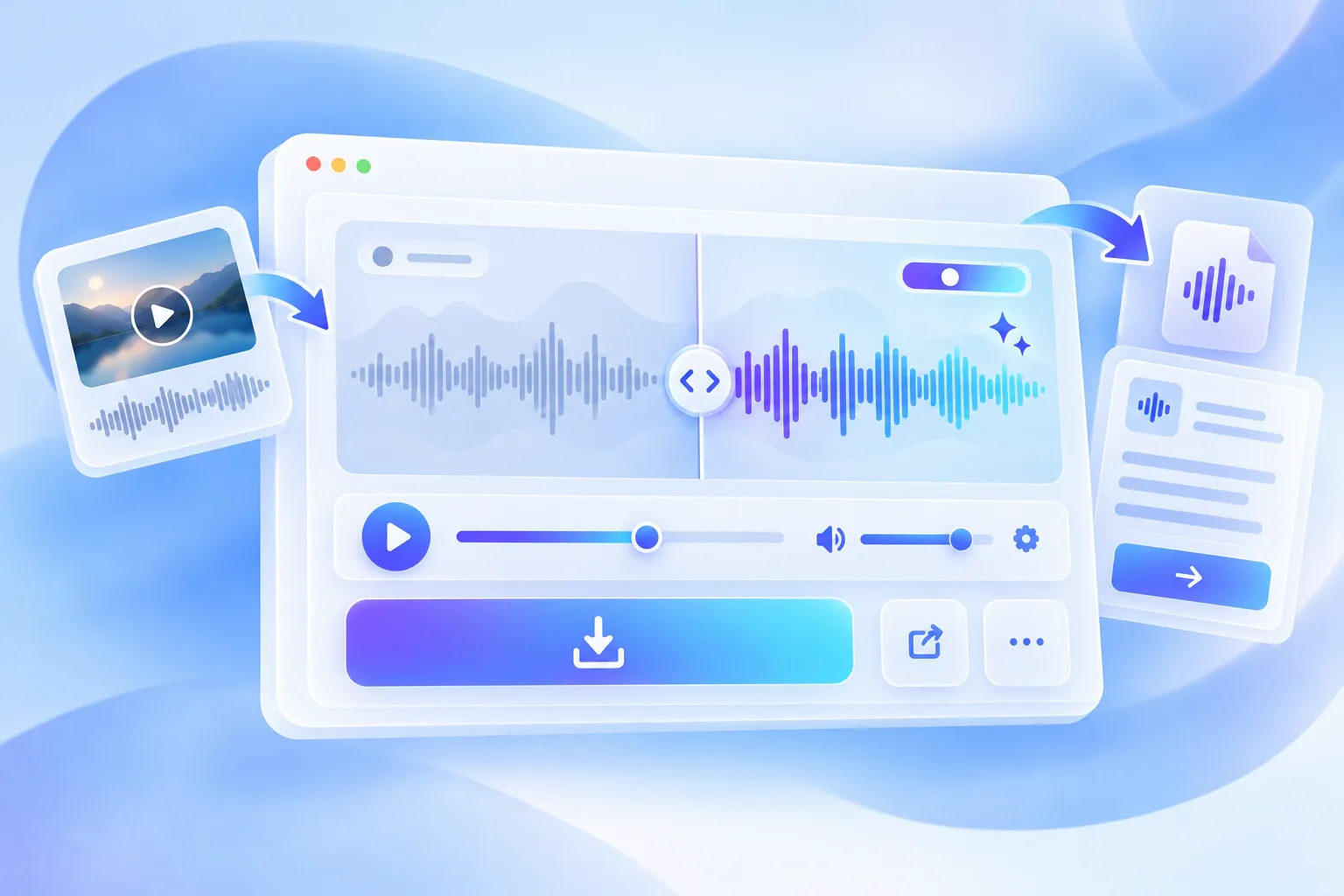
Step 3: Enhance, Compare, and Download
Click Enhance Audio, compare both versions, and download the result. To transcribe your enhanced recording, upload it on the homepage.
Why Choose Our AI Audio Enhancer?
Make recordings easier to follow and reuse with our audio enhancer. Prepare content for sharing, study, or your next project without complex editing.
Help Your Audience Follow the Message
Make conversations and explanations more comfortable to follow, so listeners can focus on your ideas during a lesson, interview, or podcast episode.
Enhance Audio Now
Give Existing Recordings a New Purpose
Prepare an interview, lesson, or voice recording for a new audience. Make useful material easier to revisit, share, or include in your next project.
Enhance Audio Now
Get Started Without Audio Expertise
Use our audio enhancer through a focused online workflow. Prepare a more polished recording without learning a full audio production suite.
Enhance Audio Now
Spend Less Time Repeating Setup
Your chosen settings are retained, reducing repeated setup as you move on to the next recording. Keep your attention on the content you want to prepare.
Enhance Audio NowWho Benefits from Our Audio Enhancer?
Different recordings come with different distractions. Prepare spoken content for the people who need to hear it, from podcast listeners to students.
Podcasters
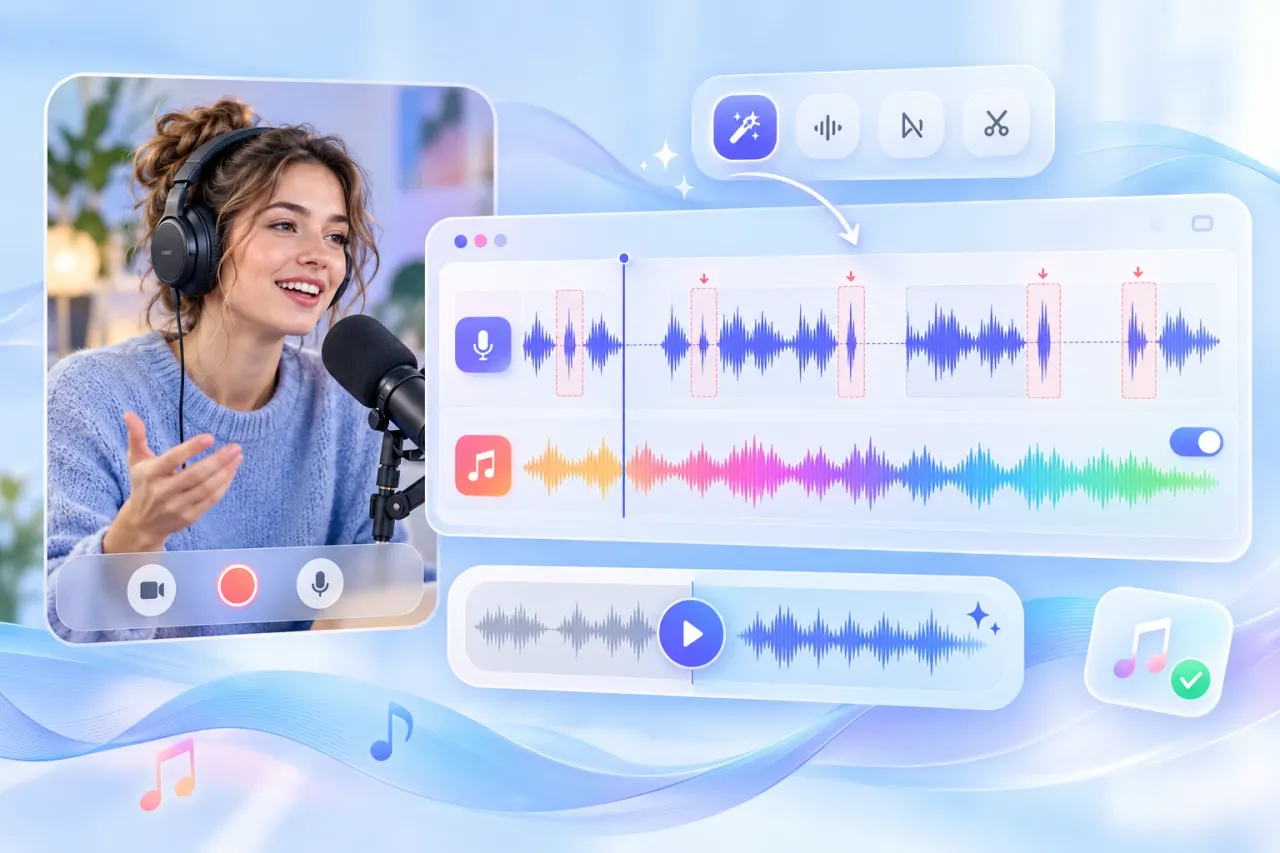
Tidy up fillers, long gaps, and loud breaths in recorded conversations. Keep background music when an intro or recurring soundtrack is part of your show.
Video Creators
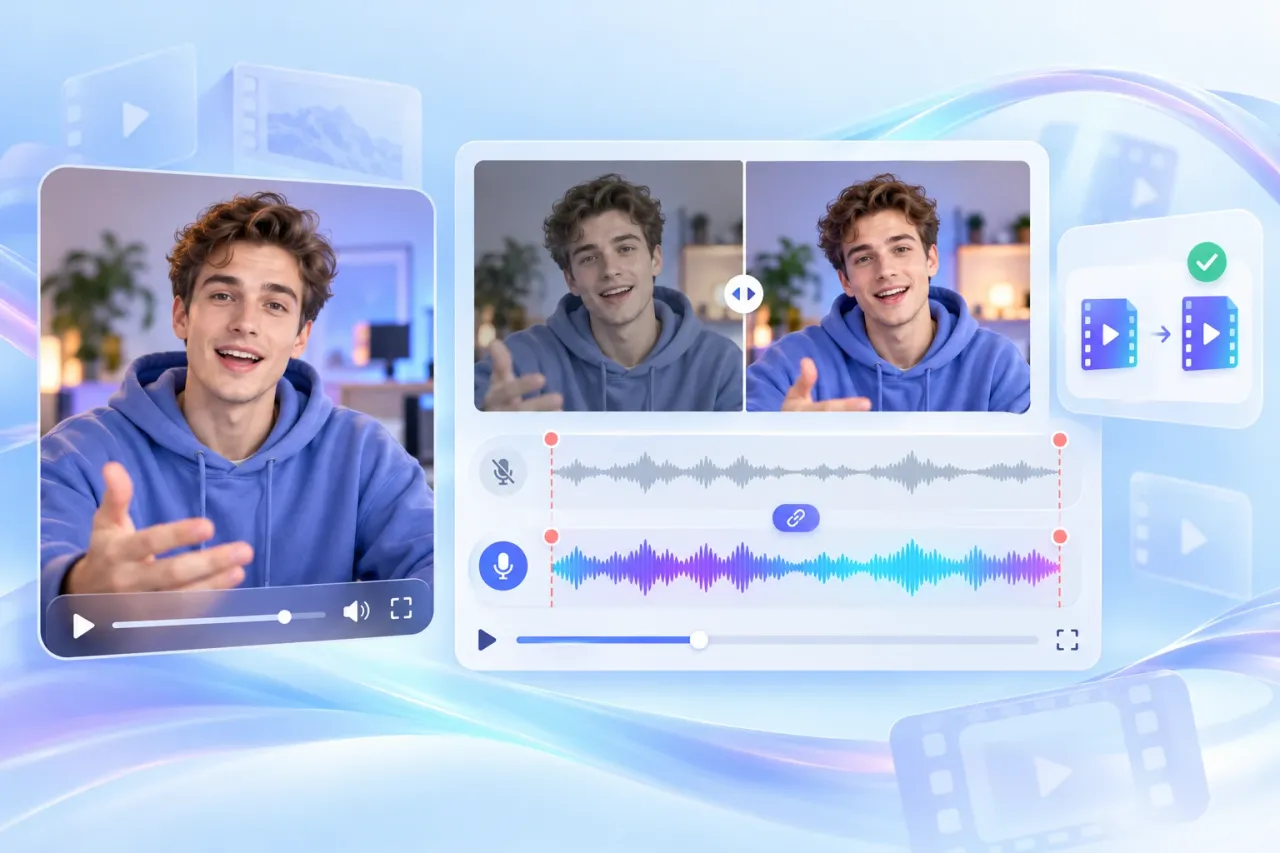
Improve spoken sound in tutorials, vlogs, or interviews. Keep the original video duration and compare both versions before exporting in the original format.
Educators and Students
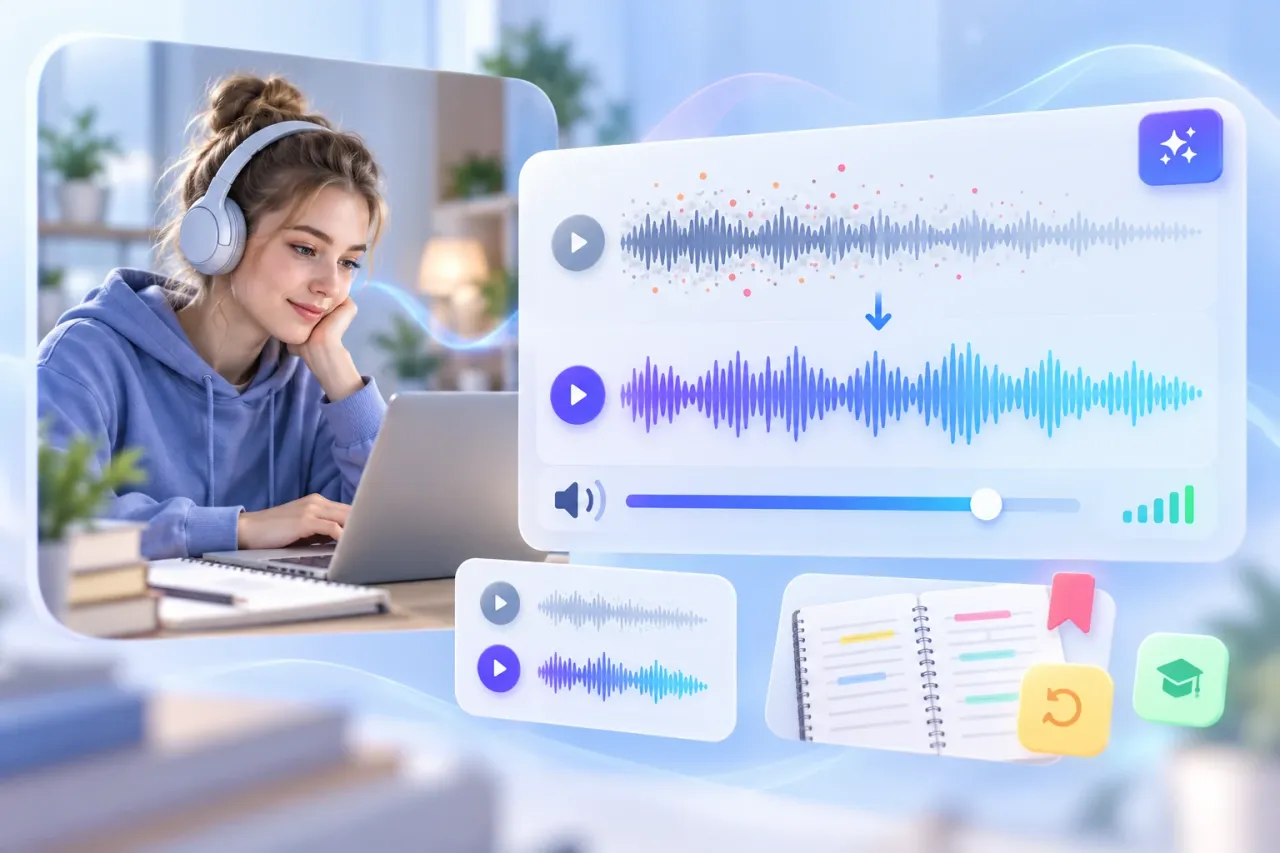
Make recorded lessons more comfortable to revisit by reducing background noise and improving loudness. Prepare clearer listening material for study or revision.
Journalists and Researchers
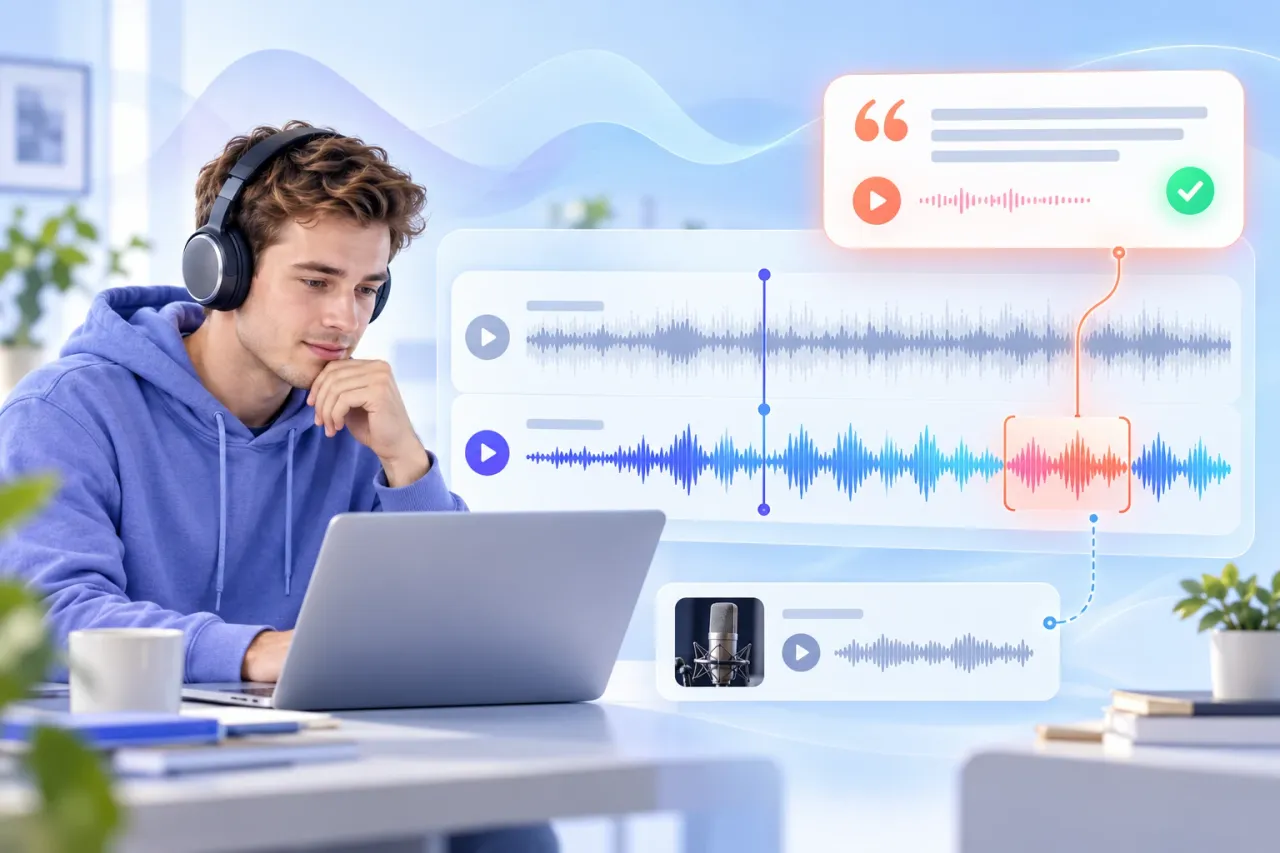
Clean up interview audio for easier listening during review. Compare the result with the original, and verify important quotations against the source recording.
Real Voices from AudioConvert Users

Emma Wilson
Podcast Host

Daniel Brooks
Video Creator

Hannah Clarke
University Student

James Bennett
Corporate Trainer

Olivia Parker
Freelance Journalist

Sophie Bennett
Voiceover Artist
Frequently Asked Questions
Check how uploads, enhancement settings, and exports work before you start. Find the right setup for your audio, video, or next transcription task.
Our tool enhances audio and video sound online, with options to balance loudness, retain background music, remove filler words, and choose an output format.
Yes. Upload a video and enhance its audio, then export audio only or keep the original video format. Video output always preserves the original duration.
Original format is the default. You can also choose MP3, WAV, FLAC, M4A, AAC, or OPUS.
Yes. Enable the option to keep background music when it is part of your content. This lets you retain the soundtrack while applying audio enhancement.
Yes. Files are encrypted and used only for our audio enhancer service. We do not share them with other users or use them for unrelated purposes.
You can upload individual files up to 3 GB in size and 1 hour in length, with a total limit of 2 hours per user. This ensures fast, high-quality processing for all your audio and video recordings.
Yes. Download your enhanced file, then go to the homepage and upload it for transcription. Transcription is a separate step and does not start automatically.
Audio results show the original and enhanced recordings together. For video, switch between the two versions using tabs in a single player.
Try the Audio Enhancer on Your Next Recording
Upload one recording, choose the improvements it needs, and compare the result with the original. Download when you are ready to use the enhanced version.
Enhance Audio Now