
MOV to MP3 Converter Online
Convert your MOV files to MP3 in seconds — free, fast, and fully online.
Experience Smooth, Reliable MOV to MP3 Processing
Essential tools for fast, high-quality MOV to MP3 conversion
Fast Conversion
Our tool processes your MOV files in real time, delivering MP3 output within seconds. No queues, no waiting — even large files convert smoothly thanks to optimized in-browser processing.
100% Free & Online
Everything runs directly in your browser, meaning you don't need to install apps, create accounts, or deal with hidden limits. It’s completely free to use anytime, on any device, with no watermarks added to your files.
Format Support
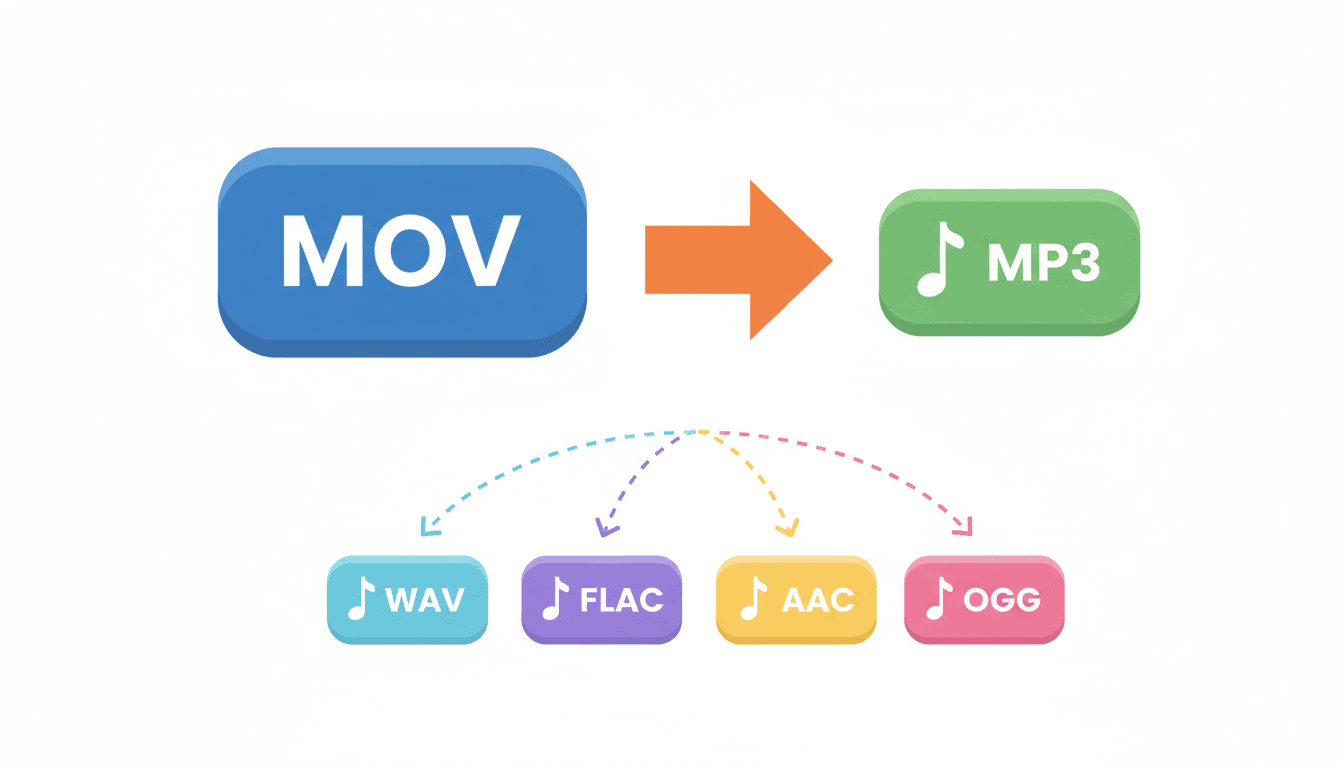
In addition to MOV to MP3, the converter works with MP4, WAV, M4A, AAC, OGG, FLAC, and more. Whether you're extracting audio from video or converting between audio formats, you can handle all tasks in one place.
High Quality
AudioConvert converts your MOV files to MP3 without compressing or reducing audio quality. The output preserves the clarity of your original file, giving you stable, high-quality sound perfect for editing, sharing, uploading, or personal listening.
Safe & Private
Upload your MOV files for secure conversion to MP3. All data is protected with 256-bit SSL and automatically deleted within hours. No third-party access — your content stays private. Convert easily from desktop, mobile, or tablet, with no downloads or plugins needed.
Cross-Platform
Your converted MP3 files work seamlessly across iPhone, Android, Windows, Mac, and other major platforms. The output maintains stable quality and reliable playback on any device you use.
How to convert MOV to MP3?
Step 1 — Upload your MOV file
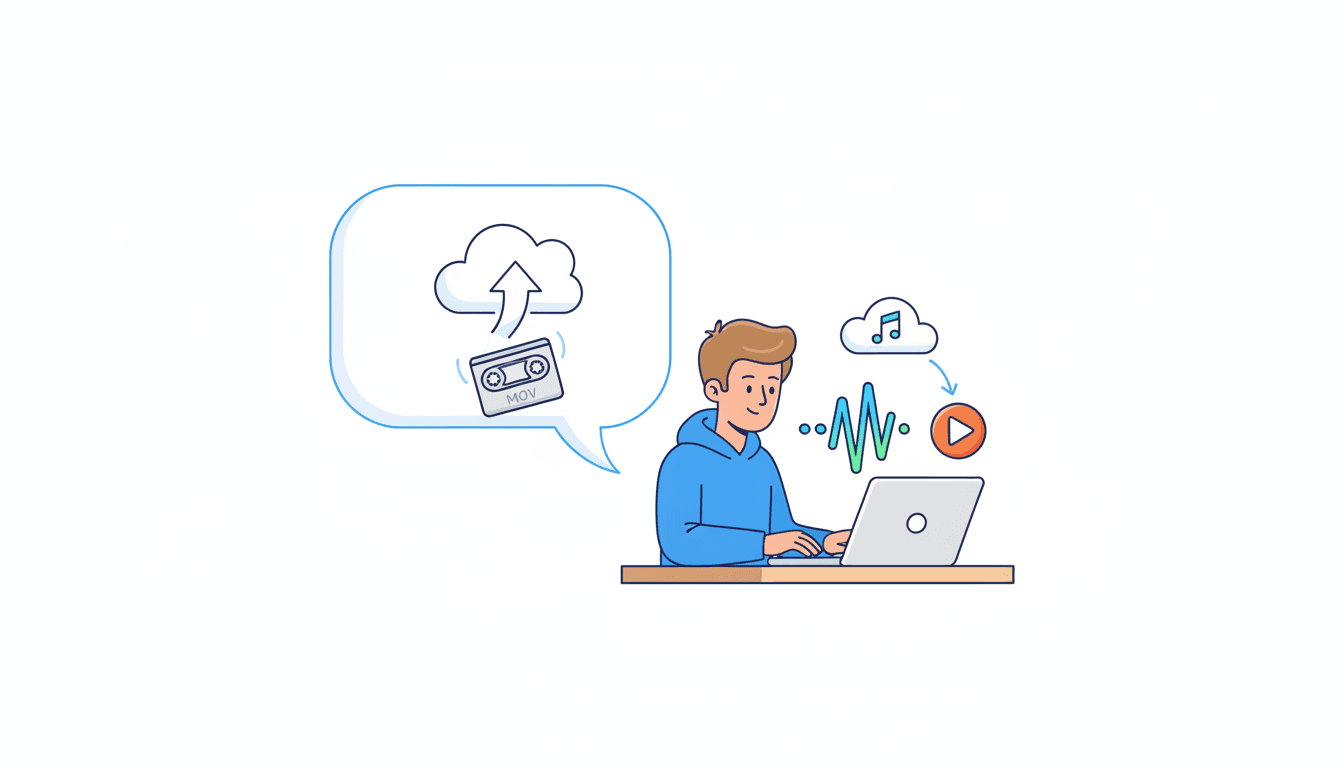
Drag your MOV file into the upload area or select it from your device. The file is prepared instantly in your browser. Larger videos may take a few extra seconds to load.
Step 2 — Choose MP3 and adjust settings
Select MP3 as the target format, or choose from other supported formats like WAV, FLAC, AAC, and more. Then click Convert to start the process.
Step 3 — Download and save your file
Once conversion is complete, click Download to save the audio file to your device. Play it to check clarity and compatibility. Your MP3 (or selected format) is ready for projects, sharing, or offline listening.
Why users trust AudioConvert

Liam Mitchell
Video Creator

Sophie Williams
Student

Alex Zimmerman
Content Creator

Emma Roberts
Podcaster

Daniel Keller
Marketer

Olivia Sanders
Music Hobbyist
Start converting
Start Converting MOV Files Now
Transform your MOV videos into high-quality MP3 audio in seconds with fast, secure online conversion. Extract soundtracks, dialogue, lectures, or background audio instantly—no software needed. Enjoy smooth, reliable mov to mp3 conversion anytime, on any device.
Convert to MP3 for FreeFrequently Asked Questions
Common questions about converting MOV to MP3 online.