"This video to text converter helps me turn tutorial videos into clean transcripts much faster. I use the text to check key points, prepare captions, and reuse parts of the video for posts or descriptions."

Mia Carter
Video Content Creator

Transcribe video to text with AI in minutes. Upload a video or paste a supported link, then review, edit, summarize, and export your transcript online.
Processing 60,000+ minutes of video daily.






A video-to-text converter uses AI speech recognition to extract spoken audio from a video and turn it into an editable transcript. You can search the text, correct, and export it for meeting records, lecture notes, interviews, captions, research, or content repurposing.
With a video to text converter, you can transcribe video to text in minutes instead of typing everything by hand. Turn meetings, lectures, webinars, interviews, and recordings into editable notes faster, so you can focus on reviewing the content instead of replaying it.
Our video to text converter turns spoken content into searchable text. You can find key topics, quotes, decisions, and important moments in the transcript without watching the full video again.
Convert video to text online and reuse the transcript for meeting notes, study materials, research records, blog drafts, summaries, documentation, or content briefs.
With AudioConvert's video to text converter, you can turn video files and supported links into accurate, editable transcripts.
Use this video to text converter to upload local video files or paste supported links from YouTube, Google Drive, or Dropbox. Export your transcript as TXT, DOCX, PDF, SRT, or VTT for notes, subtitles, editing, or sharing.
Create clear, reliable transcripts from video speech, even when recordings include fast speakers, accents, technical terms, or background noise.
Powered by advanced AI speech-to-text technology, AudioConvert's video to text converter helps you transcribe video to text in minutes without manual typing or software installation.
Get more than plain text from your video transcription. AudioConvert adds speaker labels, timestamps, and AI summaries to help you follow conversations, locate key moments, and understand long videos faster.
Use this multilingual video to text converter to generate readable transcripts in 90+ languages for meetings, courses, interviews, creator content, and global workflows.
Your videos are encrypted during upload and processing. All files are automatically deleted within 24 hours for complete privacy.
From video content to searchable text in minutes. Our video converter makes the process effortless.
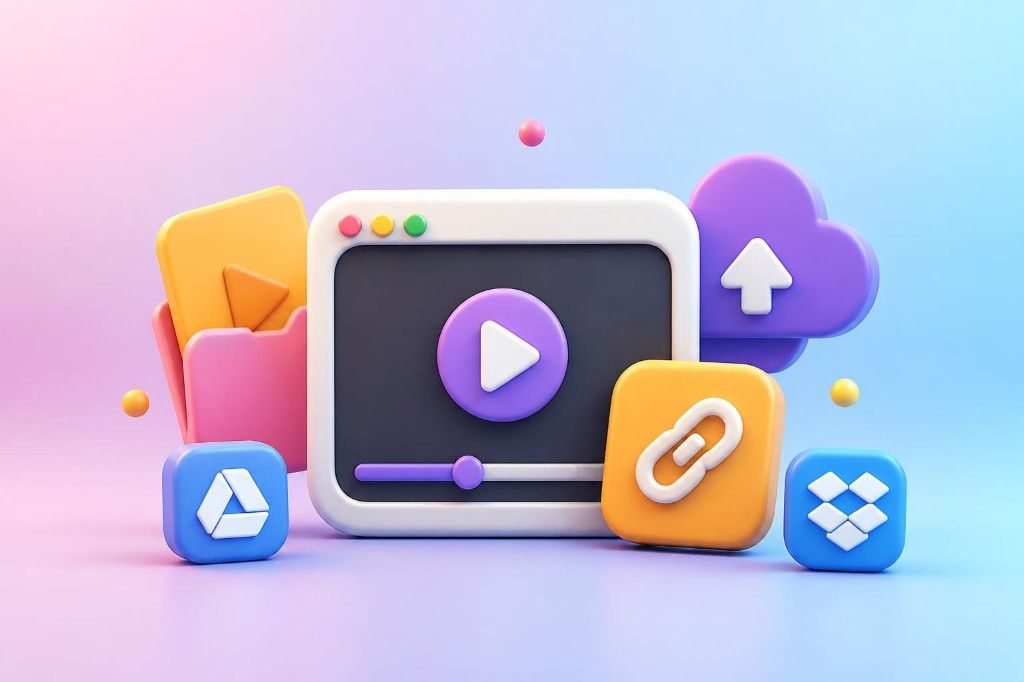
Upload a local video file or paste a supported link from YouTube, Google Drive, or Dropbox. Popular formats like MP4, MOV, AVI, MKV, and WebM are supported.
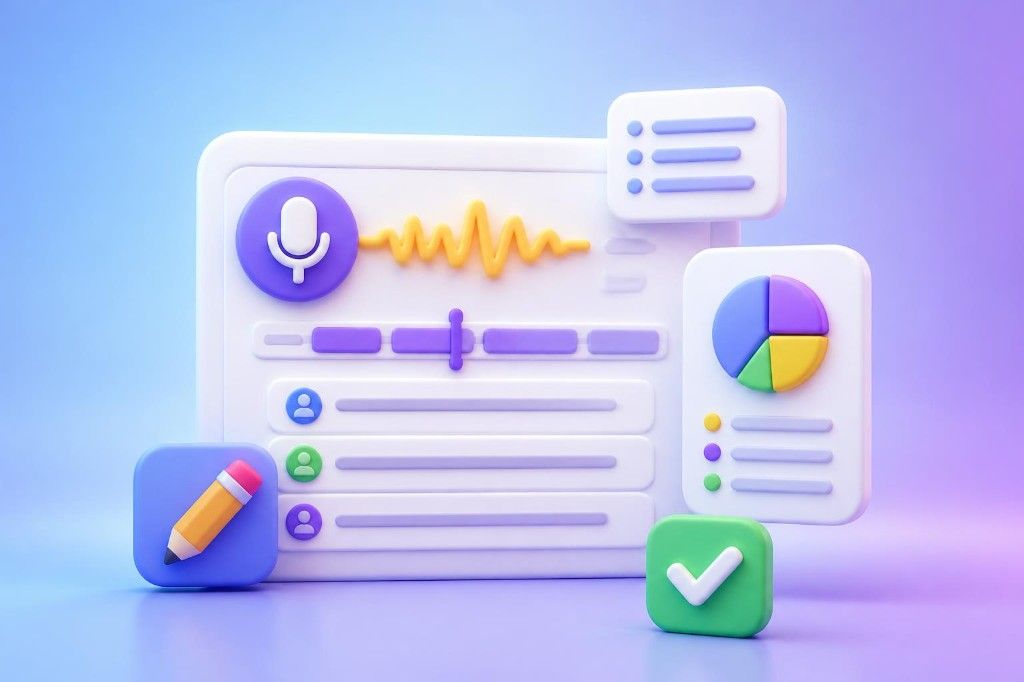
Generate an editable transcript in minutes with AI speech-to-text. Review the text, check speaker labels, timestamps, and the automatic summary, then make quick edits if needed.
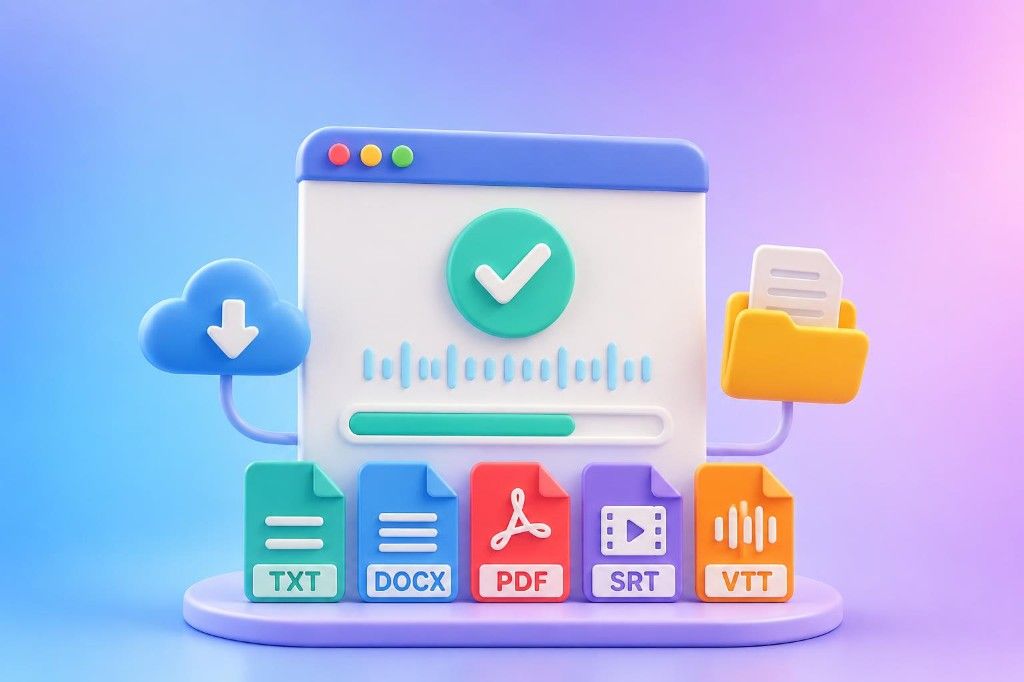
Once processing is complete, your transcript is ready to review and download. Export your transcript in the format you need, including TXT, DOCX, PDF, SRT, or VTT.
Instant results
Transcribe, summarize, and repurpose your video content with AudioConvert.
Get Started FreeSee how different users rely on AudioConvert's video to text converter to create transcripts.
"This video to text converter helps me turn tutorial videos into clean transcripts much faster. I use the text to check key points, prepare captions, and reuse parts of the video for posts or descriptions."
"For interview recordings, video transcription makes analysis easier. Speaker labels help me follow each participant, and timestamps let me return to the exact moment behind an important quote."

"I often use this video to text converter for meetings and training sessions. The summaries, speaker labels, and timestamps make it easier to review decisions and share clear notes with the team."

Common questions about using our AI-powered tool to convert video to text.