
Voice Memo to Text Converter
Convert voice memos to text instantly with professional accuracy. Transform audio recordings into editable transcripts in seconds. Fast, secure conversion with no registration required.
Convert Voice Memos with Professional Accuracy
Powerful features designed for accuracy and convenience
Transcribe Any Voice Memo
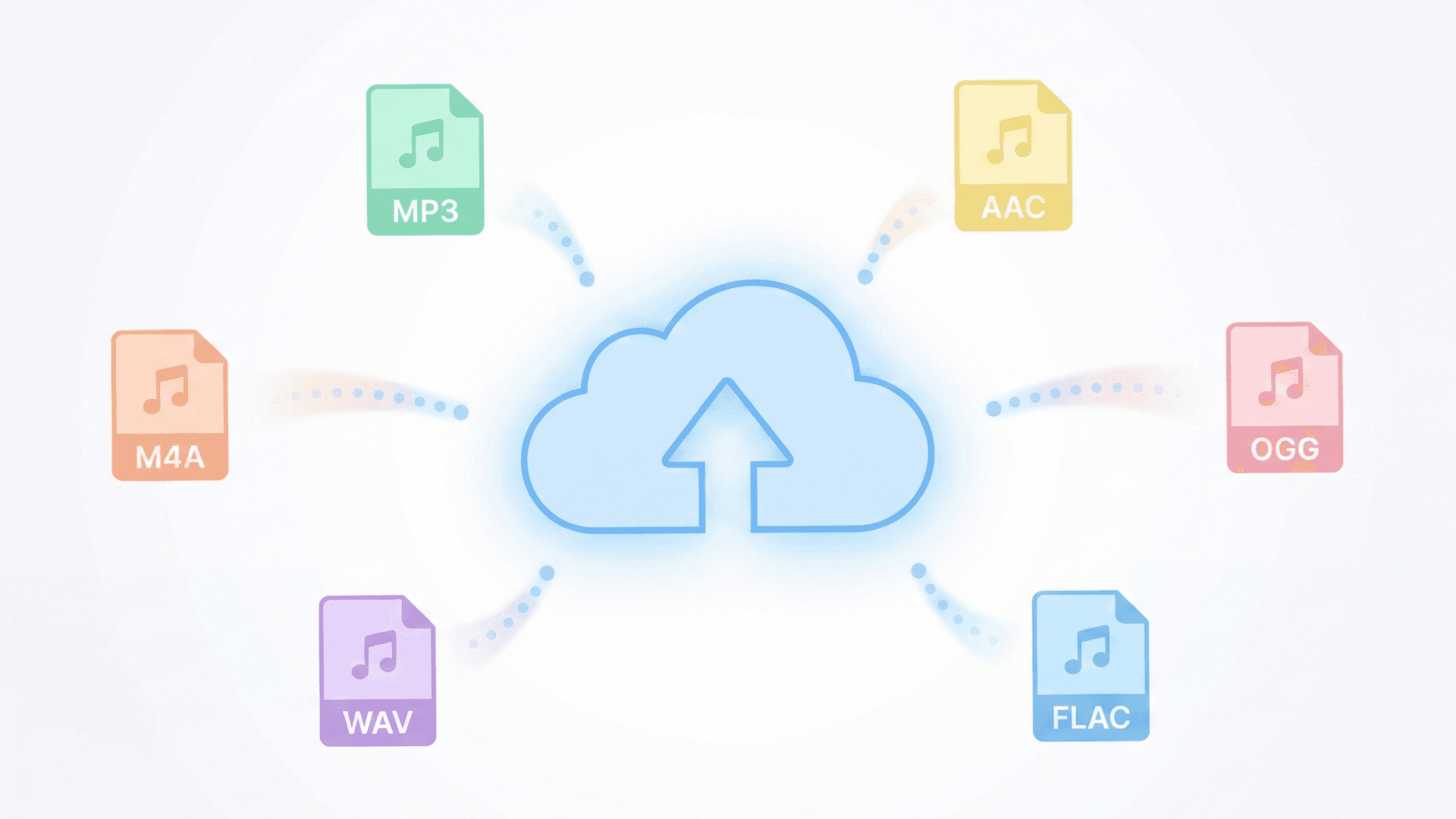
Supports over 100 audio formats including MP3, M4A, WAV, and AAC. Transform recordings from any device into accurate text transcripts instantly.
AI-Powered Transcription Quality
Advanced speech recognition ensures high accuracy. Handles different accents, speaking speeds, and audio quality levels effectively.
Free & Secure Processing
256-bit SSL encryption protects your recordings. All files are automatically deleted within hours—complete privacy guaranteed.
Intelligent Summary Generation
Automatically generate AI-powered summaries after transcription. Choose meeting or note summaries, or let the system auto-detect the best format.
Multiple Language Support
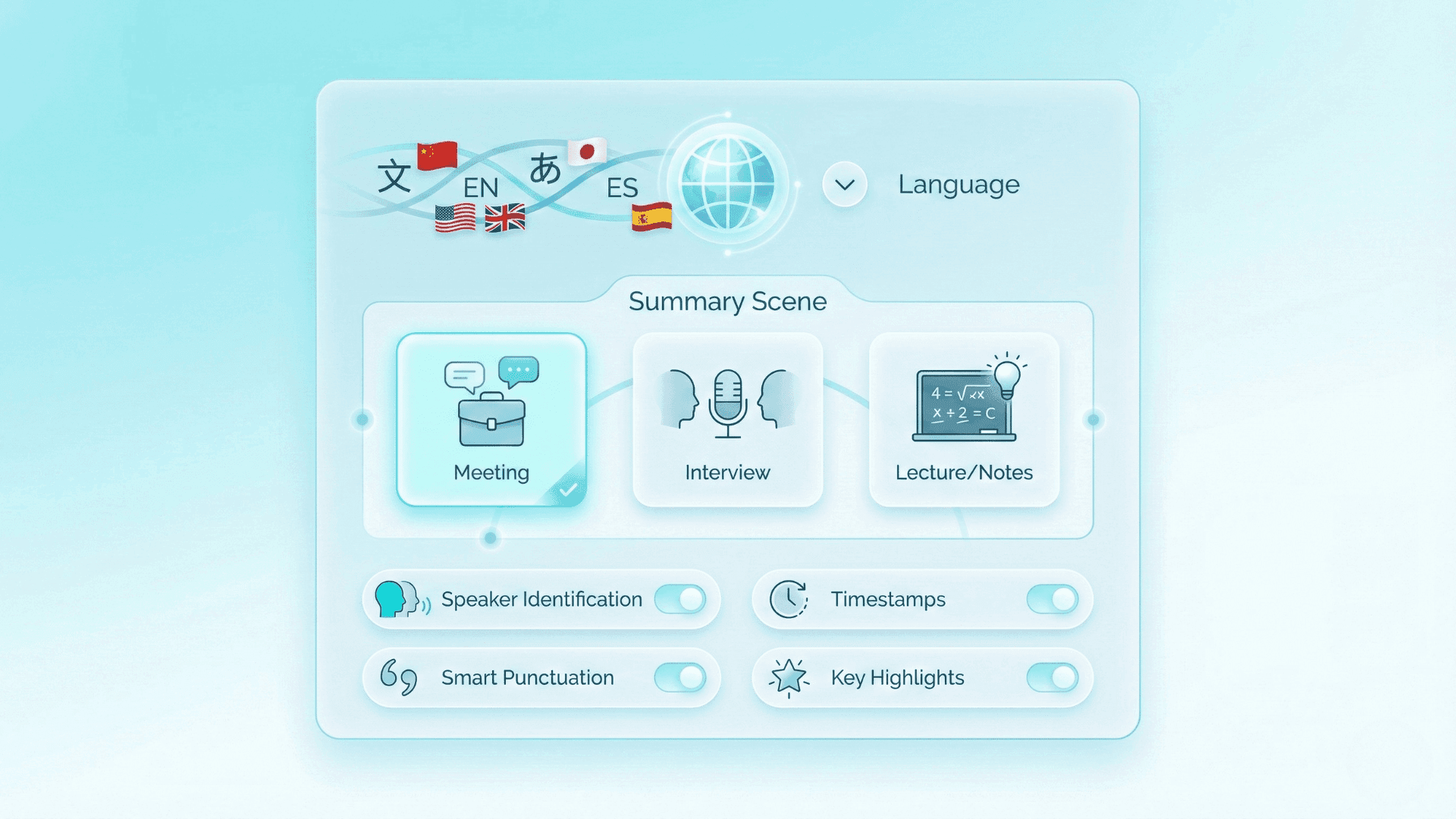
Transcribe voice memos in over 120+ languages with accurate results. Seamlessly handles multilingual recordings and switches between languages.
Multiple Download Formats
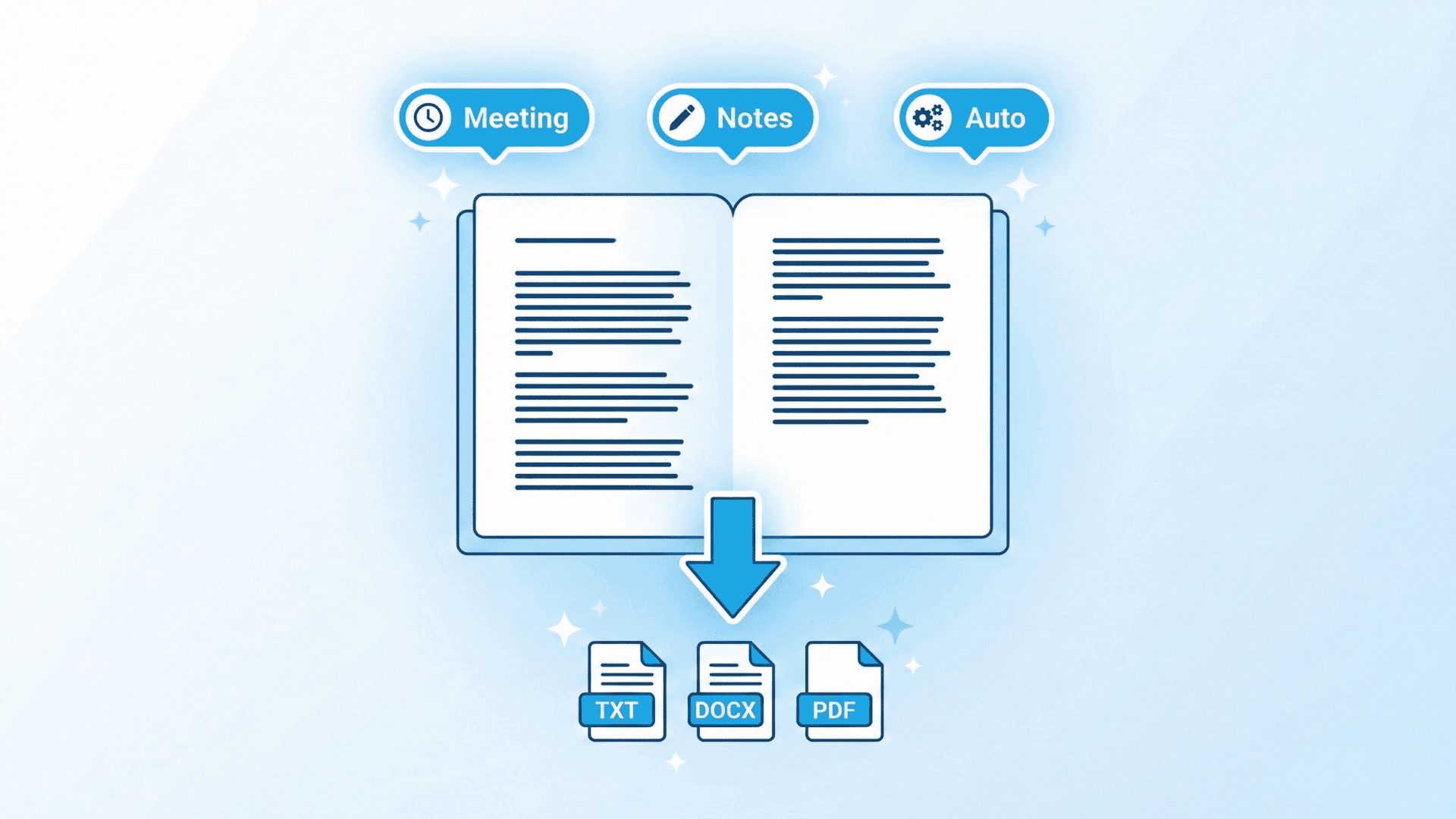
Download transcripts in TXT, DOCX, or PDF formats. Export seamlessly for use in reports, documents, or content management systems.
How to Convert Voice Memo to Text?
Step 1 — Upload Your Recording
Drag and drop your voice memo into the converter, or click to browse and select files from your device. Supports all major audio formats including MP3, M4A, WAV, AAC, and more—with flexible file size handling up to 4GB per upload.
Step 2 — Select Language & Optional Settings
Choose the primary language spoken in your recording to ensure optimal transcription accuracy. You can enable optional features such as speaker identification, timestamps, or automatic punctuation to refine your results. Keep settings simple for quick processing, or customize them based on your needs. Click Start Transcription when you're ready.
Step 3 — Review, Choose Summary Type & Download
After the transcription is complete, review the generated text and select your preferred summary type—meeting summary, note summary, or automatic summary detection. Once you're satisfied, download the full transcript and summary in formats like TXT, DOCX, or PDF. Your content is neatly structured and ready for immediate use.
What Our Users Say

Alex Rivera
Journalist

Samantha Lee
Medical Student

Raj Patel
Lawyer

Emily Chen
Content Creator

Michael Brown
Project Manager

Linda Wu
Author

Carlos Gomez
Researcher

Aisha Khan
Business Consultant
Instant results
Start Transcription Now
Transform your audio recordings into searchable text with professional-grade transcription technology. Download your transcripts and AI-generated summaries instantly and edit them in your preferred application. Experience seamless voice memo to text conversion today.
Convert to Text for FreeFrequently Asked Questions
Common questions about using our free online Voice Memo to Text converter.