

- Introduction
- What Is Audio to Text?
- Quick List — Best Audio to Text Converters in 2026
- Best Audio to Text Tools by Use Case
- In-Depth Reviews of the Best Audio-to-Text Converters
- How We Tested These Tools
- How to Choose the Right Audio to Text Converter
- Why AudioConvert Stands Out
- FAQ
- Final Verdict
7 Best Audio to Text Converters with High Accuracy in 2026
Introduction
Turning audio into text is no longer just a convenience. For students, creators, journalists, marketers, researchers, and business teams, accurate transcription can save hours of manual work and make recorded content easier to search, edit, summarize, and reuse.
The challenge is that not every audio-to-text tool works the same way. Some tools are built for live meetings. Some are better for long recordings. Some focus on multilingual transcription, while others offer human-reviewed transcripts for projects where accuracy matters most.
Common transcription needs include:
- Converting meetings into searchable notes
- Turning podcasts and interviews into written content
- Creating subtitles for videos
- Summarizing lectures, webinars, or calls
- Extracting quotes from recorded conversations
- Transcribing audio with multiple speakers
Manual transcription can still be useful for sensitive or complex recordings, but it is slow, costly, and difficult to scale. Modern AI transcription tools can convert audio to text much faster and often include speaker identification, timestamps, summaries, and export options.
This guide compares seven of the best audio to text converters in 2026, with a focus on accuracy, speed, ease of use, and real-world transcription workflows. If you need a quick starting point, you can also try an online audio to text converter to upload a file and generate a transcript directly in your browser.
What Is Audio to Text?
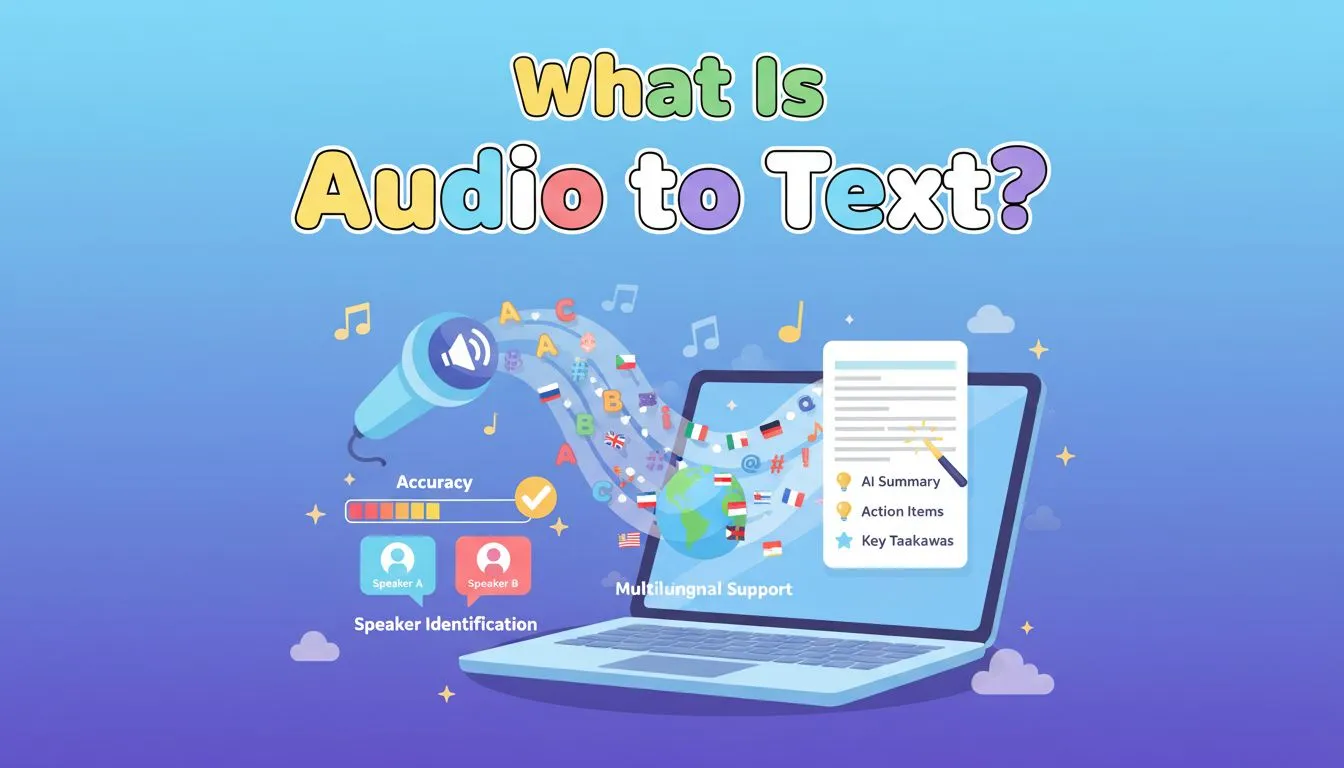
Audio to text is the process of converting spoken words from an audio or video file into written text. Most modern tools use AI-powered speech to text technology to recognize speech, add punctuation, separate speakers, and generate readable transcripts.
Instead of replaying a recording several times, users can upload a file and receive an editable transcript within minutes. This makes audio transcription useful for meetings, interviews, lectures, podcasts, YouTube videos, webinars, voice notes, and research recordings.
AI Transcription vs Manual Transcription
Manual transcription requires a person to listen to the recording and type what they hear. It can be accurate, but it takes time and is usually expensive for long files.
AI transcription uses speech recognition models to analyze audio and predict spoken words automatically. It can:
- Convert audio to text faster
- Handle long recordings more efficiently
- Add punctuation and formatting
- Detect different speakers
- Generate summaries
- Export transcripts or subtitles
However, AI transcription is not perfect. Accuracy still depends on audio quality, background noise, accents, overlapping voices, microphone setup, and topic complexity.
Beyond Transcription: Speaker ID and AI Summaries
The best audio-to-text tools in 2026 go beyond plain transcription. Many now include features that make the transcript easier to review and reuse.
A modern AI transcription tool may include speaker identification, timestamps, AI summaries, subtitle exports, translation support, and editable transcript workspaces. This matters because users are not only asking, “Can this tool transcribe audio?” They are asking, “What is the best way to transcribe audio to text with high accuracy and use the result afterward?”
Quick List — Best Audio to Text Converters in 2026
Here’s a quick overview of the top audio transcription tools:
- AudioConvert — Best all-in-one audio to text converter for simple, accurate transcription
- Otter.ai — Best for live meetings and team notes
- TurboScribe — Best for long files and high-volume transcription
- Transkriptor — Best for multilingual transcription and translation
- Sonix.ai — Best for professional transcript editing
- Rev.com — Best for human-reviewed transcription
- HappyScribe — Best for subtitles and hybrid AI + human workflows
Best Audio to Text Tools by Use Case
Different tools work better for different transcription needs. Here’s a simple breakdown:
| Use Case | Recommended Tools | Key Advantage |
|---|---|---|
| Quick online transcription | AudioConvert | Simple upload-to-transcript workflow with summaries and exports |
| High-accuracy everyday transcription | AudioConvert / Sonix.ai | Balanced accuracy, editing, and ease of use |
| Live meeting notes | Otter.ai | Real-time meeting transcription and team collaboration |
| Long audio files | TurboScribe / AudioConvert | Handles podcasts, lectures, and long recordings |
| Multilingual transcription | Transkriptor / HappyScribe | Better support for multilingual content |
| Human-reviewed transcription | Rev.com | Human review for important or quote-sensitive files |
| Subtitle creation | Sonix.ai / HappyScribe | Better subtitle editing and export options |
| Student lecture notes | AudioConvert / Otter.ai | Useful for turning lectures into searchable notes |
| Podcast transcription | TurboScribe / AudioConvert | Good for long-form audio and content repurposing |
In-Depth Reviews of the Best Audio-to-Text Converters
AudioConvert — Best Overall for Simple Online Audio-to-Text Conversion
Overview
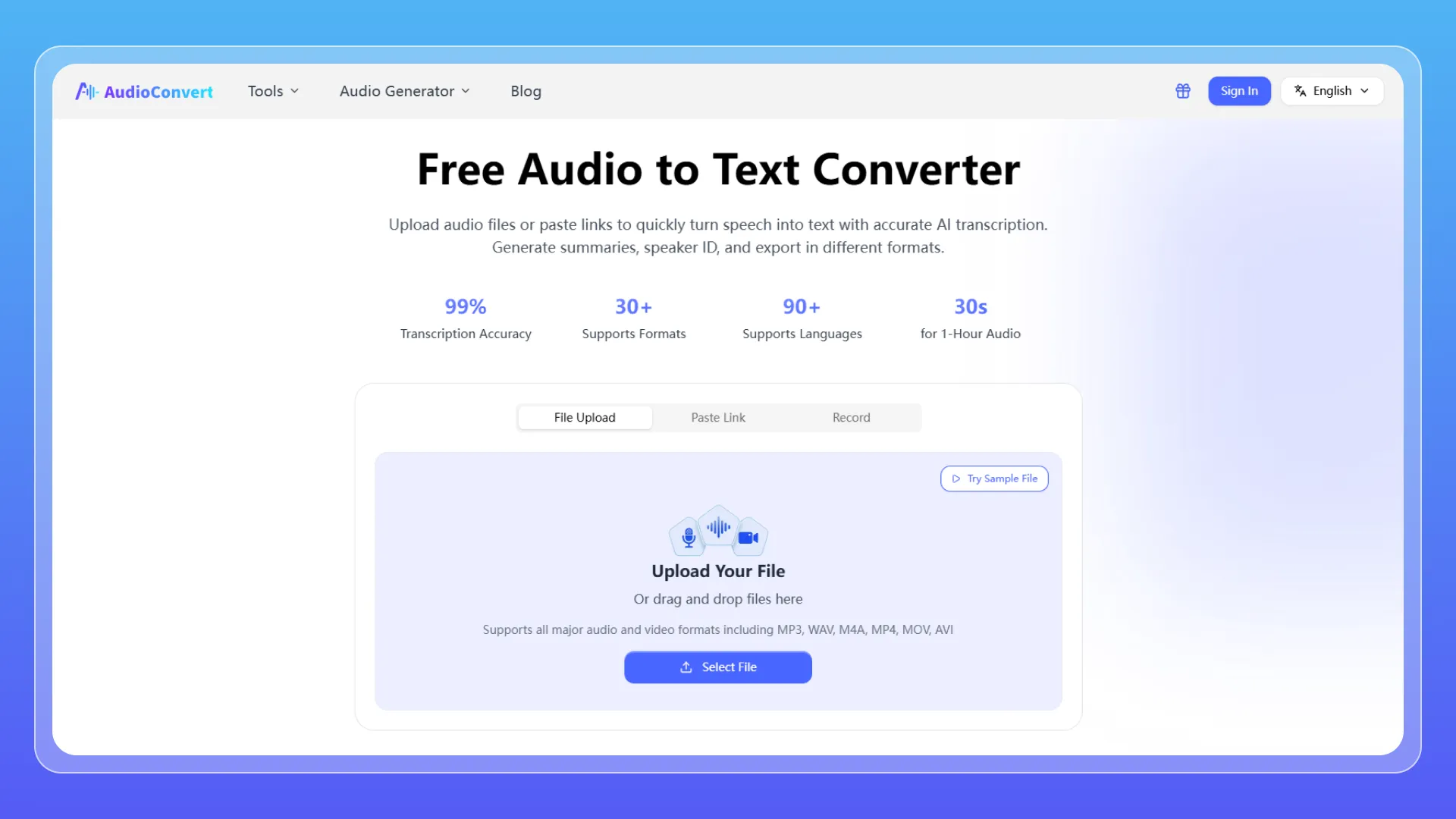
AudioConvert is built for users who want a simple way to transcribe audio to text online without learning a complex editing platform. The workflow is straightforward: upload a file, choose the language, generate a transcript, review the result, and export the text.
It is especially useful for students, creators, freelancers, marketers, and small teams that need transcripts from interviews, lectures, podcasts, webinars, or recorded meetings. AudioConvert also includes speaker labels and AI summaries, which make long recordings easier to scan and reuse.
Key Features
- AI audio-to-text transcription for audio and video files
- Speaker identification for interviews, podcasts, and meetings
- AI summaries for long transcripts
- Timestamps and export options
- Browser-based workflow with no software installation
Pros
- Easy for beginners
- Good fit for everyday audio and video files
- Speaker labels make conversations easier to follow
- AI summaries help users review long recordings faster
Cons
- Not as advanced as full professional editing suites
- Accuracy still depends on audio quality and speaker clarity
- Heavy users should check current limits and plan options
Best For
Users who want a fast, simple, online audio-to-text converter with speaker labels and summaries.
Otter.ai — Best for Live Meetings
Overview
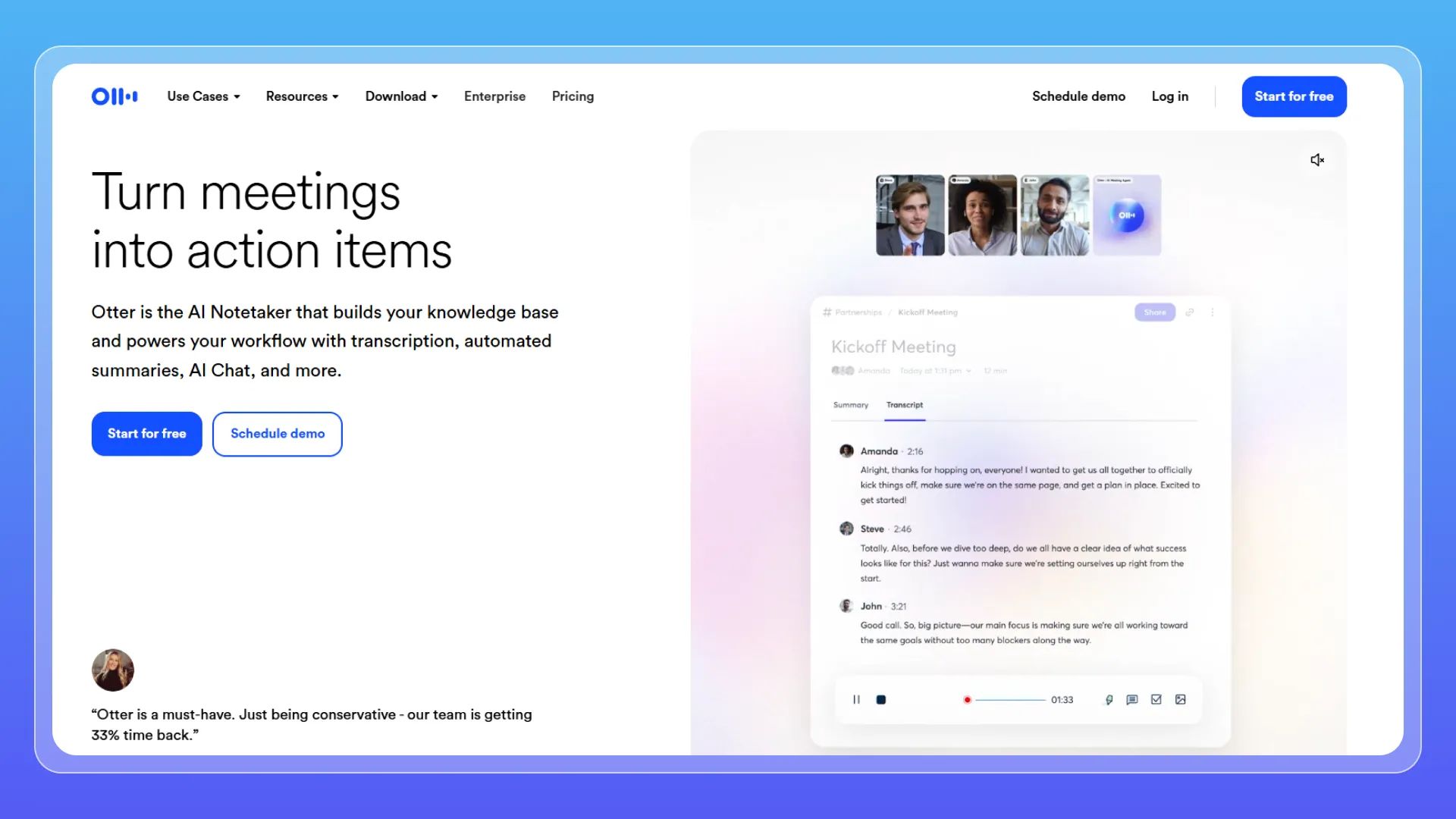
Otter.ai is one of the strongest options for live meeting transcription. Instead of focusing only on uploaded files, Otter works more like an AI meeting assistant. It can record and transcribe conversations during meetings, then turn them into searchable notes and summaries.
This makes it useful for managers, sales teams, remote teams, consultants, and anyone who spends a large part of the week in Zoom, Google Meet, or Microsoft Teams calls.
Key Features
- Real-time transcription
- Meeting summaries
- Speaker detection
- Team collaboration tools
- Meeting platform integrations
Pros
- Strong for live meetings
- Useful for remote and hybrid teams
- Helps reduce manual note-taking
Cons
- Less focused on bulk file transcription
- Accuracy can drop with noise, cross-talk, or poor microphones
- Users should review meeting consent and privacy settings
Best For
Teams that need live meeting notes, searchable transcripts, and automated summaries.
TurboScribe — Best for Long Files and High-Volume Transcription
Overview
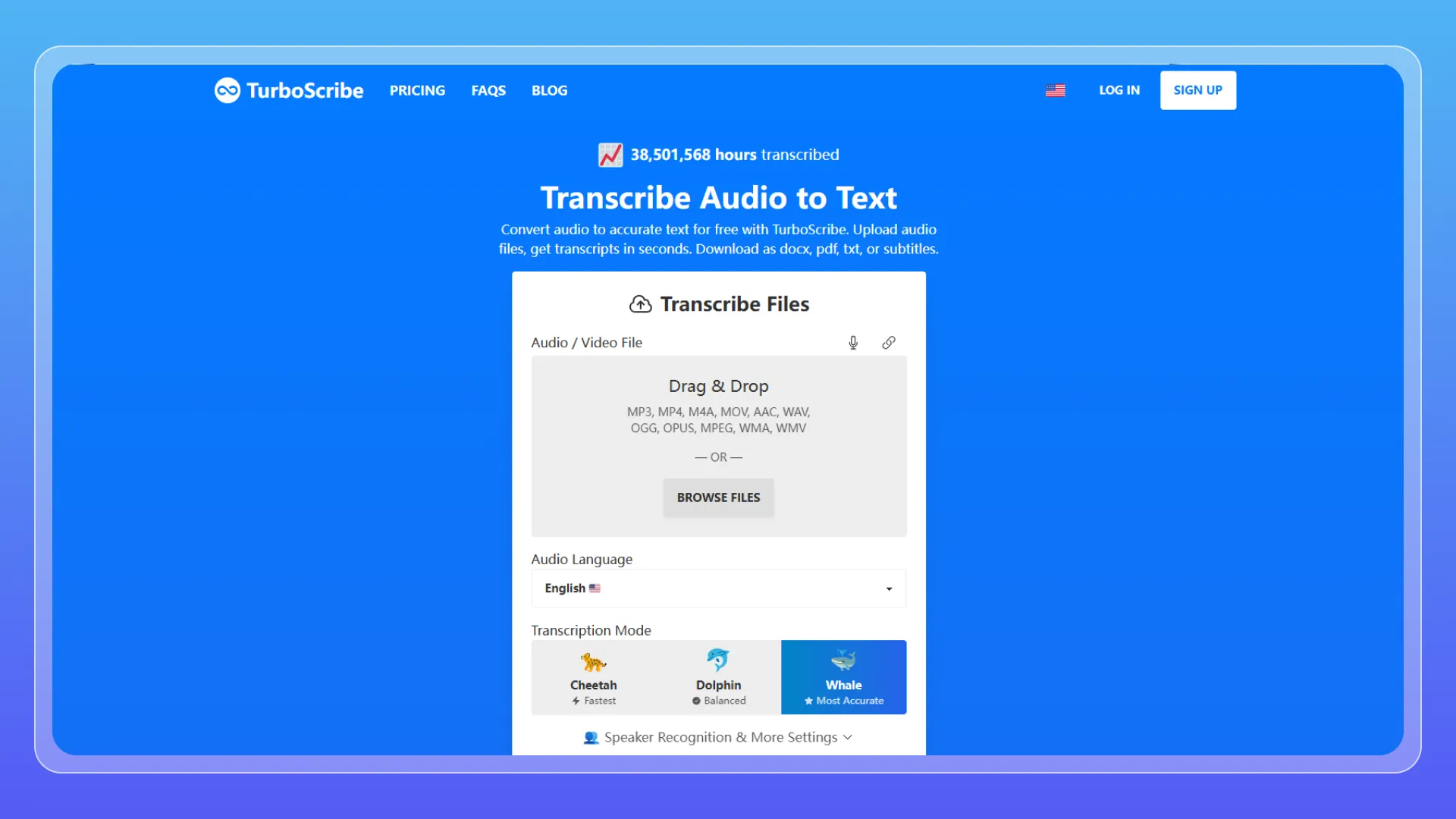
TurboScribe is a practical option for users who need to process long recordings or many files. It is especially useful for podcasts, lectures, research interviews, webinars, and archive-style transcription work.
Compared with meeting-first tools like Otter, TurboScribe is more file-focused. Users upload recordings, process them, and export the results.
Key Features
- Audio and video transcription
- Long-file support
- Bulk transcription workflow
- Multilingual support
Pros
- Good for high-volume transcription
- Handles long recordings well
- Practical for podcasts, archives, and lectures
Cons
- Fewer built-in workflow features than some all-in-one tools
- Interface may feel more functional than polished
- Not designed mainly for live meeting collaboration
Best For
Users who regularly transcribe long files or process many recordings.
Transkriptor — Best for Multilingual Transcription
Overview
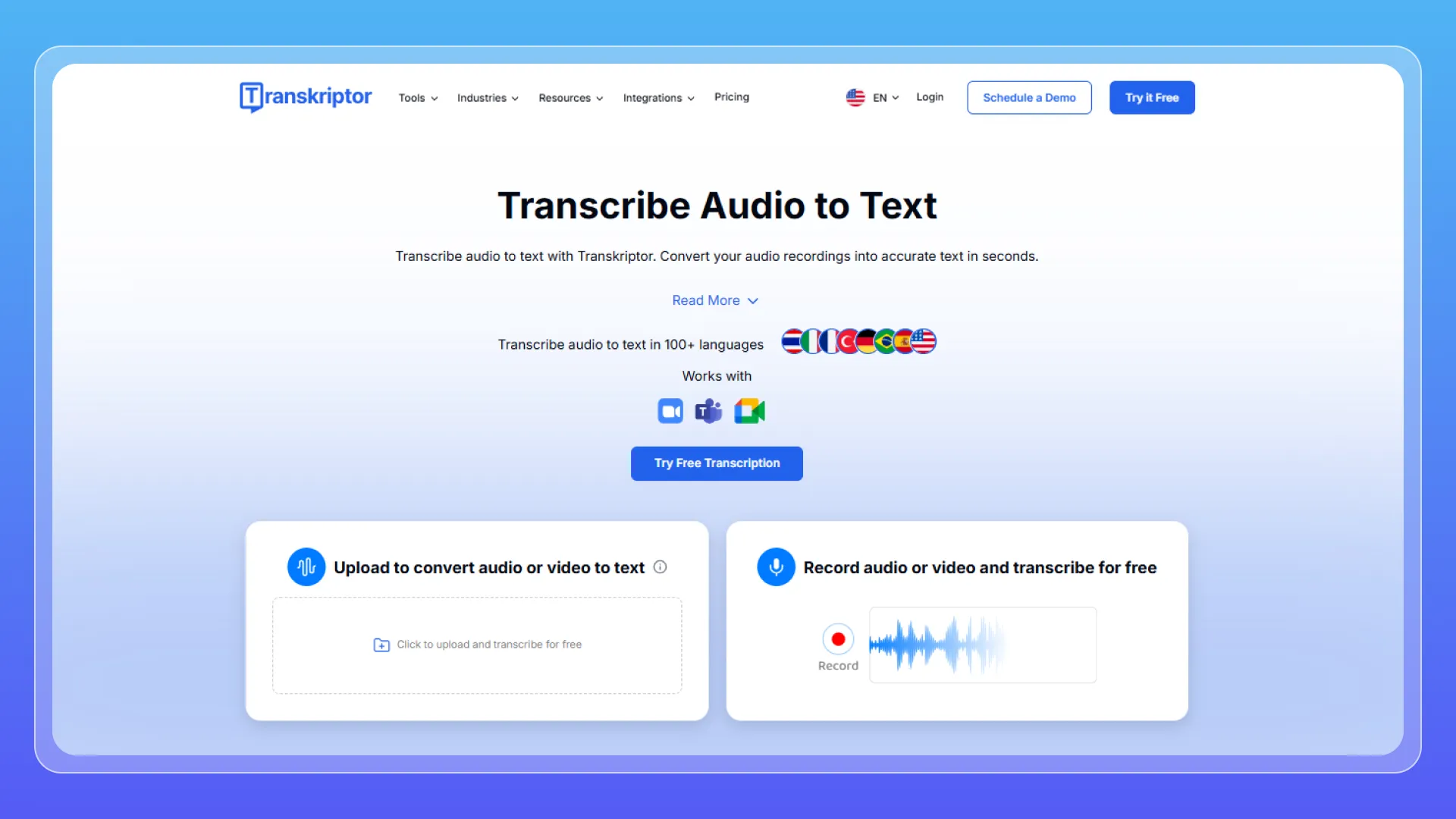
Transkriptor is a solid choice for users who work across languages. It focuses on audio and video transcription, with multilingual support and translation-related workflows.
This makes it useful for international teams, consultants, researchers, educators, journalists, and businesses that need to turn spoken content into text across different languages.
Key Features
- Multilingual transcription
- Translation support
- Speaker recognition
- File and meeting transcription
Pros
- Strong language coverage
- Useful for international teams
- Good for multilingual interviews, meetings, and content
Cons
- Accuracy can vary by language, accent, and audio quality
- Editing tools may feel basic compared with professional platforms
- Sensitive files require privacy review before upload
Best For
Users who need multilingual transcription or translation support.
Sonix.ai — Best for Professional Transcript Editing
Overview
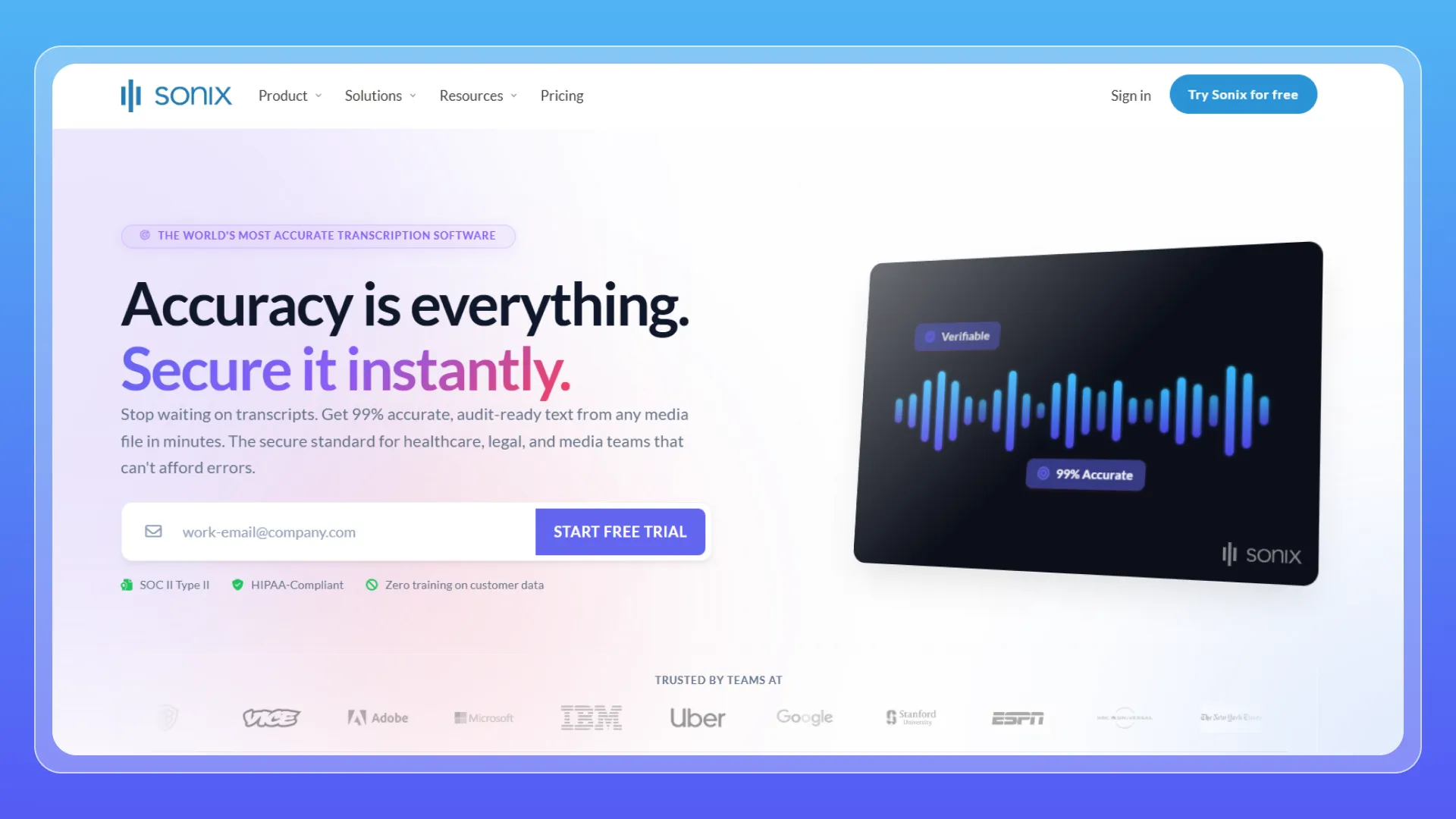
Sonix.ai is a polished transcription platform for users who care about editing, timestamps, subtitles, and workflow control. It is popular with journalists, researchers, media teams, podcasters, and video professionals.
Sonix is not only about getting a transcript. It gives users a structured editing environment, which is useful when the transcript needs to be cleaned, searched, translated, or turned into subtitles.
Key Features
- AI transcription
- In-browser transcript editor
- Speaker detection
- Subtitle export
- Translation tools
Pros
- Strong editing environment
- Good for professional users
- Useful for subtitles and timestamps
Cons
- Can be more expensive than basic tools
- More features than beginners may need
- Best value depends on how often you edit transcripts
Best For
Users who need professional transcript editing, subtitle exports, and post-production control.
Rev.com — Best for Human-Reviewed Transcription
Overview
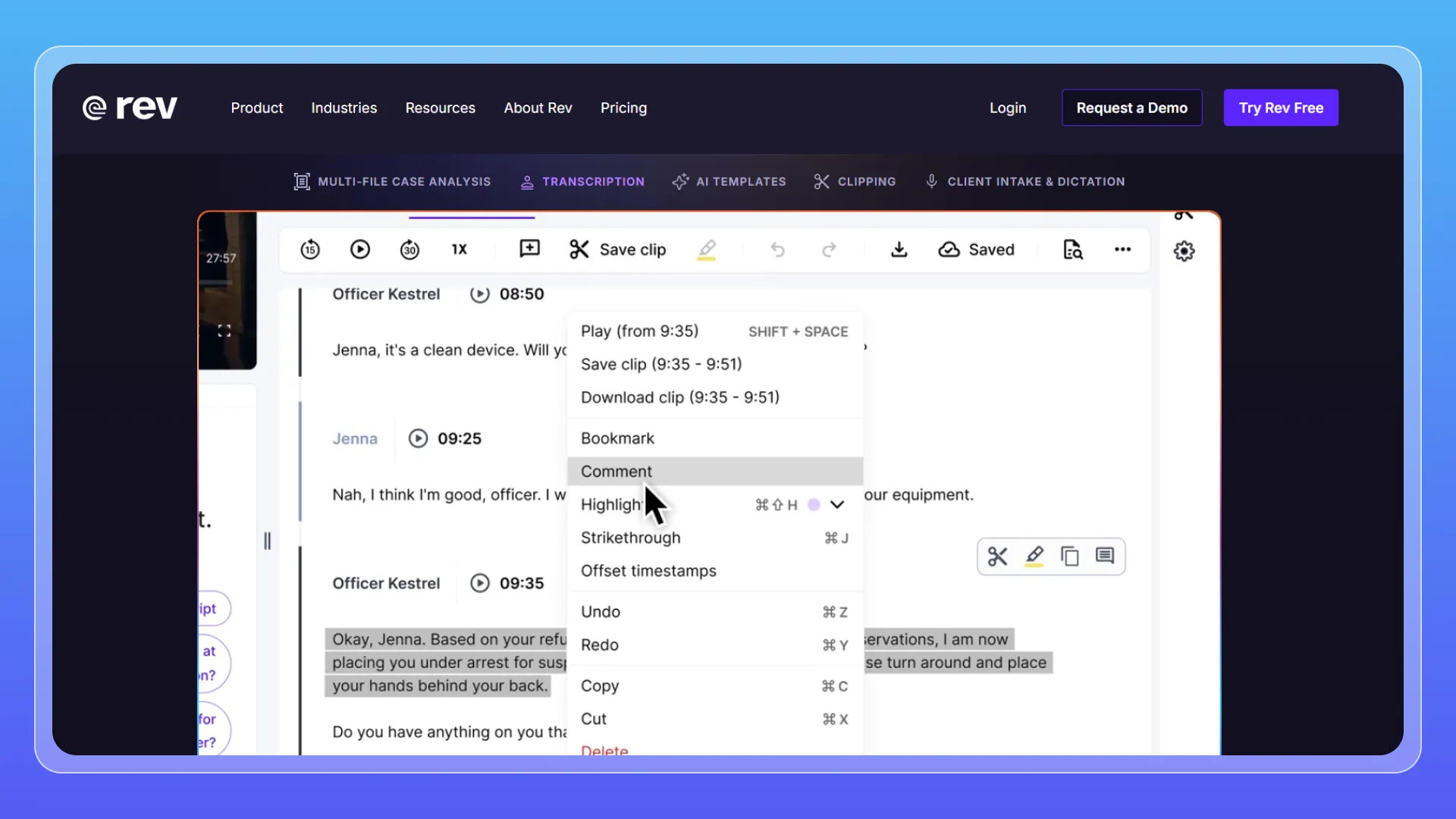
Rev.com is different from many AI-only tools because it offers both automated transcription and human transcription services. This makes it useful when accuracy matters more than speed or cost.
For everyday notes, AI transcription is usually enough. But for interviews, research recordings, business-critical files, or content that will be quoted publicly, some users may prefer a human-reviewed option.
Key Features
- AI transcription
- Human transcription option
- Timestamping
- Transcript editing tools
Pros
- Human transcription option available
- Useful for important recordings
- Established transcription provider
Cons
- More expensive than AI-only tools
- Human transcription is slower
- Not necessary for casual recordings
Best For
Users who need human-reviewed transcription for important or high-accuracy projects.
HappyScribe — Best for Subtitles and Hybrid Workflows
Overview
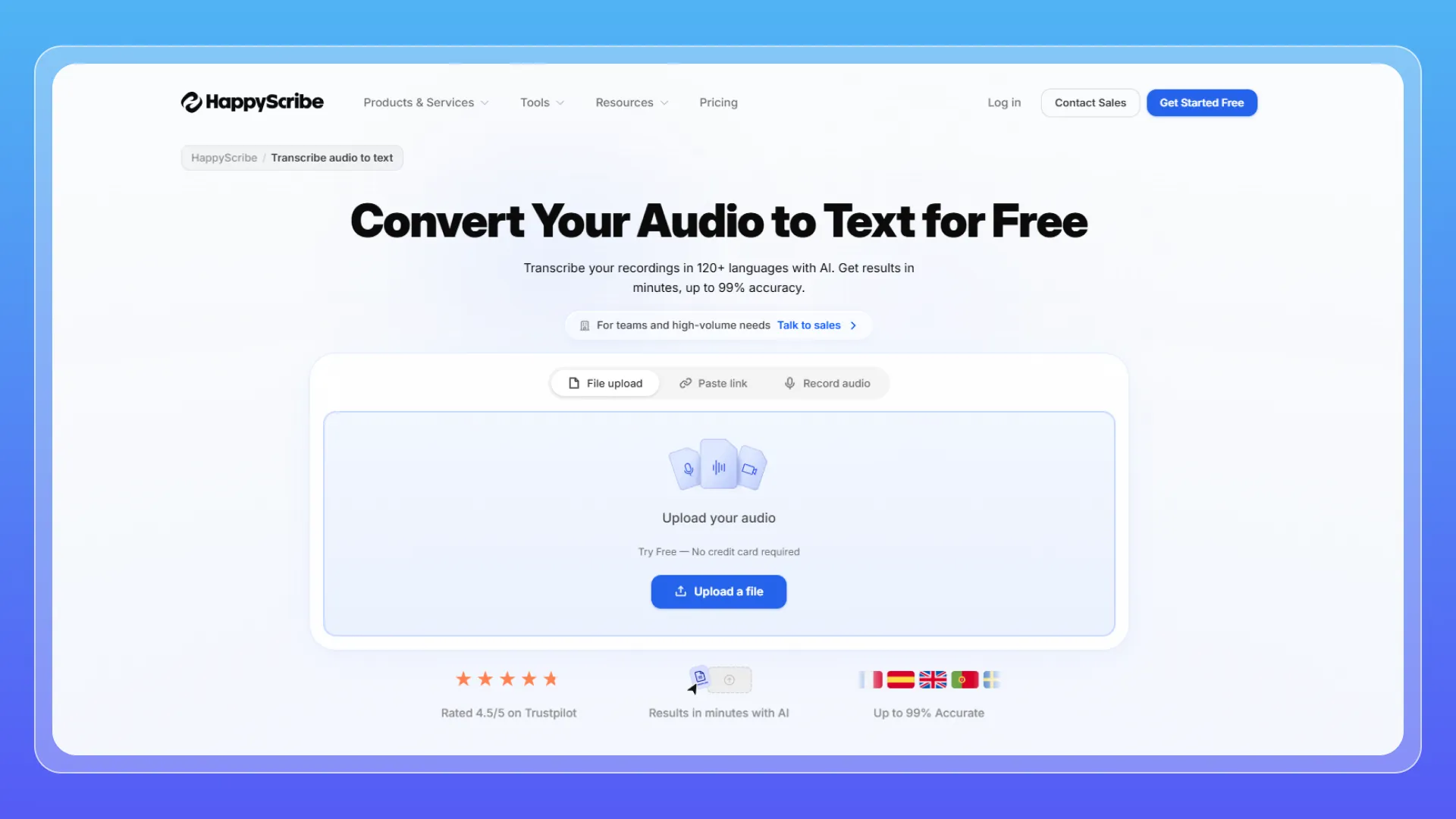
HappyScribe is a strong option for users who need transcription, subtitles, translation, and human review in one platform. It is especially useful for video creators, agencies, educators, media teams, and international businesses.
Compared with simple audio to text tools, HappyScribe is more focused on content production. If you only need a quick transcript, it may feel like more than you need. But if you create subtitles or translated video content regularly, it can be practical.
Key Features
- AI transcription
- Subtitle generation
- Translation support
- Human transcription services
Pros
- Good for subtitle workflows
- Flexible AI + human options
- Useful for multilingual video content
Cons
- Costs can add up for larger projects
- Not the simplest option for quick one-off transcription
- AI accuracy still depends on audio quality
Best For
Users who need subtitles, transcription, translation, and hybrid AI + human workflows.
How We Tested These Tools
To compare these tools in real-world use, we looked at common transcription scenarios: clear speech, long recordings, multi-speaker conversations, meeting notes, subtitles, and multilingual audio.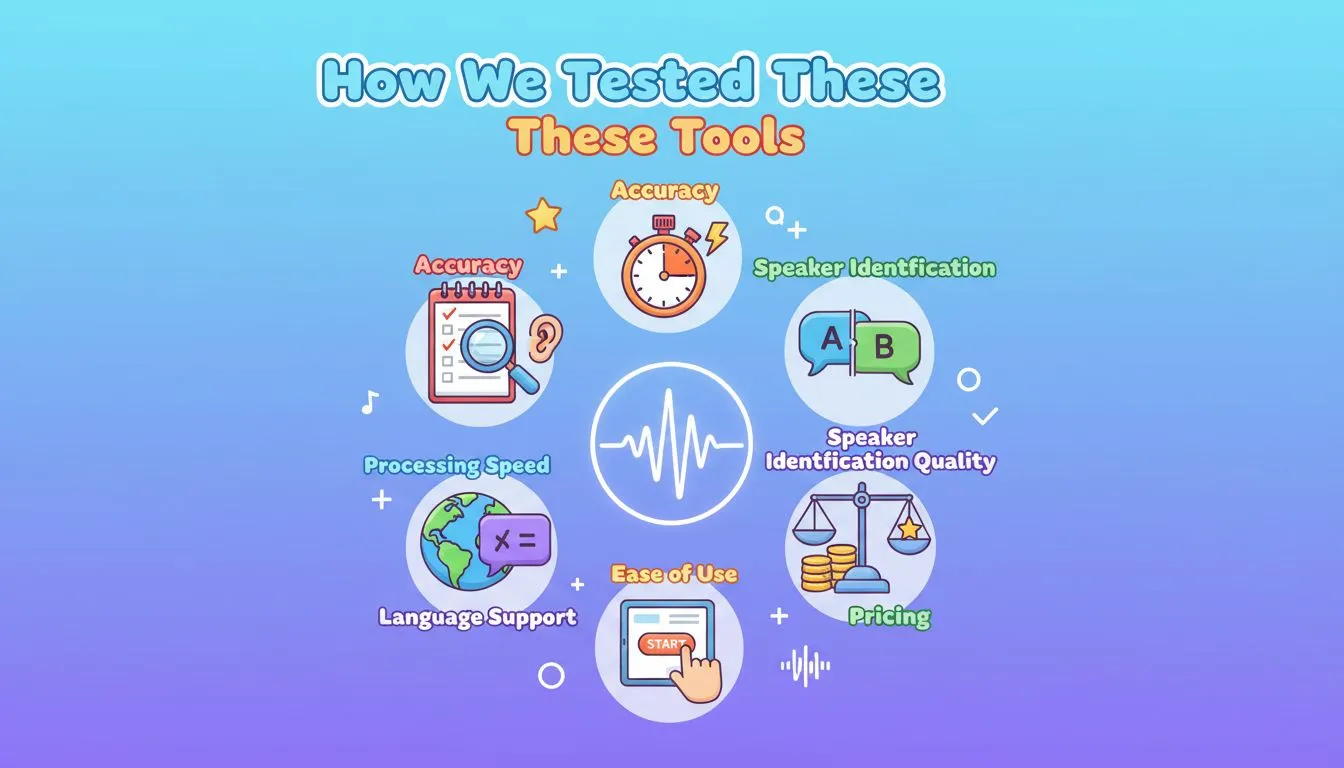
Test Criteria
We focused on three core factors:
- Accuracy — How clean and readable the transcript is
- Speaker handling — Whether the tool can separate different voices
- Workflow value — Whether it supports summaries, exports, subtitles, translation, or human review
Results
AudioConvert offers the most balanced everyday workflow, combining audio to text conversion, speaker identification, AI summaries, and export options in a simple online interface.
Otter.ai performs best for live meetings, while TurboScribe is stronger for long files and bulk transcription.
Transkriptor is useful for multilingual audio, Sonix.ai and HappyScribe are better for subtitle and editing workflows, and Rev.com is the better choice when human-reviewed transcription is required.
How to Choose the Right Audio to Text Converter
Choosing the right tool depends on what you need to transcribe. For a simple upload-to-transcript workflow, AudioConvert is the easiest starting point. For live meetings, Otter.ai is a better fit. For long recordings or batch transcription, TurboScribe is more practical.
If you need subtitles, timestamps, or more control over the final transcript, Sonix.ai and HappyScribe are stronger options. For human-reviewed accuracy, Rev.com is the safest choice.
Why AudioConvert Stands Out
AudioConvert stands out because it covers the core workflow most everyday users need: upload a file, convert audio to text, identify speakers, summarize the transcript, and export the result.
- All-in-one workflow: It combines transcription, speaker identification, AI summaries, timestamps, and export options in one place.
- Easy to use: The browser-based workflow does not require software installation, meeting bots, or a professional editing suite.
- Accuracy-focused review: Speaker labels, timestamps, and summaries make transcripts easier to check, correct, and reuse.
- Good everyday value: For students, creators, freelancers, and small teams, AudioConvert offers a practical balance of accuracy, simplicity, and cost efficiency.
FAQ
Which audio to text tool is the most accurate?
For AI transcription, AudioConvert and Sonix are both strong choices for clear, high-quality audio. Sonix is better for users who need a professional editing workspace, while AudioConvert is easier for everyday users who want fast online transcription with speaker labels and summaries. If you need human-reviewed accuracy, Rev.com is a better option.
Are there any free audio to text converters?
Yes. Many tools offer free trials, limited free minutes, or daily credits. AudioConvert gives free users 30 transcription credits per day, making it a practical option for trying audio-to-text transcription before upgrading to a paid plan for longer or more frequent use.
Can AI transcription handle heavy accents and background noise?
Yes, but results depend on audio quality. Modern AI transcription tools can handle moderate accents and some background noise, especially when the speaker is clear. However, loud noise, overlapping voices, or poor microphones can still reduce accuracy.
Do these tools recognize multiple speakers?
Yes. Many top audio to text tools include speaker identification, also called diarization. Tools like AudioConvert, Otter.ai, and Sonix can separate different voices and label speakers in the transcript.
Can AI tools summarize the transcription for me?
Yes. Some AI transcription tools can generate summaries from the full transcript. Tools like AudioConvert and Otter.ai can help highlight key points, main topics, and action items, so users do not have to read the entire transcript manually.
Final Verdict
AI transcription has made it much easier to turn meetings, lectures, interviews, podcasts, and videos into searchable text. The best tool depends on your workflow.
Otter.ai is excellent for live meetings. TurboScribe is useful for long files and high-volume transcription. Transkriptor is strong for multilingual work. Sonix.ai and HappyScribe are better for editing and subtitles. Rev.com is the better option when human-reviewed accuracy is required.
For everyday users who want a simple, accurate, browser-based way to convert audio to text, AudioConvert is one of the strongest options to consider in 2026. It combines transcription, speaker identification, AI summaries, and export options without adding unnecessary complexity.