

- Why You Need a Speech to Text Tool This Year
- What Is a Speech to Text Tool?
- TL;DR — Best Speech to Text Tools at a Glance
- Quick Comparison
- 9 Best Speech to Text AI Tools in 2026
- How to Choose the Right Speech to Text Tool
- Tips to Get Better Results
- Frequently Asked Questions
- Conclusion
9 Best Speech to Text AI Tools You Can Trust in 2026
Why You Need a Speech to Text Tool This Year
Let's be honest — nobody enjoys replaying the same 10-second clip 15 times to catch one muffled word. I've wasted too many hours deciphering rambling tangents in meetings and noisy interviews.
You don't have to anymore. Microsoft reported achieving a 5.1% word error rate on conversational speech for clear English — on par with professional transcriptionists. Microsoft reports that employees spend nearly 4 hours in meetings every week.
I spent two weeks testing 9 of the most talked-about AI transcription tools — feeding them everything from studio podcasts to noisy café recordings and multi-speaker Zoom calls.
What Is a Speech to Text Tool?
It's an AI-powered tool that converts spoken audio into written text — in real time or from uploaded files. Modern speech transcription tools go beyond dictation: they identify speakers, insert timestamps, generate summaries, and export to SRT, DOCX, and more.
TL;DR — Best Speech to Text Tools at a Glance
- Best Overall: AudioConvert — all-in-one online tool with speaker ID, AI summaries, and multi-format export
- Best for Meetings: Otter — real-time transcription with Zoom and Teams integration
- Best for Accuracy: Rev — AI plus human editors for near-perfect transcripts
- Best Free Option: Google Docs Voice Typing — zero-cost dictation in your browser
Quick Comparison
| Tool | Best For | Accuracy | Real-Time | Languages | Free Plan |
|---|---|---|---|---|---|
| AudioConvert | All-in-one online STT | High | No | 90+ | Yes (limited) |
| OpenAI Whisper | Offline & developers | Very High | No | 99+ | Yes (open source) |
| Otter | Live meetings | High | Yes | 6 | Yes (limited) |
| Sonix | Media & multilingual | ~99% | Yes | 53+ | Yes (trial) |
| Rev | Human + AI hybrid | Very High | No | 36 | No |
| Fireflies | Meeting notes & sales | High | Yes | 30+ | Yes (limited) |
| Trint | Collaborative editing | High | Yes | 30+ | Yes (trial) |
| Notta | Multilingual & mobile | High | Yes | 100+ | Yes (limited) |
| Google Docs Voice Typing | Free dictation | Medium | Yes | 100+ | Yes |
9 Best Speech to Text AI Tools in 2026
1. AudioConvert — Best All-in-One Online Speech to Text
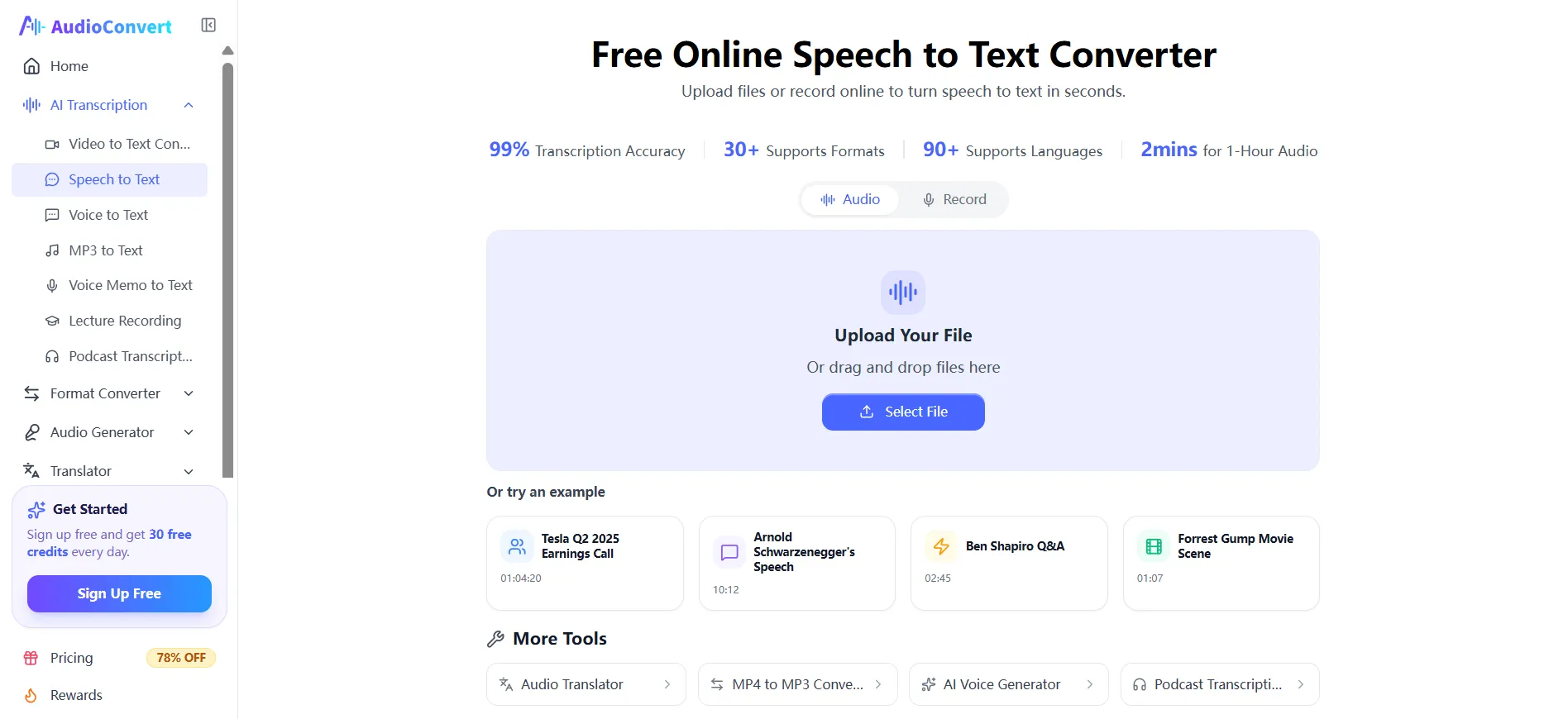
If you want a tool that handles the entire speech to text workflow without jumping between apps, AudioConvert is where I'd start. It runs entirely in your browser — upload a recording or capture one in-browser, and you get a transcript with speaker labels, timestamps, and an AI summary. No real-time transcription, but the turnaround is fast enough that you barely notice.
Features
- Browser-based recording and file upload — no installation
- AI speaker identification and timestamping
- AI summaries and keyword extraction
- Multi-format export (TXT, SRT, DOCX)
- Paid plan supports uploads up to 10 hours per file
Pros
- Impressively fast: I uploaded a 5-minute meeting recording and had a clean transcript with two speakers identified in 30 seconds
- Zero learning curve — clean, obvious interface on first use
- The AI summary captured actual decisions, not generic filler
Cons
- Free plan limits file count and upload size
- No offline mode
Best For
Content creators, journalists, and meeting note-takers who want fast, accurate results without installing software.
2. OpenAI Whisper — Best for High-Accuracy Offline Transcription
Whisper is the open-source darling of the speech to text world — a raw, powerful AI model you run locally. If you're comfortable with a terminal and care about privacy, it's hard to beat.
Features
- Open-source model supporting 99+ languages
- Runs entirely locally — your audio never leaves your device
- Handles long recordings in batch
- Integrable into custom applications
Pros
- Accuracy is genuinely impressive — a 20-minute podcast episode came back at roughly 97% with zero correction
- Completely free with no usage caps
- Privacy is airtight: nothing hits any server
Cons
- Setup requires technical knowledge — if "pip install" scares you, look elsewhere
- No built-in GUI for non-technical users
- Real-time transcription needs extra development work
Best For
Developers, researchers, and privacy-focused users who want maximum control and don't mind getting their hands dirty.
3. Otter — Best for Live Meeting Transcription
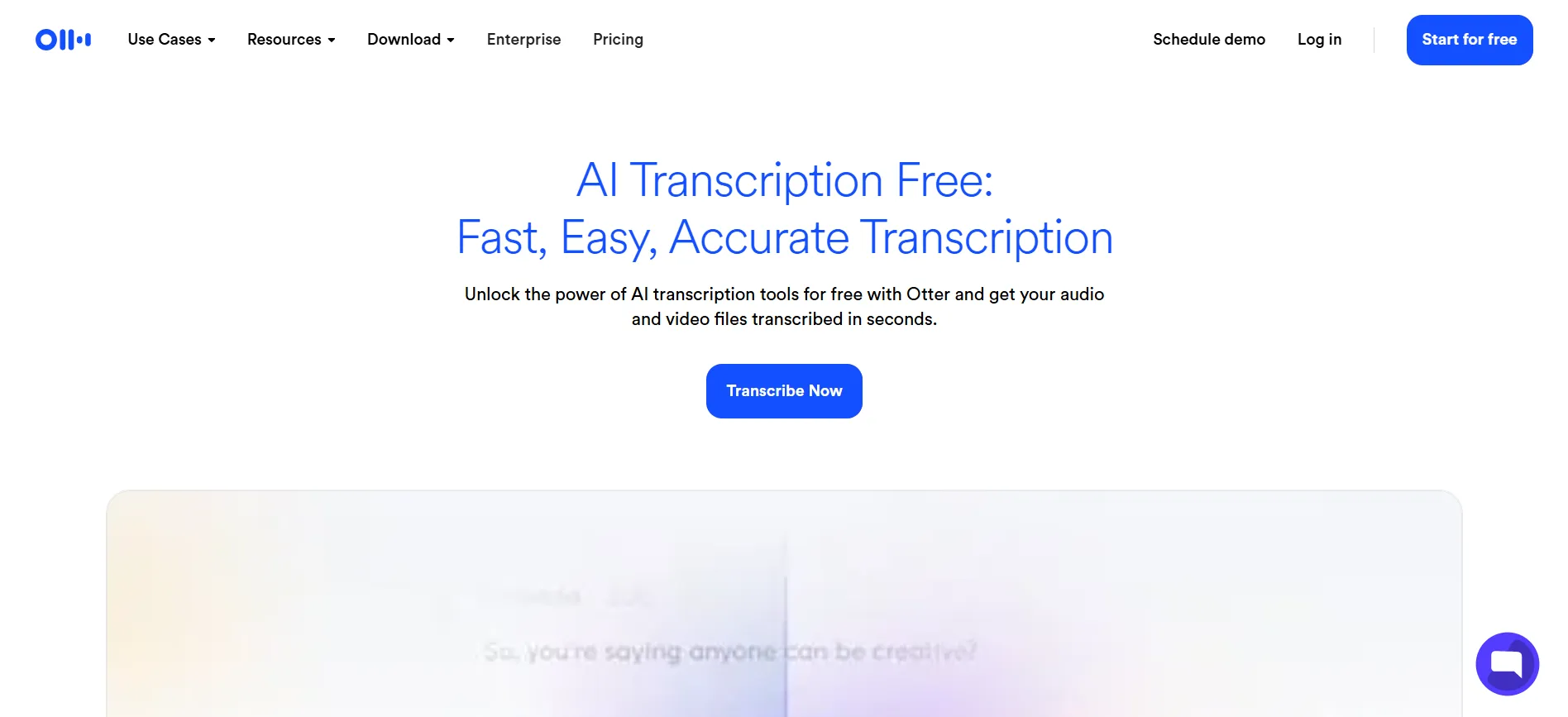
Otter has carved out a niche as the go-to live meeting companion. It joins your Zoom, Meet, or Teams call, transcribes in real time, and hands you a summary when everyone logs off.
Features
- Real-time transcription with speaker detection
- AI meeting summaries and action items
- Zoom, Google Meet, and Teams integration
- Team collaboration and sharing
Pros
- Latency is low — text appears about 2–3 seconds after someone speaks, which feels almost magical in real time
- The post-meeting summary highlights decisions and action items, not just paraphrasing
- Mobile app works smoothly for on-the-go recording
Cons
- English only — multilingual teams are out of luck
- Accuracy drops when people talk over each other
- Free tier's 300 minutes runs out fast with daily meetings
Best For
Remote teams and business professionals who need reliable real-time speech to text during video meetings.
4. Sonix — Best for Media Professionals and Multilingual Transcription
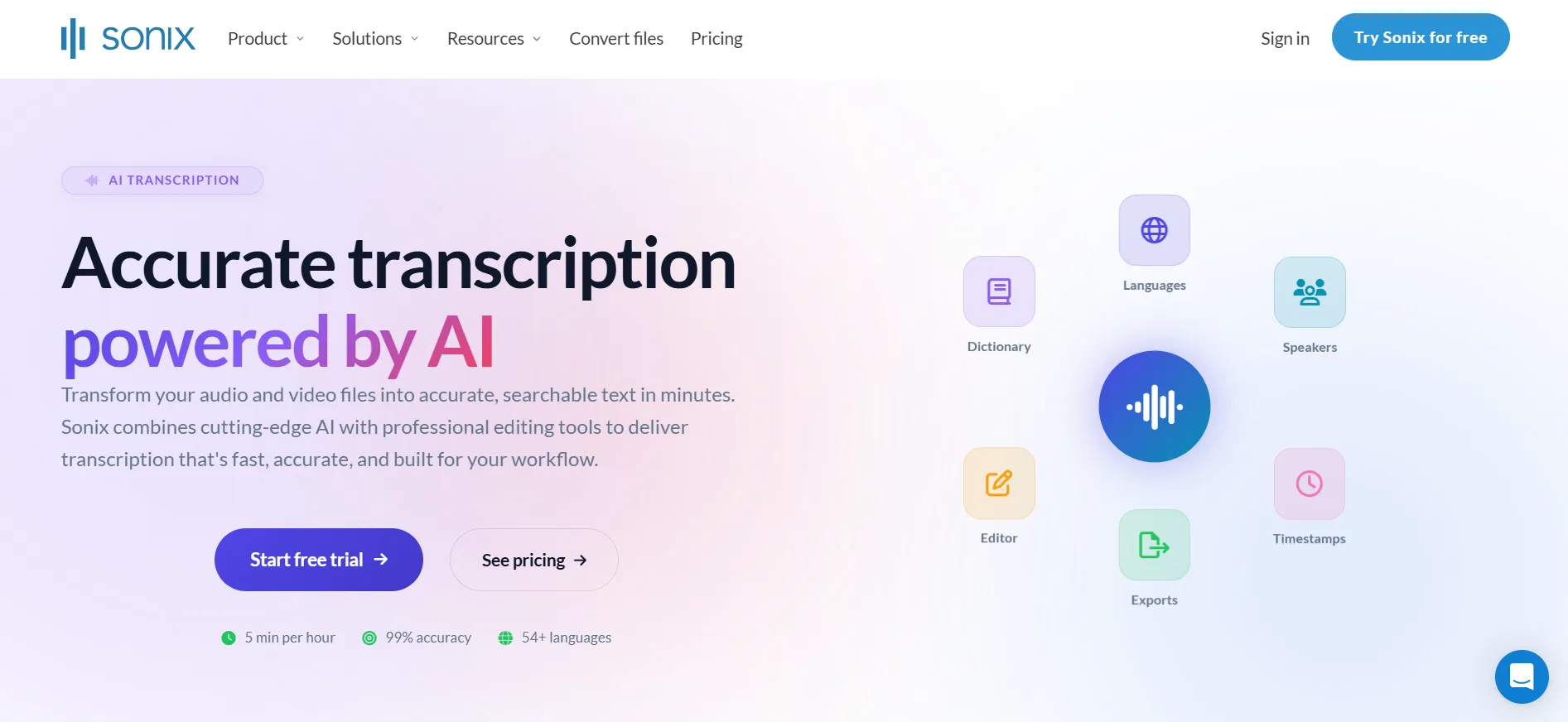
Sonix targets people who take transcription seriously — journalists, researchers, producers. It supports 53+ languages and pairs transcription with AI analysis tools that go beyond converting words.
Features
- AI transcription at approximately 99% accuracy
- 53+ languages with AI translation
- AI analysis: summaries, sentiment analysis, topic detection
Pros
- Multilingual performance stood out — a Chinese-English mixed recording came back at about 95% accuracy, which is rare among the tools I tested
- The in-editor experience is excellent: text edits automatically align with the audio timeline
- Security is solid: AES-256 encryption and SOC 2 Type 2 compliance
Cons
- Pay-as-you-go at $10/hour adds up fast for high-volume users
- Real-time transcription feels less polished than Otter
- Interface assumes English-speaking users
Best For
Journalists, researchers, and media teams who need multilingual support and advanced AI analysis.
5. Rev — Best for Hybrid Human + AI Transcription
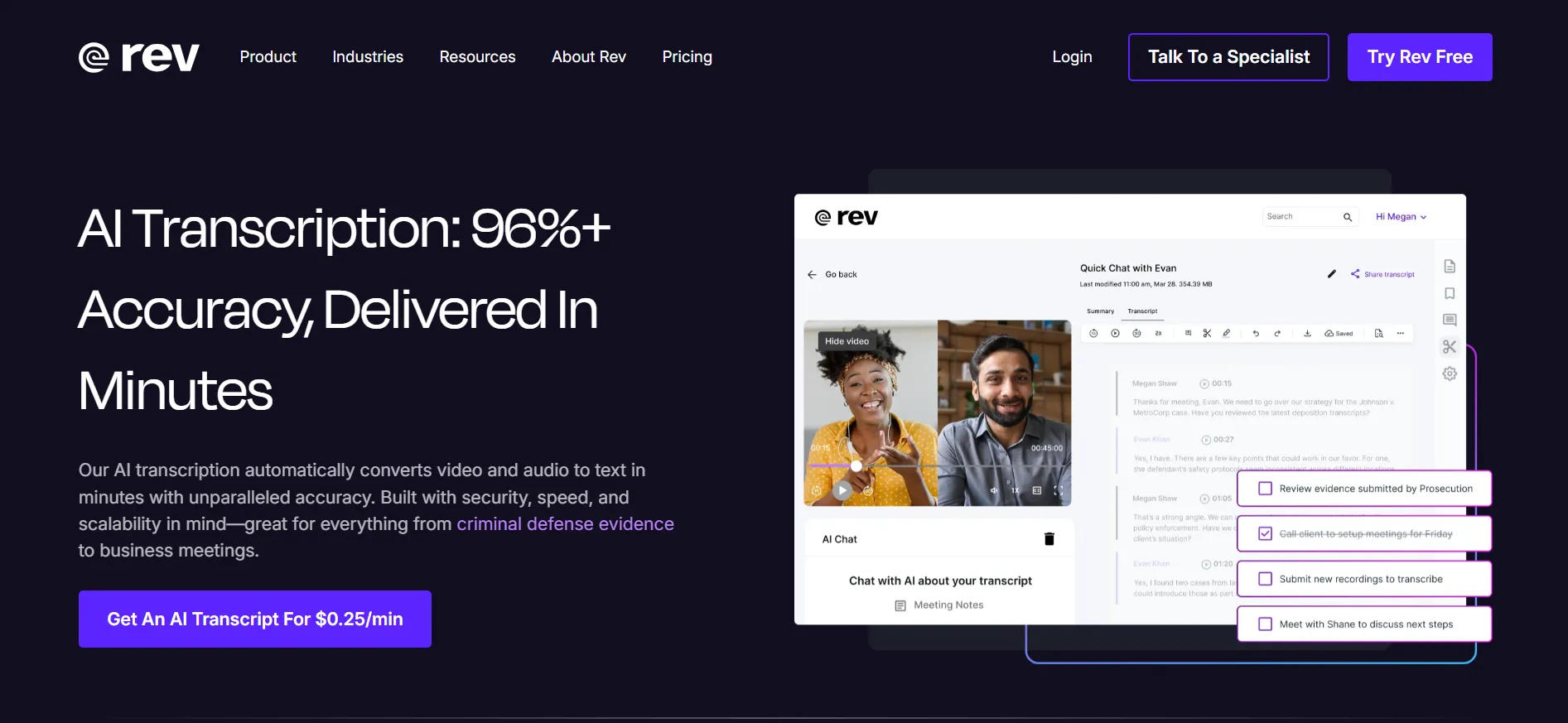
Rev does something most AI transcription tools won't: it brings humans into the loop. Choose AI-only for speed or pay more for human-reviewed accuracy — ideal for legal, medical, or academic work.
Features
- Dual mode: AI-only or AI plus human review
- 36 language support
- Additional services: captions, translations, subtitle burning
Pros
- Human-reviewed mode is remarkably precise — I tested it with a legal deposition clip and found zero errors across 15 minutes
- Flexible pricing: use AI for drafts, human review for final deliverables
- AI-only mode delivers results in minutes
Cons
- $1.99/minute — a one-hour file costs nearly
- No real-time transcription option
- No free plan to test the waters
Best For
Legal professionals, medical transcriptionists, and academics whose transcripts must be bulletproof.
6. Fireflies — Best for Meeting Notes and Sales Automation
Fireflies is built for one user: someone who lives in sales calls. It auto-joins meetings, transcribes everything, pipes insights into your CRM, and acts as a tireless AI notetaker.
Features
- Auto-joins Zoom, Meet, and Teams via calendar sync
- AI summaries, action items, and topic extraction
- CRM integrations with Salesforce, HubSpot, and more
Pros
- The auto-join feature is borderline sorcery — I synced my calendar and Fireflies showed up to a Zoom call I'd forgotten to prepare for, transcribed it, and dropped a summary in my inbox
- CRM integration is a massive time-saver — call notes auto-attach to the right contact
- Search across all past meetings by keyword
Cons
- Meeting-focused — transcribing a podcast file feels secondary
- Free plan caps at 800 minutes/month
- Non-English support is limited
Best For
Sales teams who want speech to text meeting transcription fully automated and CRM-connected.
7. Trint — Best for Collaborative Transcription and Editing
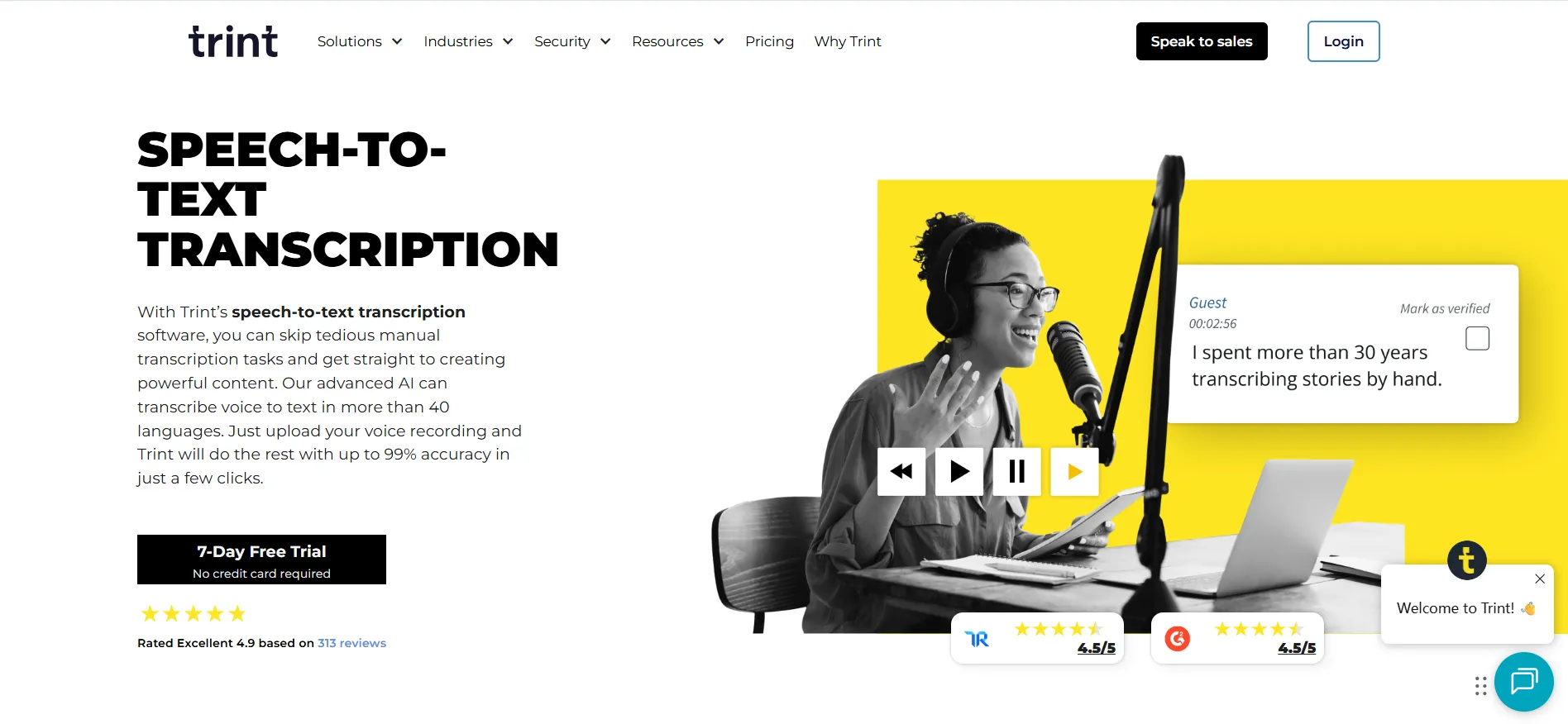
Trint is what happens when you build a transcription tool for newsrooms. The standout isn't the transcription — it's the editor. Text and recording stay locked in sync, so you edit the transcript like a document while the sound follows along.
Features
- Real-time and file-based transcription
- Text-recording sync editor with speaker tags
- Team collaboration: editing, comments, highlights
- Export to SRT, VTT, XML, Word
Pros
- The editor is the best I've used — editing a 30-minute interview felt like Google Docs, but every text change adjusted the recording timestamp automatically
- Collaboration features are well thought out for team workflows
- 30+ language support
Cons
- At $48–$60/month, it's one of the pricier options
- Free trial is too short for a real project
- Overkill for quick one-off transcriptions
Best For
Media teams, newsrooms, and content crews who need to transcribe, edit, and collaborate as a team.
8. Notta — Best for Multilingual Support and Mobile Use
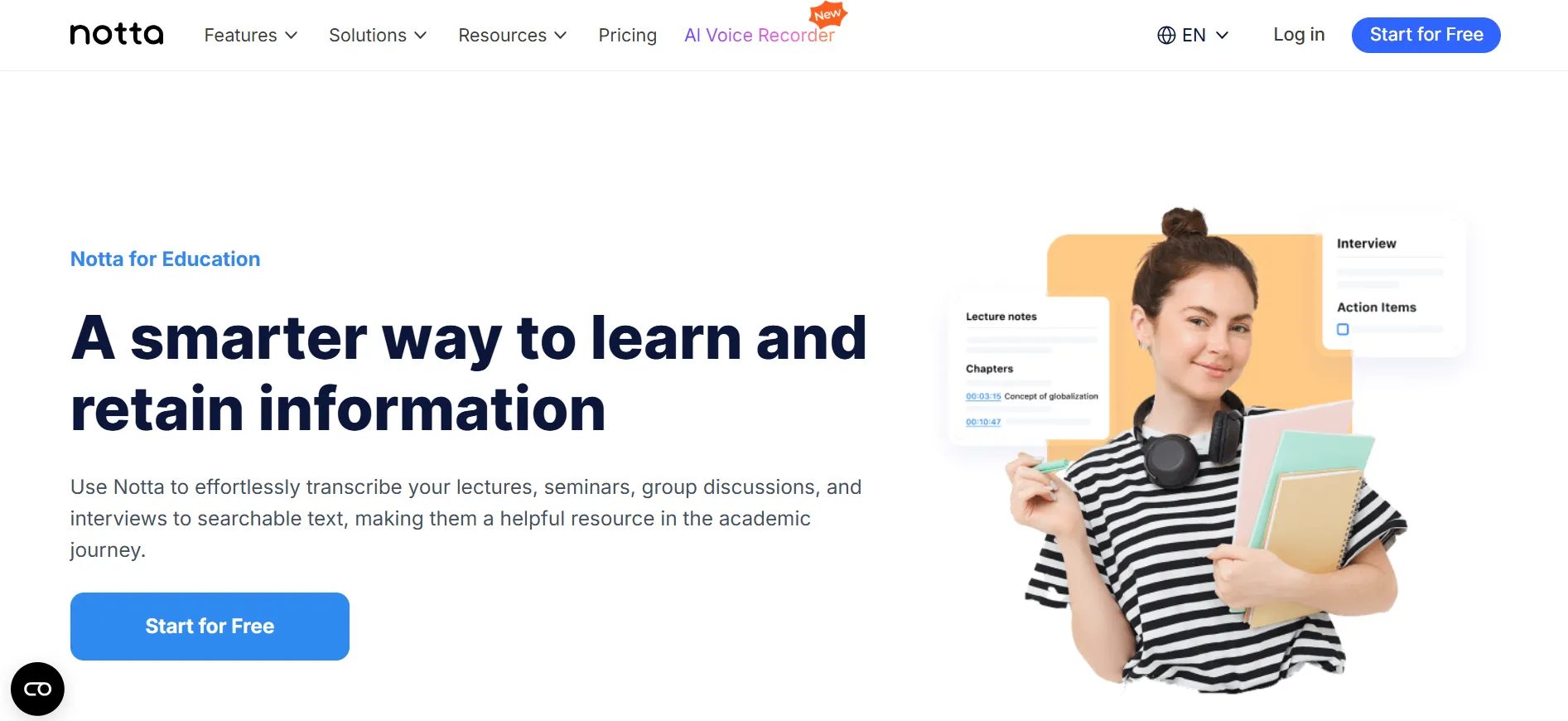
Notta's claim to fame is language breadth — 100+ languages — paired with an excellent mobile app. If you've ever recorded an interview on your phone while traveling, you'll get why that matters.
Features
- 100+ language transcription
- Real-time transcription and file upload
- AI summaries and keyword extraction
- Cross-platform sync (web, iOS, Android, Chrome)
Pros
- Language coverage is the widest here — I tested a Japanese-English mixed recording and it handled the code-switching more smoothly than any tool I've used
- The mobile app is excellent: clean, fast, reliable
- Real-time translation is a nice bonus for international calls
Cons
- Accuracy for less common languages isn't as consistent
- Collaboration features are thinner than Otter or Fireflies
- Advanced features require a subscription
Best For
International business travelers, multilingual interviewers, and anyone whose work spans multiple languages.
9. Google Docs Voice Typing — Best Free Basic Dictation
Sometimes you don't need speaker ID or AI summaries. You just want to talk and see words appear. That's Google Docs Voice Typing — free, no-frills speech to text inside Chrome.
Features
- Built into Google Docs via Chrome — zero installation
- 100+ language support
- Real-time dictation with automatic punctuation
- Completely free with a Google account
Pros
- Costs nothing and works instantly — I dictated a 500-word draft in 4 minutes at roughly 90% accuracy
- Edit as you speak, right in Google Docs
- Broad language support for a free tool
Cons
- Dictation only — can't upload audio files for transcription
- Accuracy depends heavily on mic quality and ambient noise
- No speaker identification, timestamps, or summaries
- Chrome browser only
Best For
Students, casual users, and anyone who needs free spoken-to-written drafts without extra software.
How to Choose the Right Speech to Text Tool
The right speech to text tool depends on your workflow:
- Meetings and remote work: Otter or Fireflies
- Maximum accuracy: Rev
- Multilingual needs: Notta or Sonix
- Privacy and offline use: OpenAI Whisper
- All-in-one online workflow: AudioConvert
- Free and lightweight: Google Docs Voice Typing
Final Verdict: AudioConvert delivers the best balance of ease, features, and accessibility — the full speech to text workflow from recording to export in one browser tab.
Tips to Get Better Results
- Use a decent microphone.
A $30 USB mic outperforms a laptop built-in mic in noisy settings. - Minimize overlap.
When people talk simultaneously, accuracy drops. Encourage turn-taking. - Always proofread.
AI is fast, not perfect. A quick scan of names, numbers, and technical terms catches what algorithms miss.
Frequently Asked Questions
What is the best speech to text tool in 2026?
AudioConvert stands out as the best all-around choice — its browser-based workflow handles file upload, speaker identification, AI summaries, and multi-format export in one place. For specialized needs, see our category recommendations above.
How accurate are AI transcription tools?
Most achieve 90–99% on clear audio; Rev's human-reviewed mode approaches 100%. AudioConvert delivers consistently high accuracy with the added bonus of AI summaries, and results depend on recording quality, background noise, and language.
Can speech to text tools identify different speakers?
Yes — AudioConvert, Otter, Sonix, and Trint all support speaker identification. In our tests, AudioConvert's speaker labels were correctly assigned even on multi-speaker meeting recordings.
Are speech transcription tools secure for sensitive recordings?
Most cloud tools encrypt in transit and at rest. AudioConvert processes everything through a secure browser workflow without software installation. For maximum privacy, Whisper runs locally — your recordings never leave your device.
Conclusion
AI-powered speech to text tools have made manual transcription hard to justify. Whether you're a podcaster, sales rep, or researcher, there's a tool that saves hours weekly. The market is mature — accurate, affordable options exist at every price point. But for the widest range of users, AudioConvert delivers recording, transcription, summarization, and export in one browser tab.