

- What Is an Audio To Text Converter?
- Why Audio To Text Converter Tools Matter for Modern Content Work
- Top Audio To Text Converter Tools Review
- Audio To Text Converter Feature Comparison
- How to Choose the Right Audio To Text Converter
- The Role of Audio To Text Converter Tools in the Future of Work
- Final Thoughts
Top 5 Audio To Text Converter Tools Review
An audio to text converter has quietly become one of the most used AI tools in daily work. Not because it is trendy, but because it solves a very real problem.
We now record everything. Meetings, interviews, lectures, voice notes, podcasts, and online courses. Audio is fast to create, but slow to reuse. You cannot skim it. You cannot search for it easily. You cannot copy a sentence from it.
This is where an audio to text converter becomes essential. It turns spoken words into written content that can be edited, searched, shared, and reused.
In the past, transcription required human services and long waiting times. Today, AI-powered tools make it possible to transcribe audio to text in minutes, and even use a free audio to text converter without compromising basic accuracy. The barrier is gone. What remains is the choice of the right tool.
In this article, we review five popular audio to text converter tools, explain how they differ, and show how modern transcription fits into real content workflows.
What Is an Audio To Text Converter?
An audio to text converter is a tool that automatically converts spoken language into written text using speech recognition technology.
At its core, it listens to an audio file and produces a transcript. More advanced platforms usually become relevant when transcription is already part of a structured or professional production process.
Today, most audio to text converter tools are built on AI-based speech to text models. These models are trained on large datasets of spoken language, allowing them to recognize accents, sentence structure, and context.
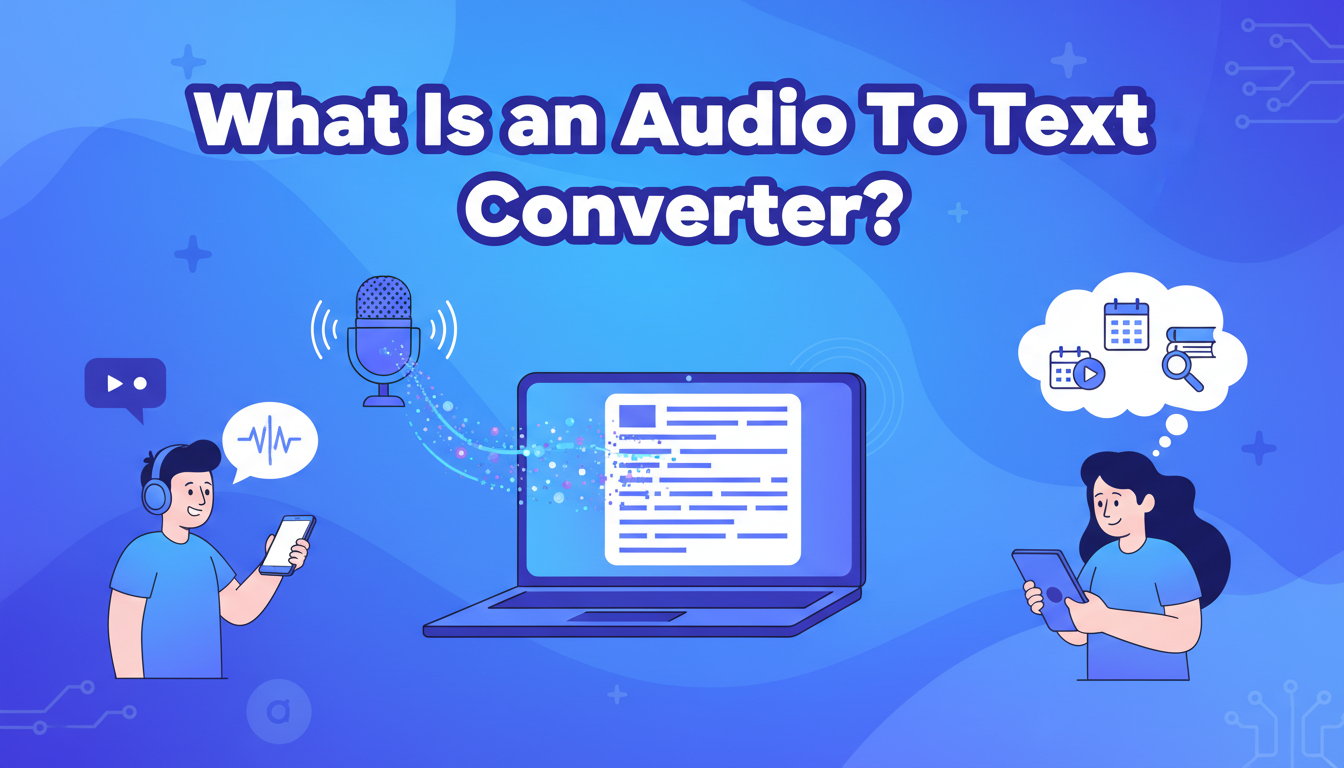
In real use, an audio to text converter helps people:
- Transcribe meetings and calls
- Convert interviews into written content
- Turn podcasts into articles or newsletters
- Create study notes from recorded lessons
- Archive spoken discussions as searchable text
In practice, the best tools are the ones that fit naturally into the way you already work.
Why Audio To Text Converter Tools Matter for Modern Content Work
The importance of an audio to text converter is closely tied to how content is produced today.
Audio Is Growing Faster Than Text
Remote work has increased the number of online meetings. Online education relies heavily on recorded content. Creators often speak about ideas before writing them.
Audio is now the fastest way to capture information. But text is still the format we use to organize knowledge.
This gap creates friction. Without an audio to text converter, valuable information stays locked inside recordings.
High-Quality Transcription Enables Content Reuse
A high-quality audio to text converter does more than save time. It extends the life of content.
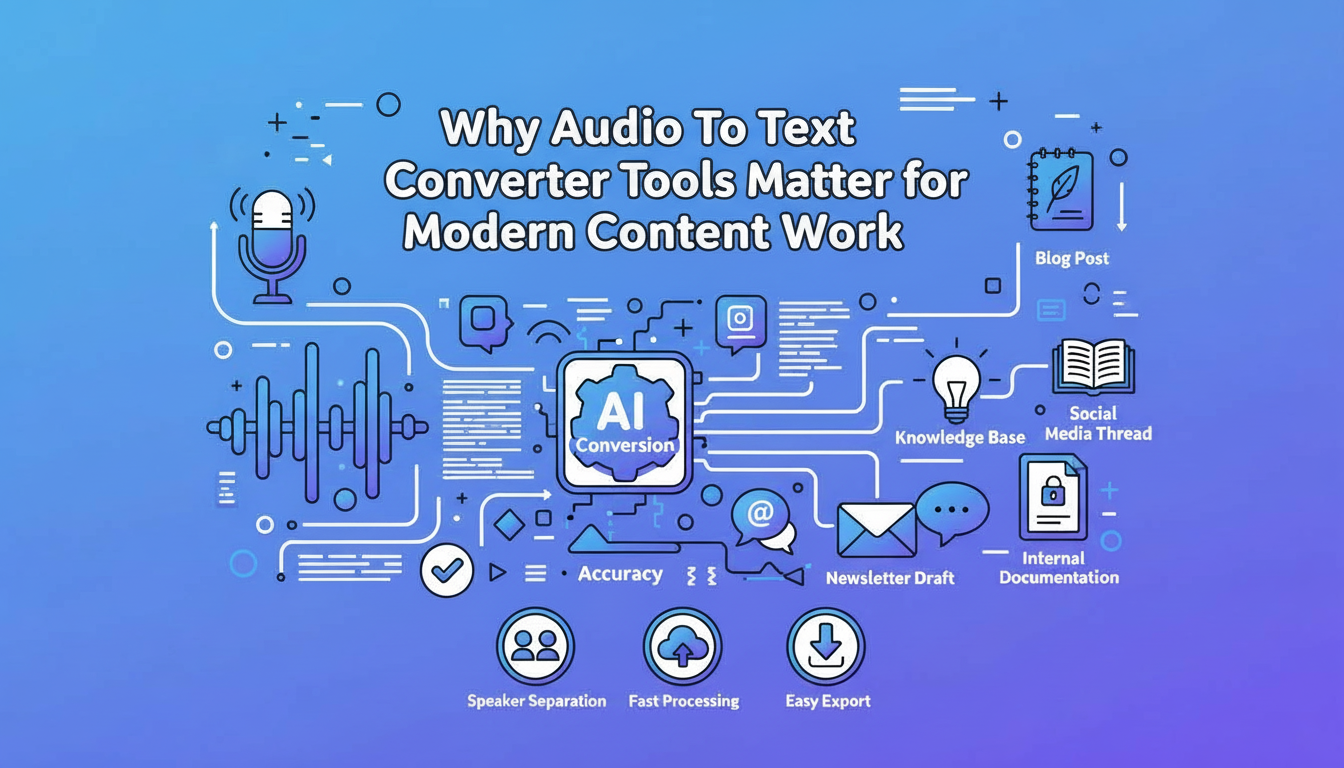
A single transcript can become:
- A blog post
- A knowledge base entry
- A newsletter draft
- A social media thread
- Internal documentation
This is why accuracy matters. If you constantly need to fix errors, the tool slows you down instead of helping.
Why Features Beyond Transcription Matter
As usage grows, expectations change. People no longer want just basic speech to text.
They want tools that help them convert audio to text in a way that actually fits how they work.
Key features people expect from a modern audio to text converter include:
- Clear speaker separation
- Summaries for long recordings
- Fast processing time
- Easy export and download
These features reduce manual work and make transcripts easier to use.
Top Audio To Text Converter Tools Review
Below are five widely used audio to text converter tools. Each one represents a different approach to transcription, from lightweight tools to professional platforms.
AudioConvert
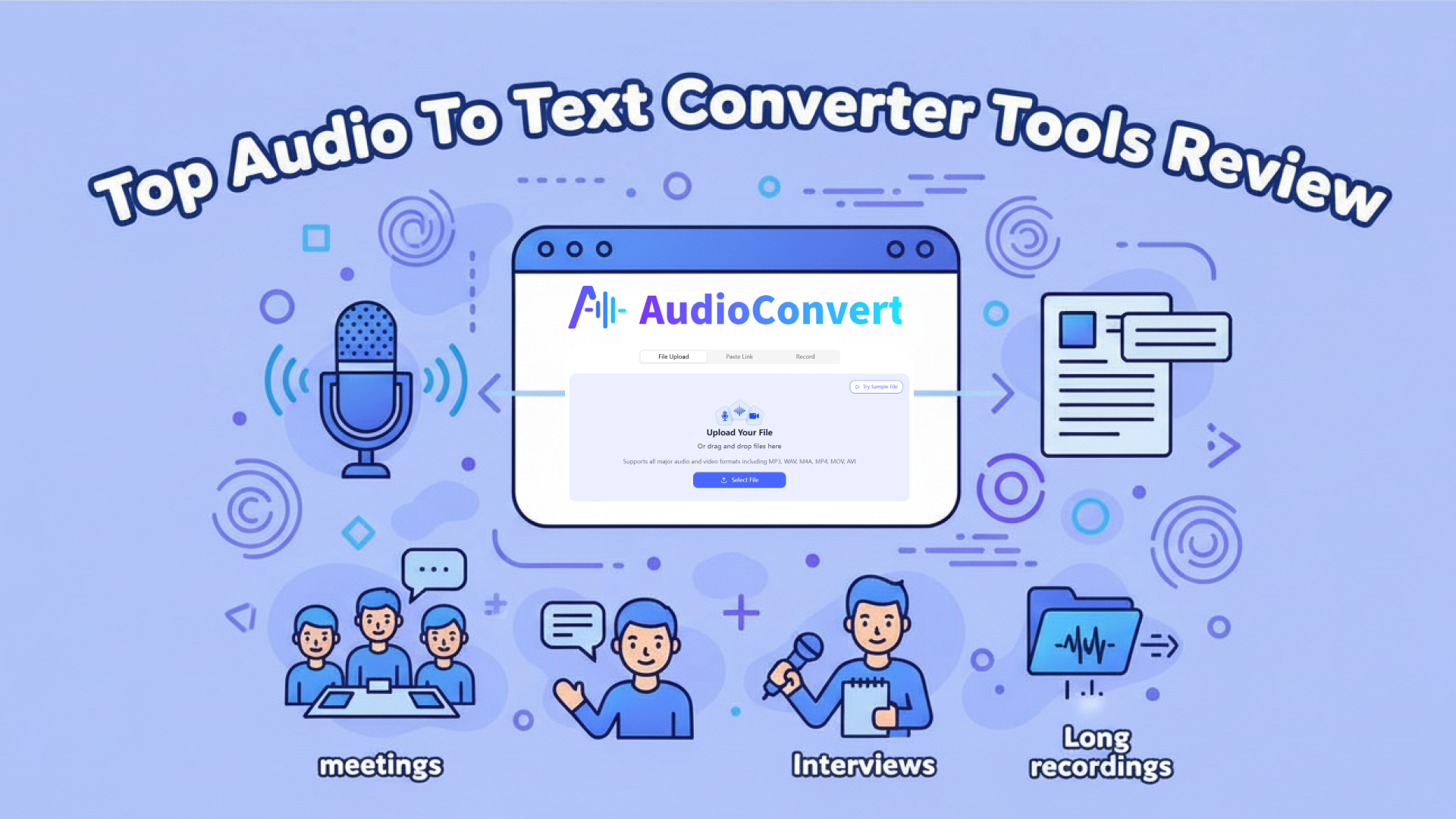
AudioConvert is an AI-powered audio to text converter built to make transcription feel effortless. It helps you turn audio into clear, usable text quickly, accurately, and securely—without adding unnecessary steps to your workflow.
Instead of focusing on one narrow use case, AudioConvert is designed to support the way you actually work with audio, whether you are reviewing meetings, transcribing interviews, or organizing long recordings.
Convert Audio to Text the Way You Prefer
AudioConvert can automatically detect audio language without requiring manual configuration.
Upload audio files directly
You can upload all common audio formats and work with recordings up to 2 hours long. This makes it easy to transcribe meetings, lectures, interviews, podcasts, or any long-form audio without cutting files into pieces.
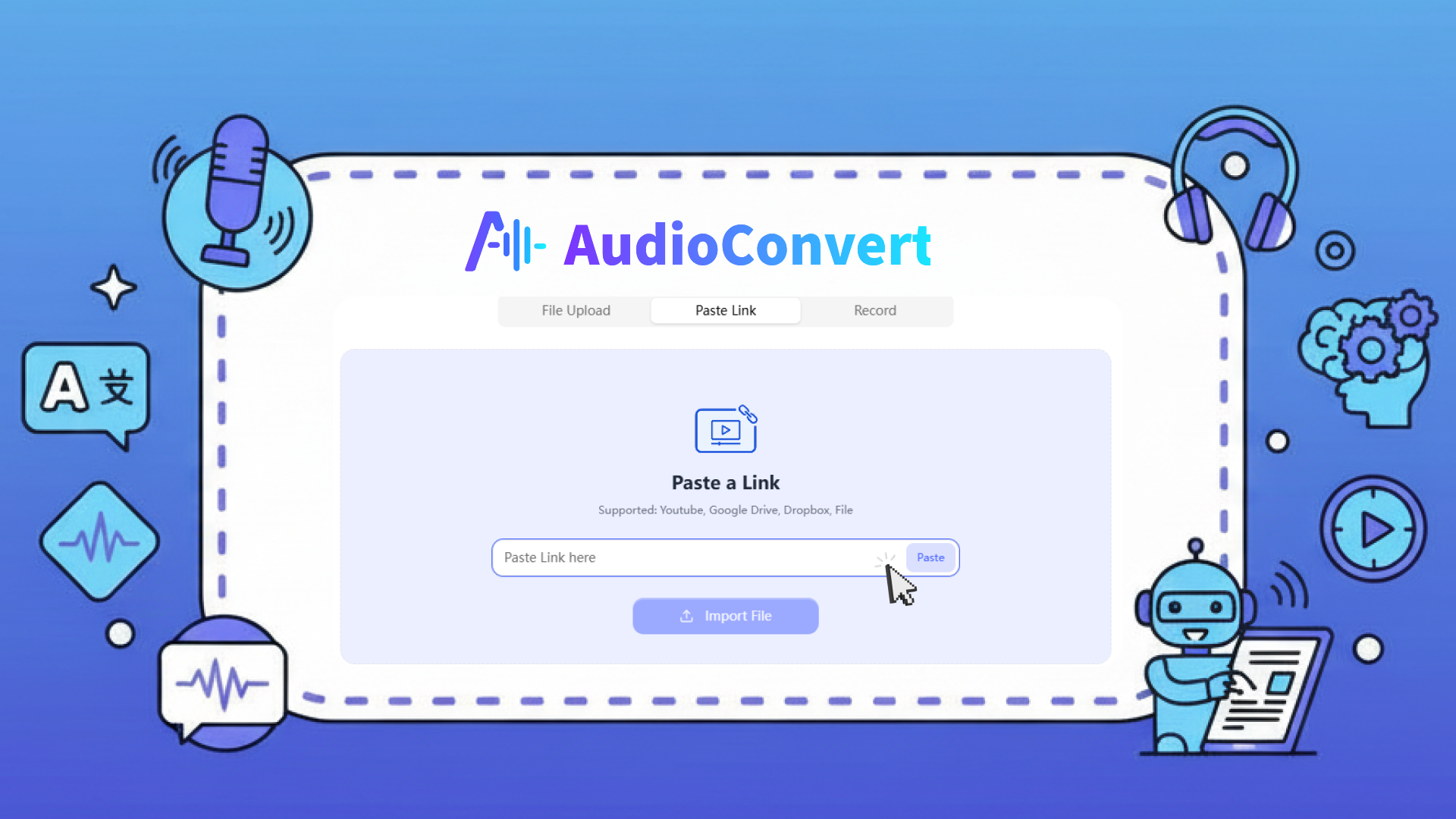
Paste links instead of downloading files
If your audio lives on YouTube, Google Drive, or Dropbox, you can simply paste the link. AudioConvert will extract the audio and convert it into text for you, saving time and avoiding extra downloads.
Record and transcribe in real time
When there is no existing file, you can record audio directly in your browser. AudioConvert instantly turns your speech into text, which is ideal for quick notes, ideas, or spontaneous conversations.
Accurate Speech to Text Across 120+ Languages
Accuracy is where an audio to text converter proves its value.
AudioConvert helps you transcribe audio to text in more than 120 languages and dialects, including many regional accents. Whether you work with international teams or multilingual content, the transcripts remain clear and readable.
The speech to text system is built to handle natural conversations, different speaking speeds, and long recordings, so you spend less time correcting errors and more time using the text.
Clear Speaker Detection and Precise Timestamps
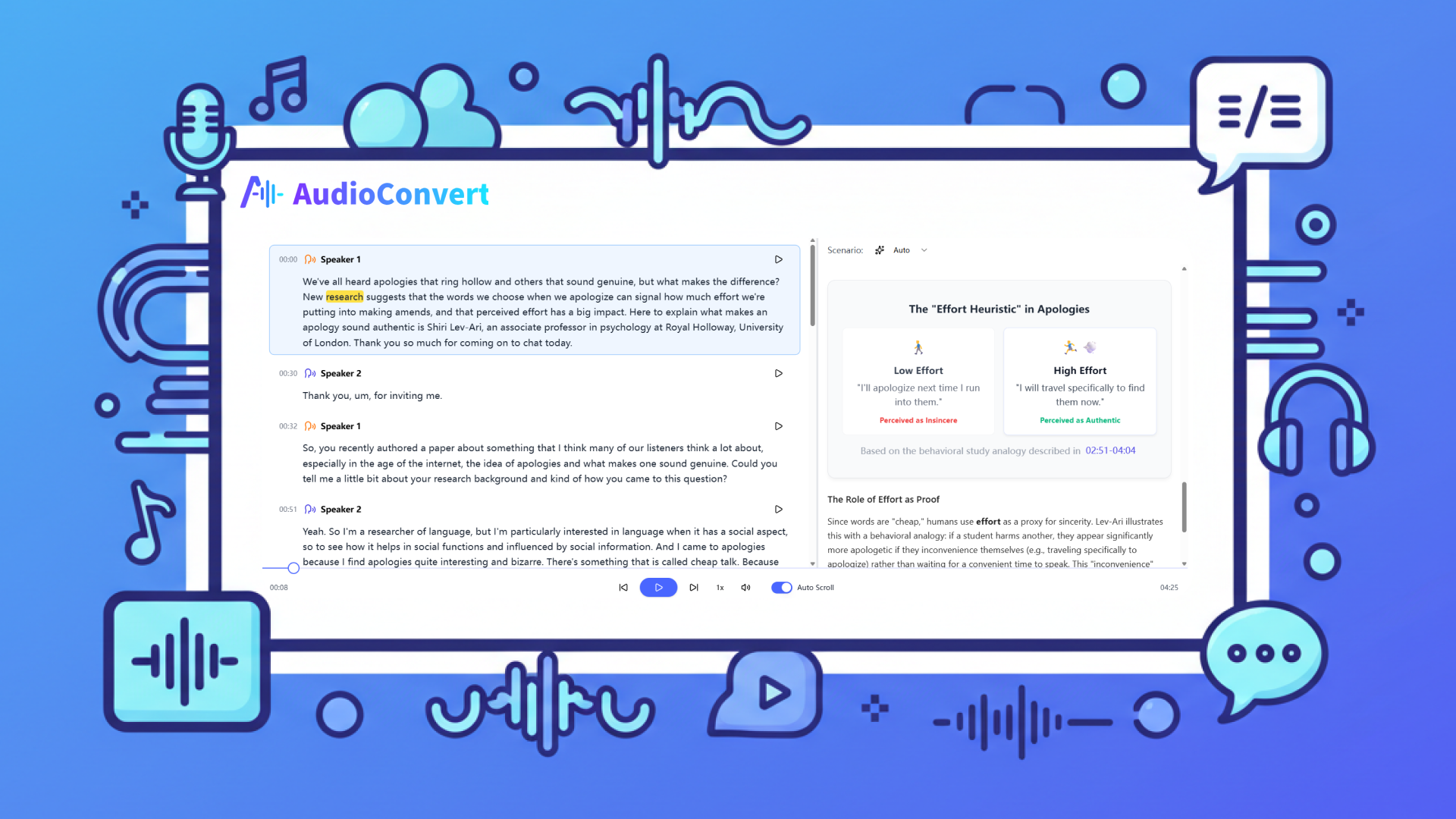
When multiple people are speaking, understanding context matters.
AudioConvert automatically detects and labels different speakers for you. Each line of text is aligned with timestamps accurate down to the millisecond, keeping the transcript perfectly in sync with the audio.
This makes it much easier to review meetings, reference interview quotes, or create subtitles and captions without guessing who said what.
From Long Transcripts to Clear Takeaways
Reading through long transcripts can be time-consuming.
AudioConvert helps you quickly understand the content by generating summaries from the transcribed text. Instead of scanning pages of dialogue, you can grasp the main points at a glance and decide what deserves deeper attention.
This is especially useful for long meetings, lectures, or research recordings where time is limited.
Export Your Transcripts in the Format You Need
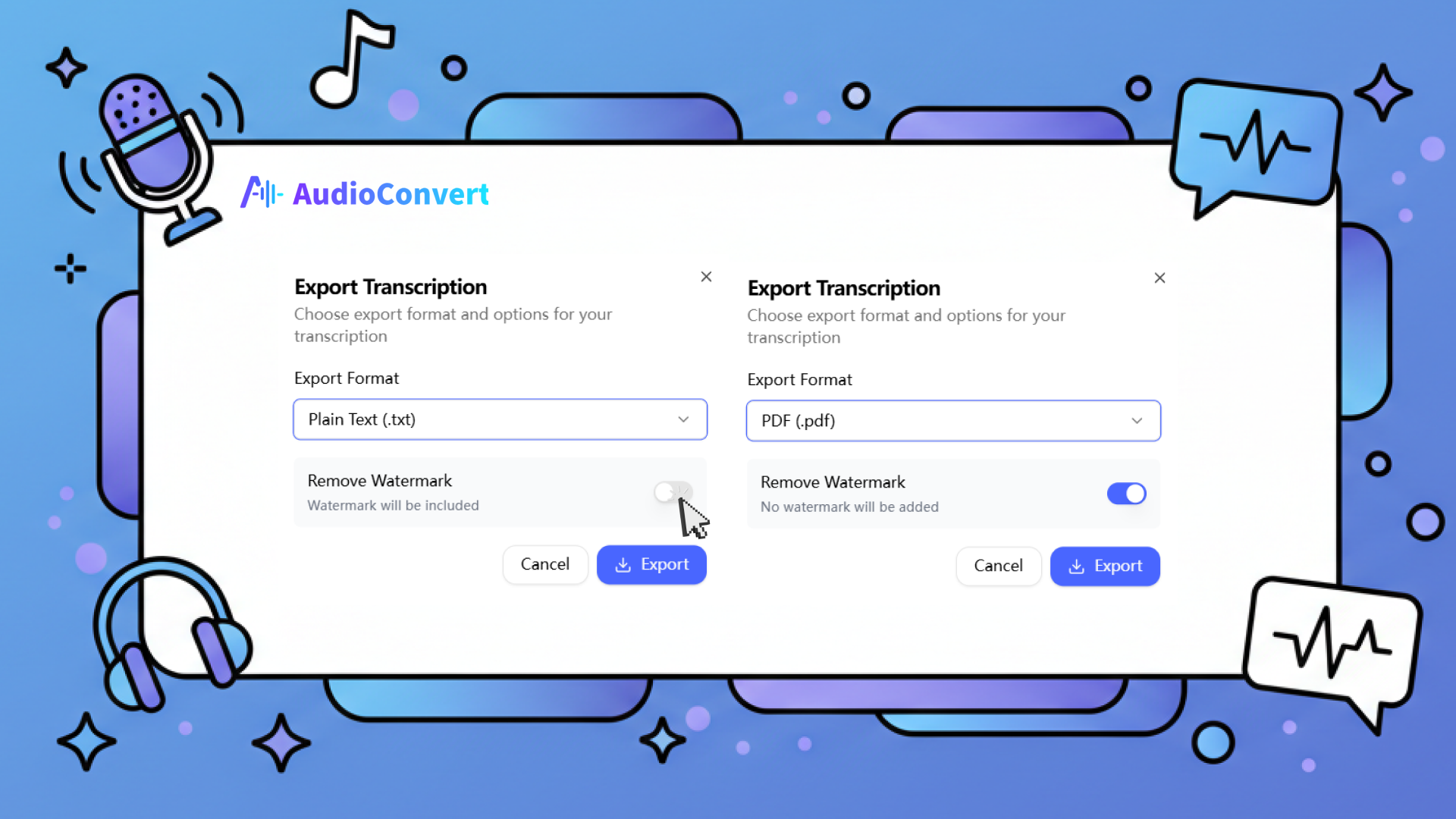
Once your audio has been converted to text, AudioConvert helps you move forward instead of locking the content inside the platform.
You can download your transcripts in multiple formats, including:
- TXT
- DOCX
- SRT
- VTT
These formats allow you to reuse your text for documents, subtitles, presentations, or archives without extra conversion steps.
Built with Security and Privacy in Mind
When you upload audio, privacy matters.
AudioConvert protects your files with encryption during transfer and temporary storage. The transcription process is fully automated, and your data is never stored permanently.
All uploaded audio files are automatically deleted from the servers within 24 hours after transcription is complete. Your data is not used to train AI models, ensuring that your content stays private and under your control.
Advantage
- Consistent improvements
- 100% Free to use
- Fits naturally into different workflows
- Prioritizes data security and privacy
Disadvantage
- Files need to be processed one at a time
- Batch uploads are not supported yet
Price
Completely free
Uniscribe
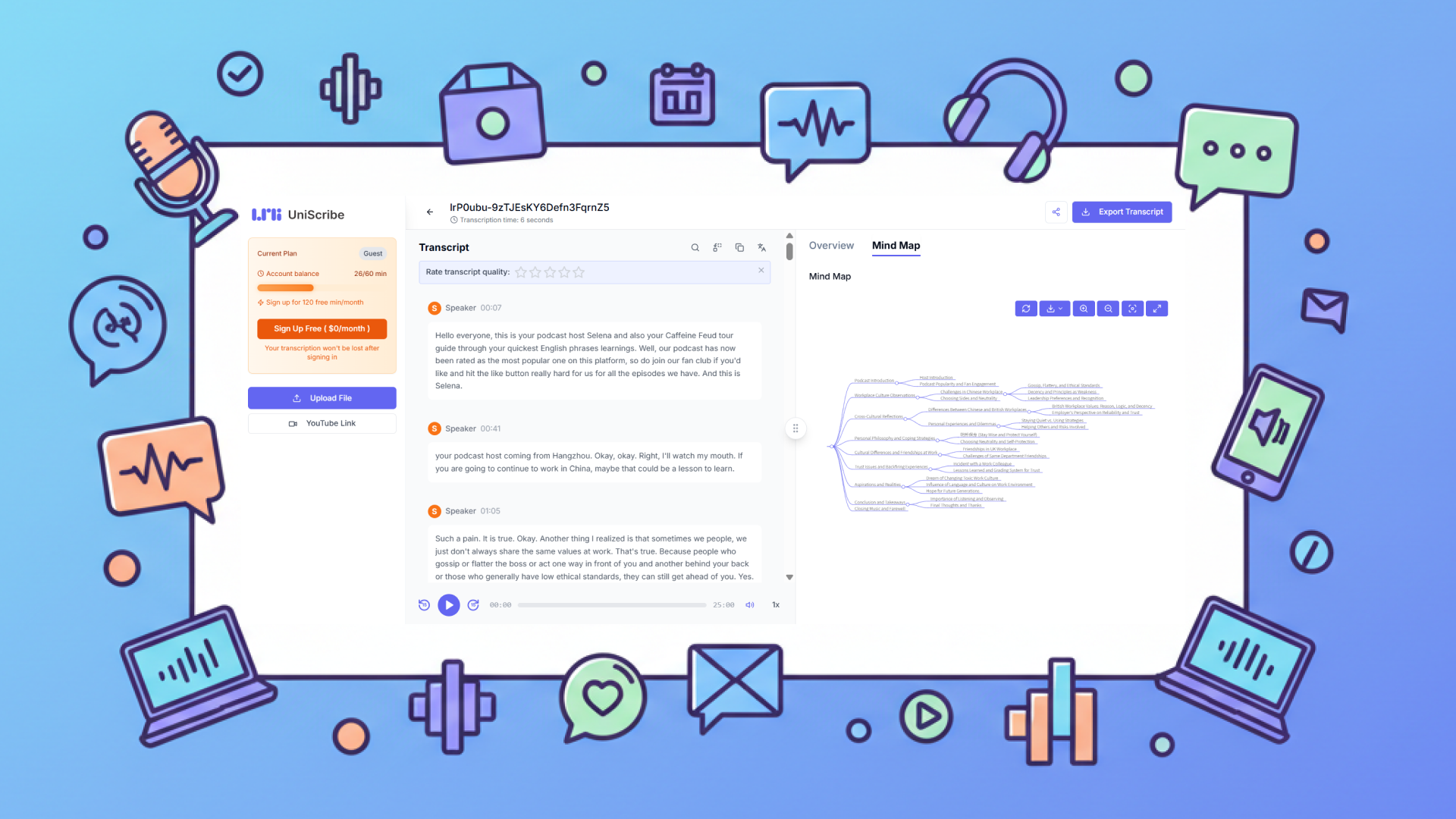
Uniscribe is an AI-powered audio to text converter that helps you transcribe both audio and video files into text across multiple languages. Beyond simple transcription, Uniscribe also generates helpful summaries and visual mind maps, making it easier to understand and reuse your content in different formats.
Key Features
- AI-powered audio to text transcription
- Mind map creation
- Support for various export formats
Advantage
- Transcription available in 98 languages
- Support exporting transcribed content to files and generating shareable links
Disadvantage
- The free version offers only 120 minutes of transcription per month
- Limited to transcribe 3 files per day
- Some advanced features may be limited in free or trial access
Price
- $10/month
- One-time package offering $24.9 for a total transcription time of 2400 minutes
Happy Scribe
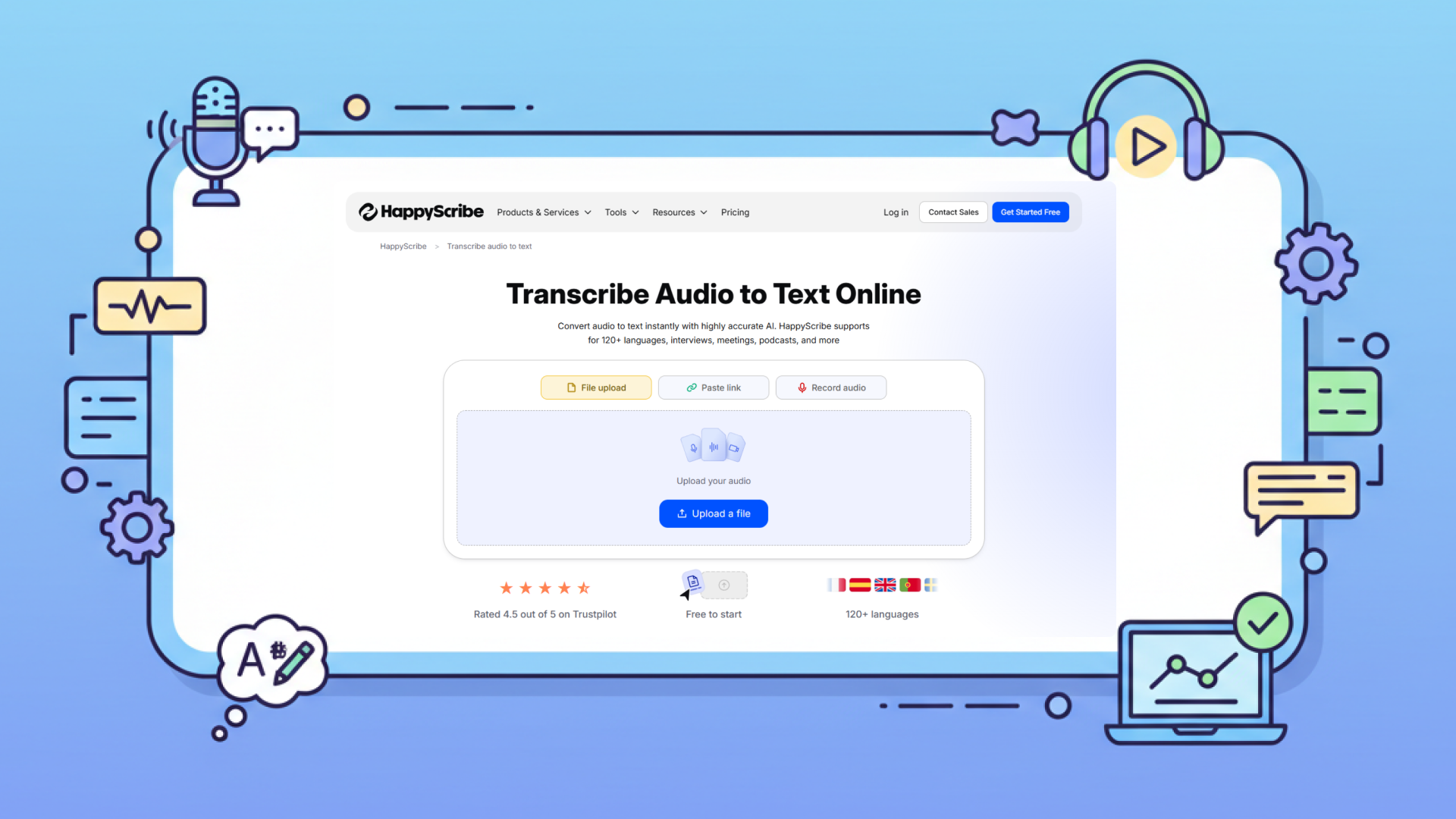
Happy Scribe is a widely recognized audio to text converter that helps you transcribe spoken audio into text with support for multiple languages and subtitle creation. It also offers tools for editing transcripts and generating captions for media projects.
Key Features
- High-accuracy transcription using advanced speech to text technology
- Subtitle and caption creation tools
- Online editor for refining transcripts
- Export options in multiple formats
Advantage
- Available in 120+ languages
- Subtitle and caption tools built-in for media workflows
- Supports highlighting and commenting on transcribed text
Disadvantage
- 10-minute free trial only
- Full features require subscription, which may be more than casual users need
Price
- $29/month, Annual payment savings of 34%
- 600 minutes of AI Transcription, Subtitling, and Translation per month
Zamzar
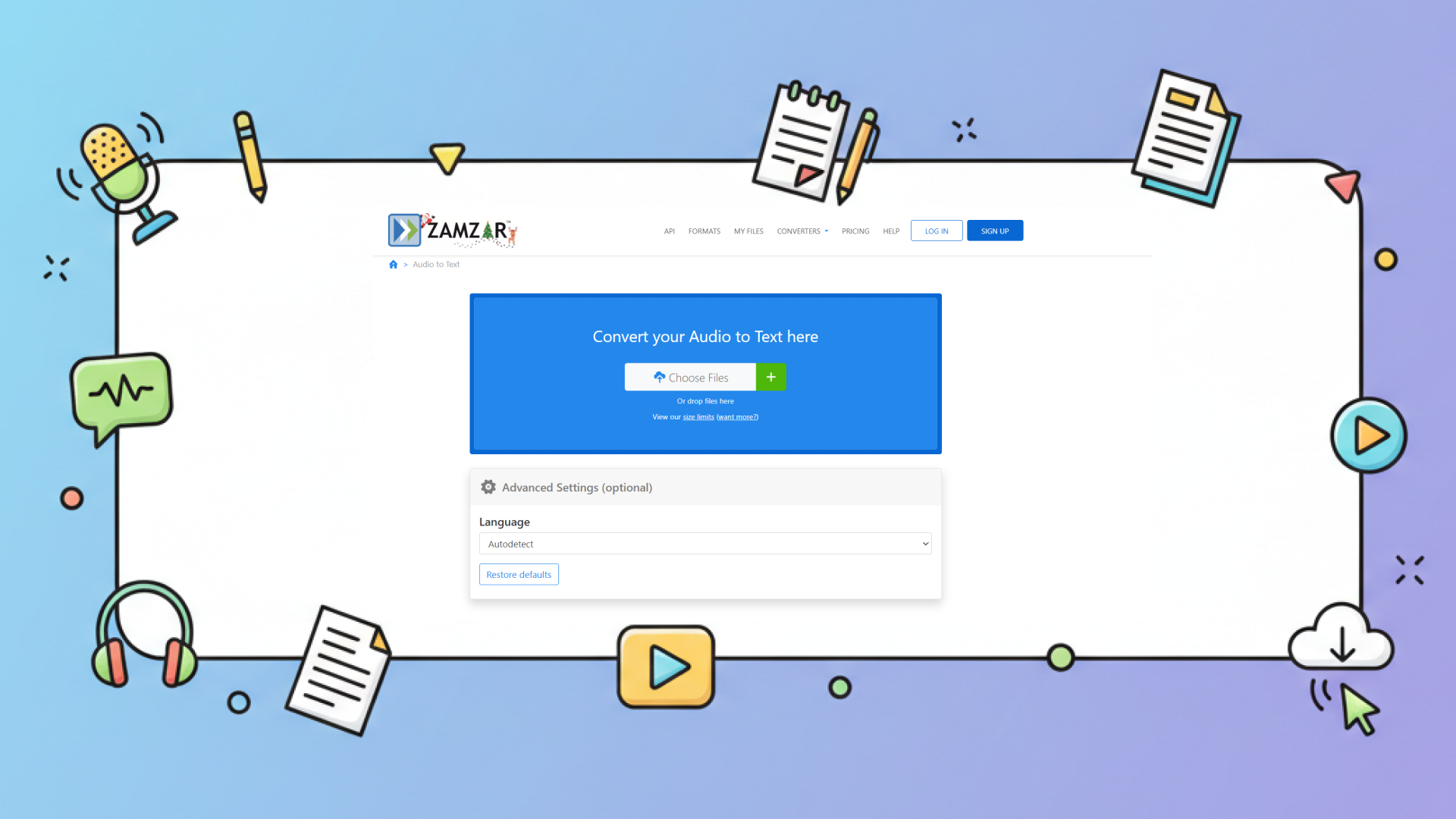
Zamzar is a versatile online file conversion platform that includes an audio to text converter among its tools, allowing you to convert audio files into text as part of its broader file transformation services.
Key Features
- Simple and clean interface
- Support for uploading common audio and video formats
Advantage
- Easy to use with a straightforward upload and convert workflow
- Supports many common audio formats
- Works well if you are already using Zamzar for other file conversions
Disadvantage
- The free version limits files to a maximum size of 50 MB
- Processing speed is very slow
- Forces file deletion after 24 hours.
Price
- $12/month, Maximum file size: 200MB
Any2text
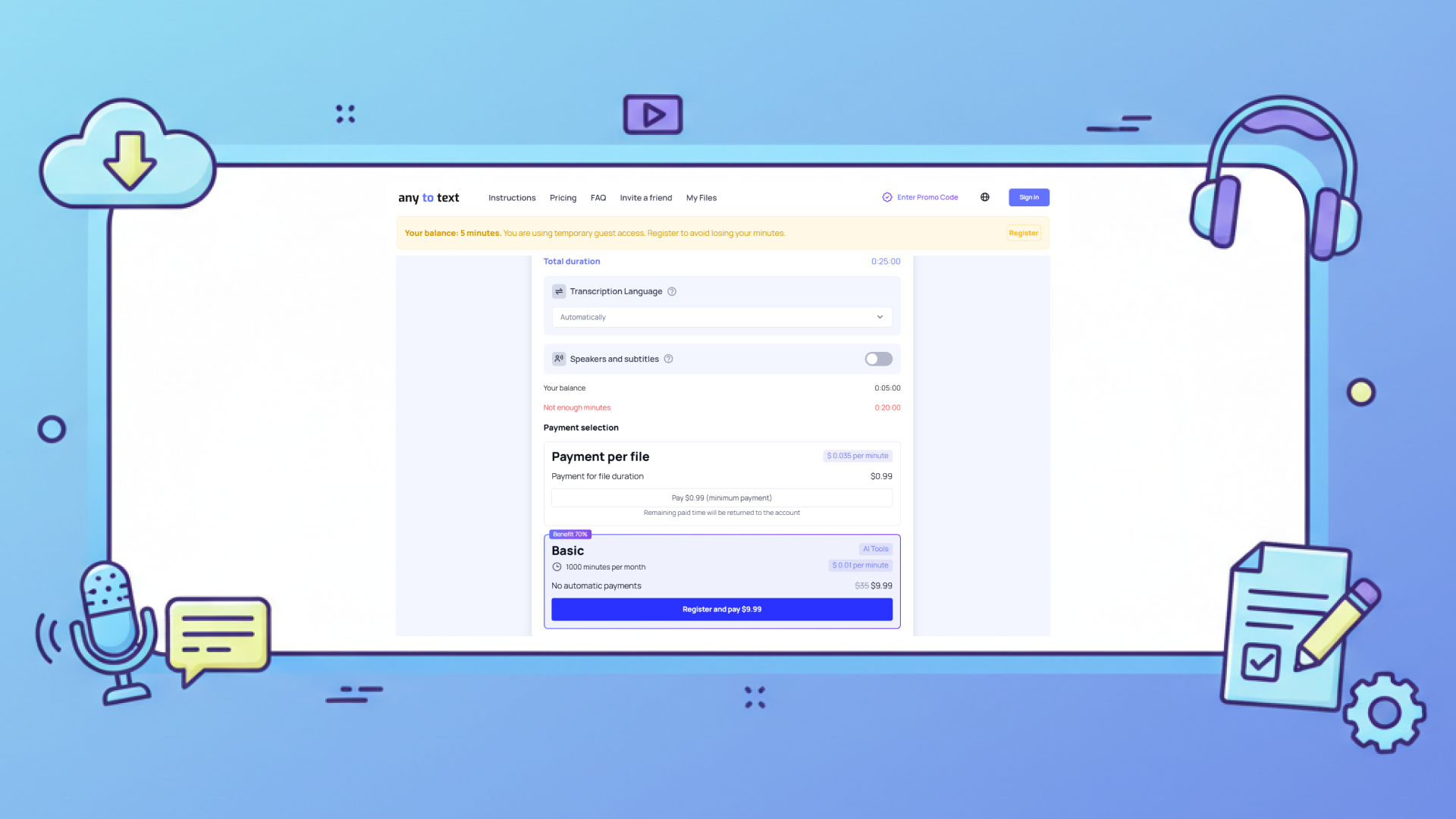
Any2Text is a lightweight audio to text converter that focuses on simple and straightforward transcription. It helps you quickly turn spoken content into text without unnecessary complexity.
Key Features
- Basic speech to text transcription
- Simple upload and conversion process
- Downloadable text output
Advantage
- Easy to start with — minimal setup or options
- Quick turnaround for short recordings
Disadvantage
- Only 15 minutes of free transcription available
- Only file uploads are supported; URL pasting and voice recording are not supported
Price
- $9.99/ month, 1000 min every month
| Tool | Key Strengths | Shortage | Pricing |
|---|---|---|---|
| AudioConvert | Completely free | Does not support batch processing of files | Free |
| Uniscribe | Support exporting transcribed content to files and generating shareable links | Advanced features may be limited in free or trial access | $10/ month One-time package offering $24.9 for a total transcription time of 2400 minutes |
| Happy Scribe | Subtitle and caption tools built-in for media workflows | 10-minute free trial only | $17/ month, Annual payment savings of 50% |
| Zamzar | Supports many common audio formats | Processing speed is very slow | $12/month, Maximum file size: 200MB |
| Any2text | Easy to use | 15 min free trial | $9.99/ month |
Audio To Text Converter Feature Comparison
Below is a visual comparison of key features across the reviewed tools.
This table shows an important pattern. Many tools excel in one area. Fewer offer a balanced experience.
How to Choose the Right Audio To Text Converter
Choosing an audio to text converter depends on how you work, not on feature lists alone.
Ask yourself:
- Do I need speaker detection for conversations?
- Do I work with long recordings that need summaries?
- Do I want to export and reuse transcripts easily?
- How often do I transcribe audio to text?
For many people, starting with a tool that feels complete and easy to use is often the most comfortable choice.
The Role of Audio To Text Converter Tools in the Future of Work
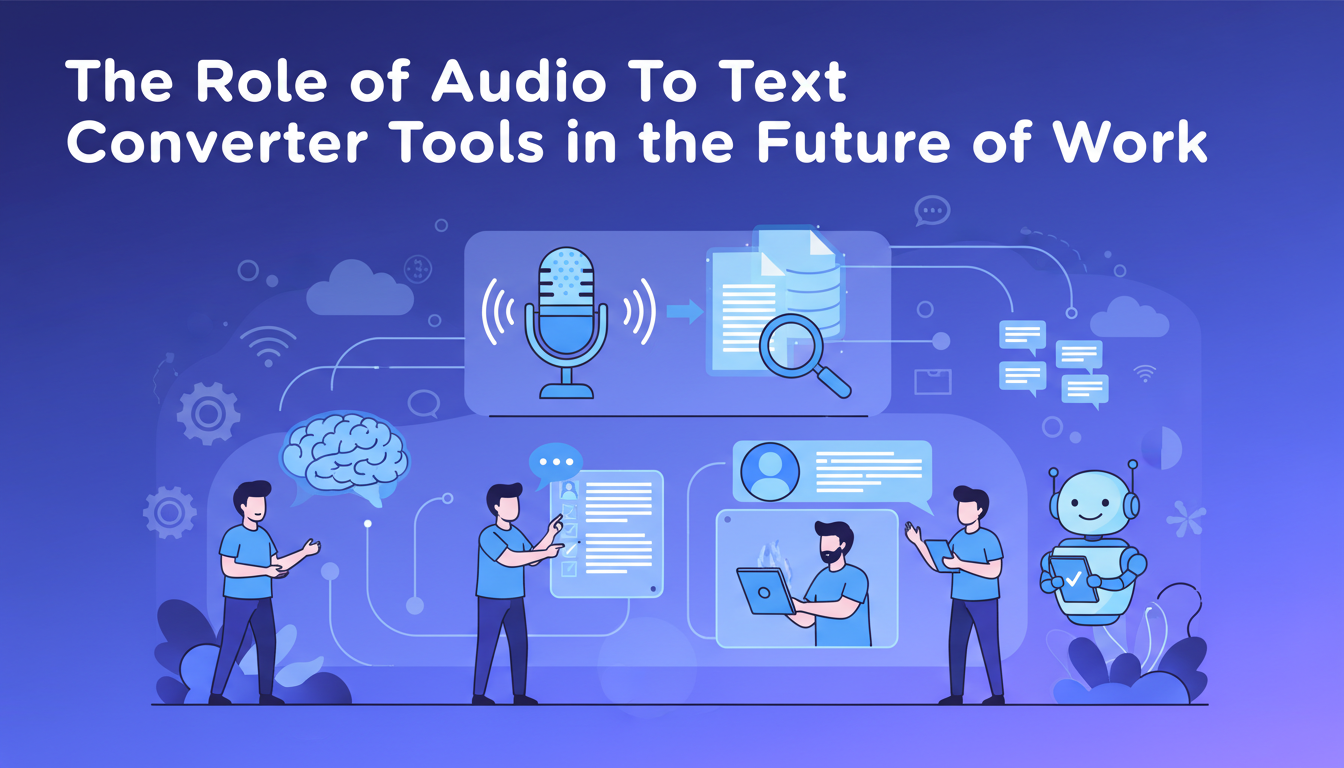
As AI adoption grows, speech to text will become a default layer in content workflows.
Meetings will be automatically documented. Audio ideas will instantly become text drafts. Knowledge will be stored in searchable form from the start.
In this environment, the value of an audio file to text converter is not only accuracy, but how well it fits into daily habits.
Over time, the tools people keep using are usually the ones that reduce friction instead of adding steps.Tools that feel heavy will be used less, regardless of how powerful they are.
Final Thoughts
An audio to text converter is no longer a specialized tool. It is part of how people work, learn, and create content.
Each of the tools mentioned above is built with a slightly different use case in mind.Some focus on speed, others on professional accuracy, and some on workflow integration.
For everyday work, AudioConvert is often a practical place to start. It helps you experience what modern audio to text conversion can actually do, without adding cost or unnecessary complexity to your workflow.
As audio content continues to grow, the ability to convert it into usable text will remain essential.